Summary Description of the Feature
This window allows you to display the information on your profile.
Access to Feature
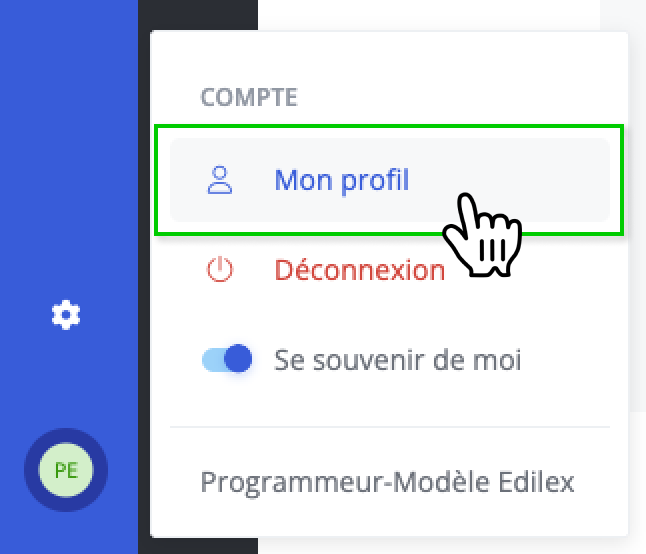
Click My profile in your account submenu.
Description of the Feature
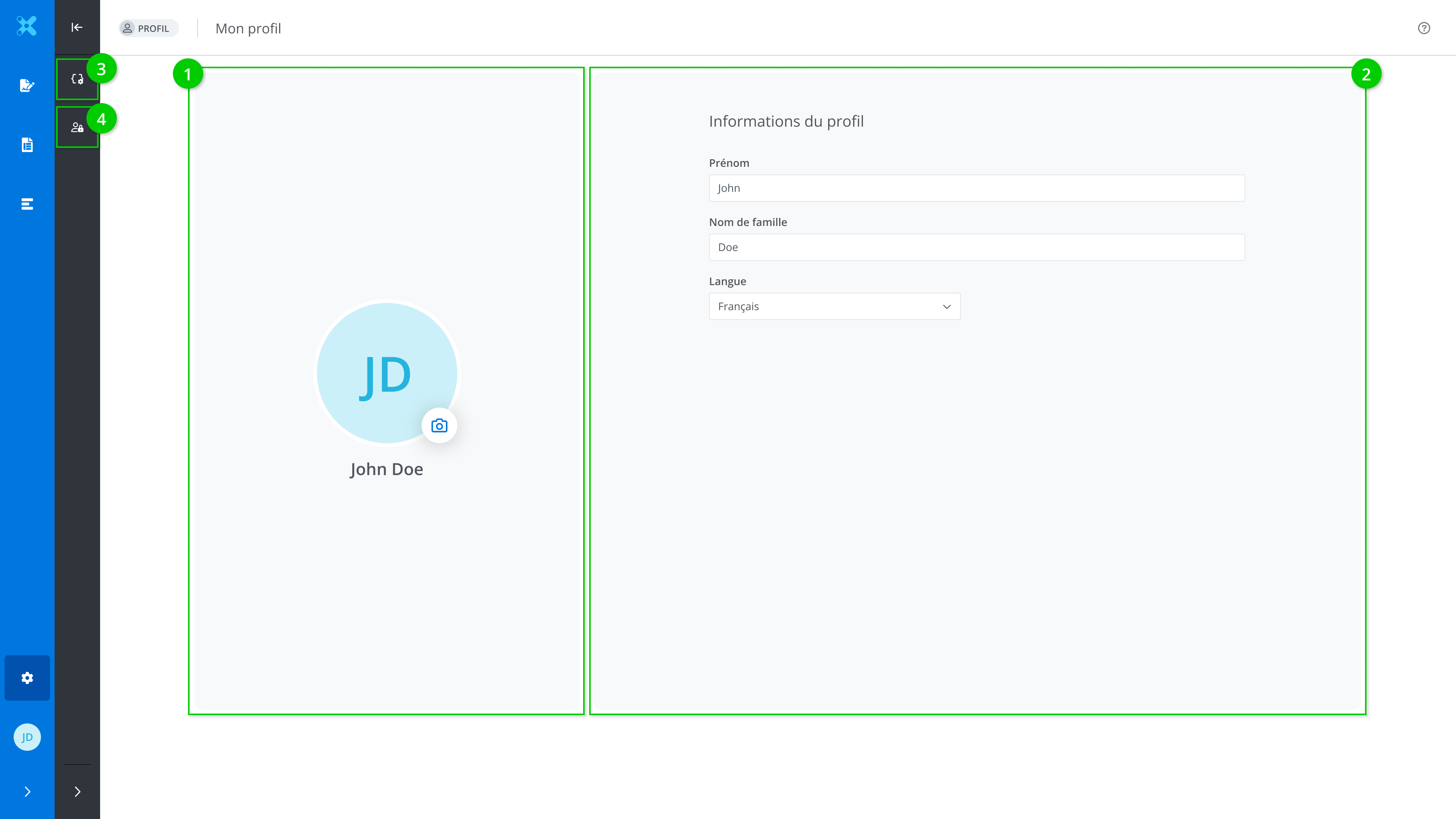
This window allows you to view and edit your profile information. It is made up of the following tabs:
-
The user’s name and profile picture
-
Profile information
-
Viewing the field preferences list
-
Viewing permissions
Change a user’s profile picture
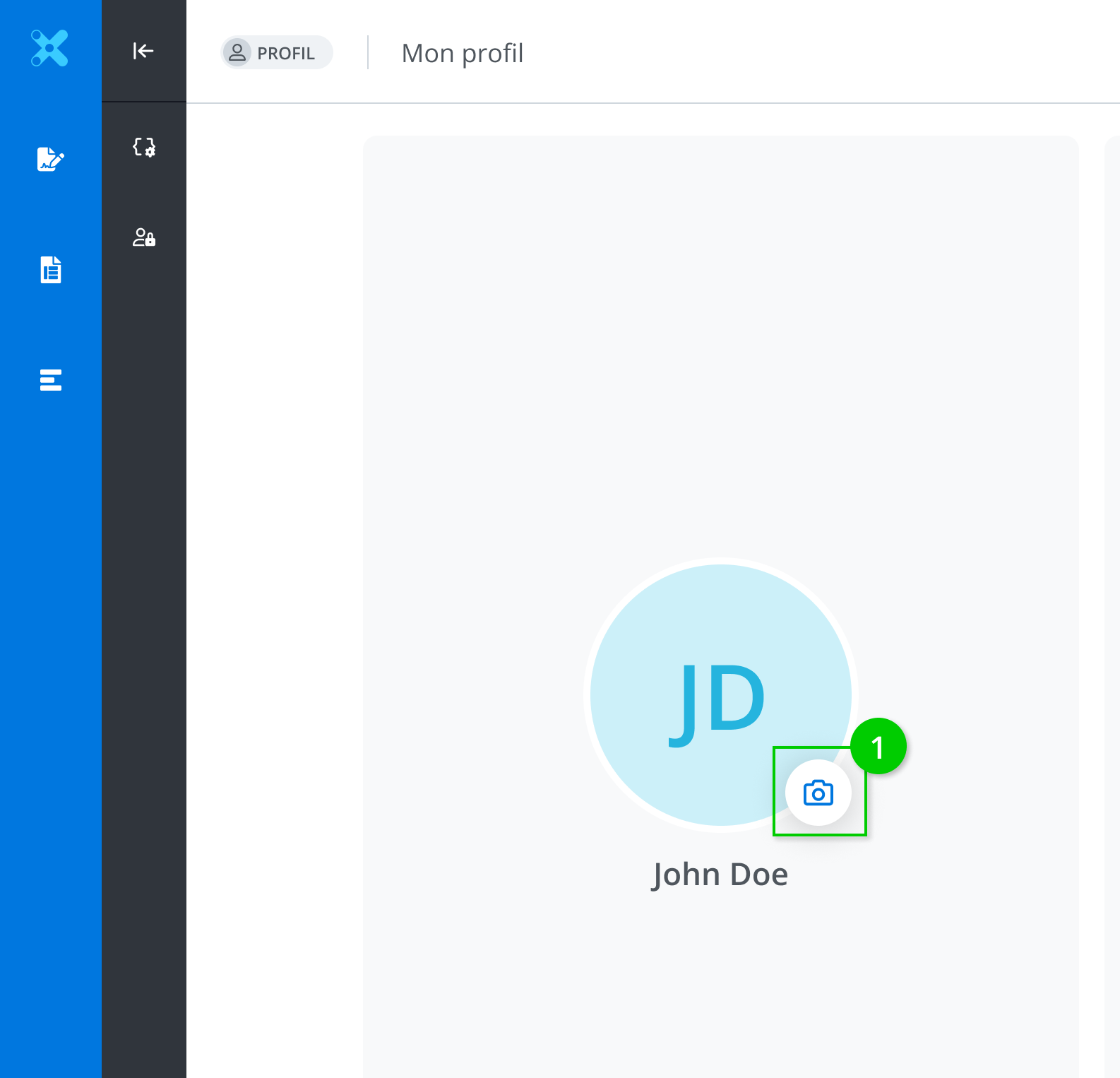
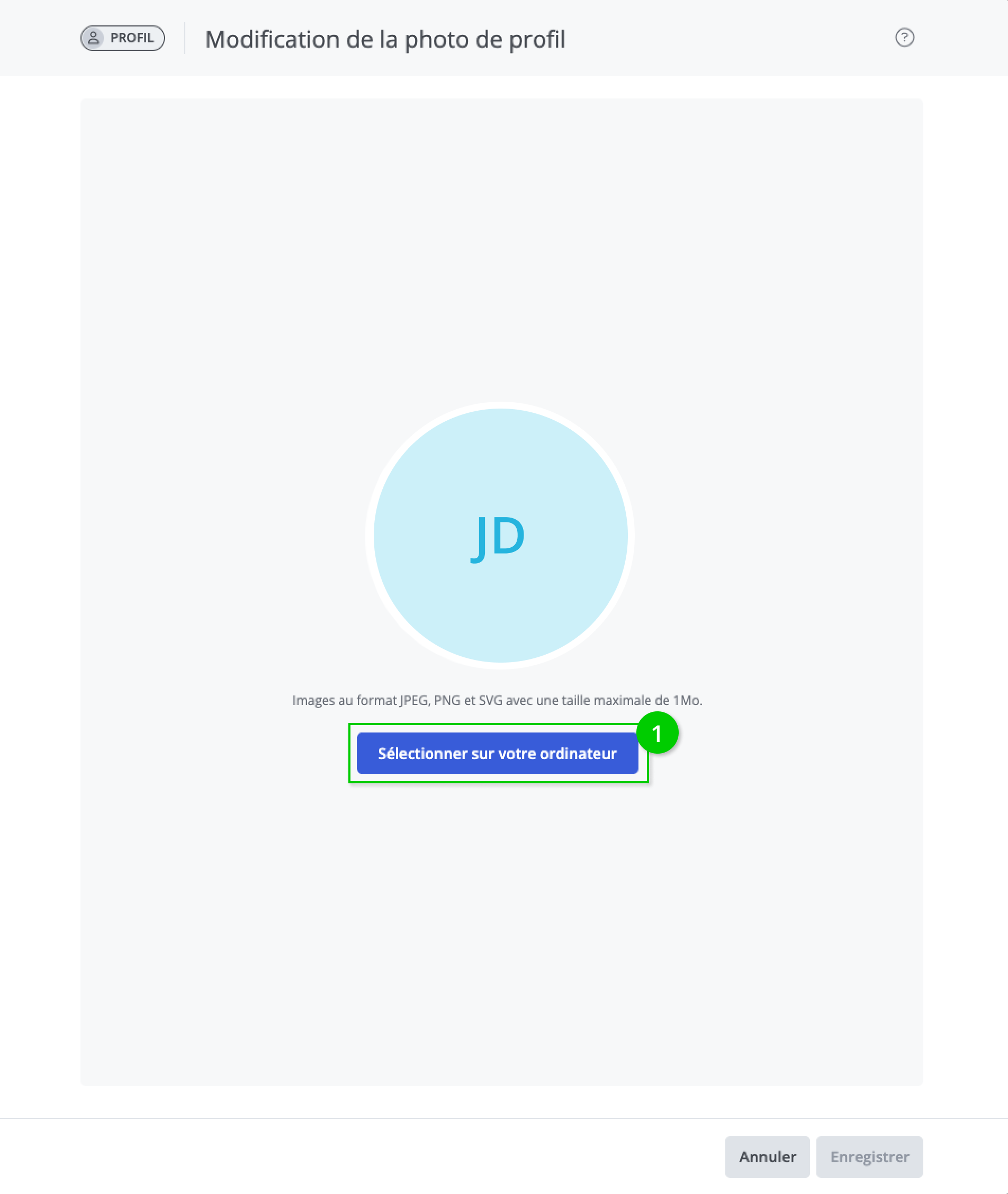
It is possible to change your profile picture by clicking the Edit profile picture (1) button.
Choose the photo by clicking Select another picture (1).
Modify profile information
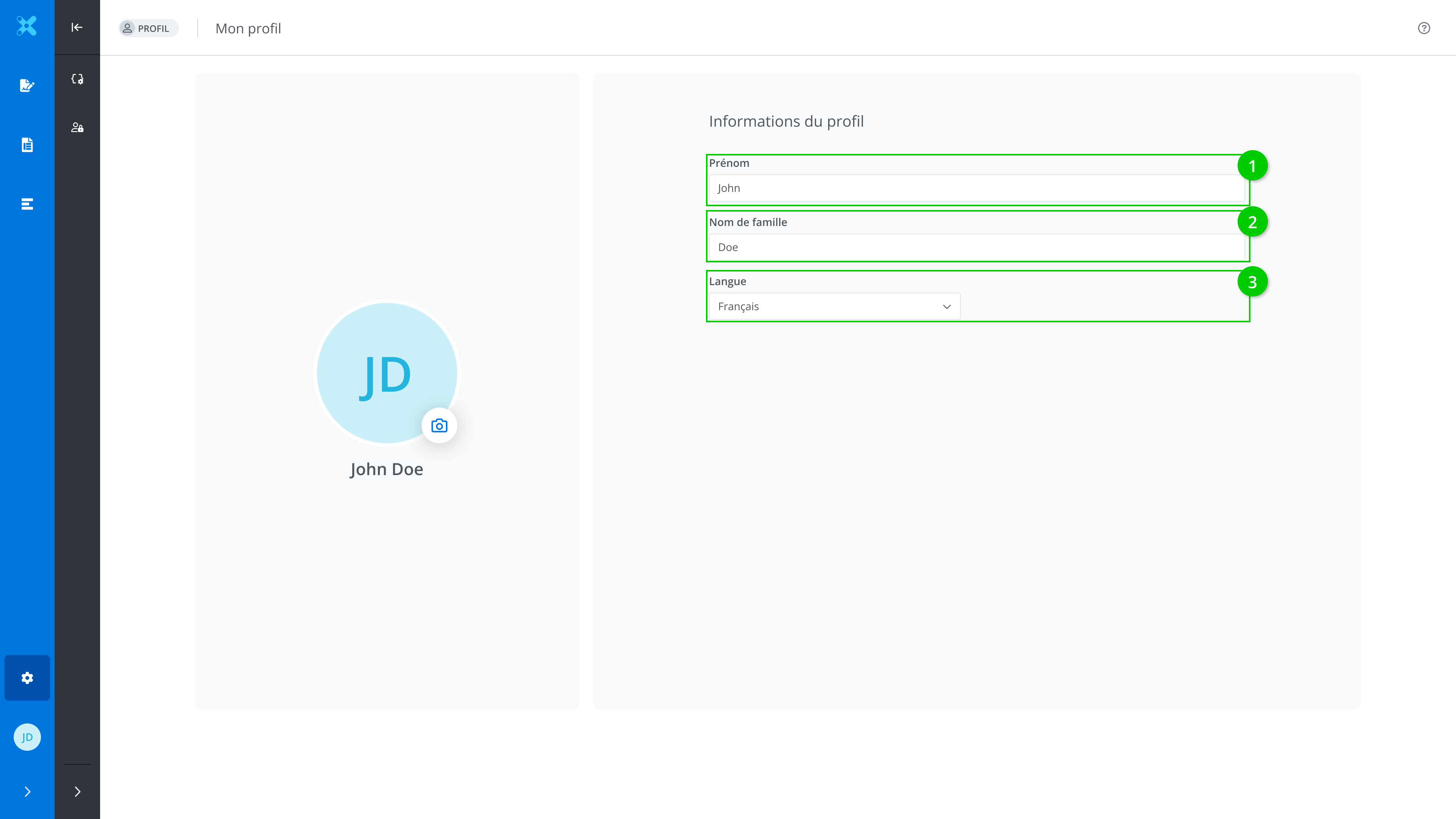
The following information can be edited directly in the box:
-
First name
-
Last name
-
Language
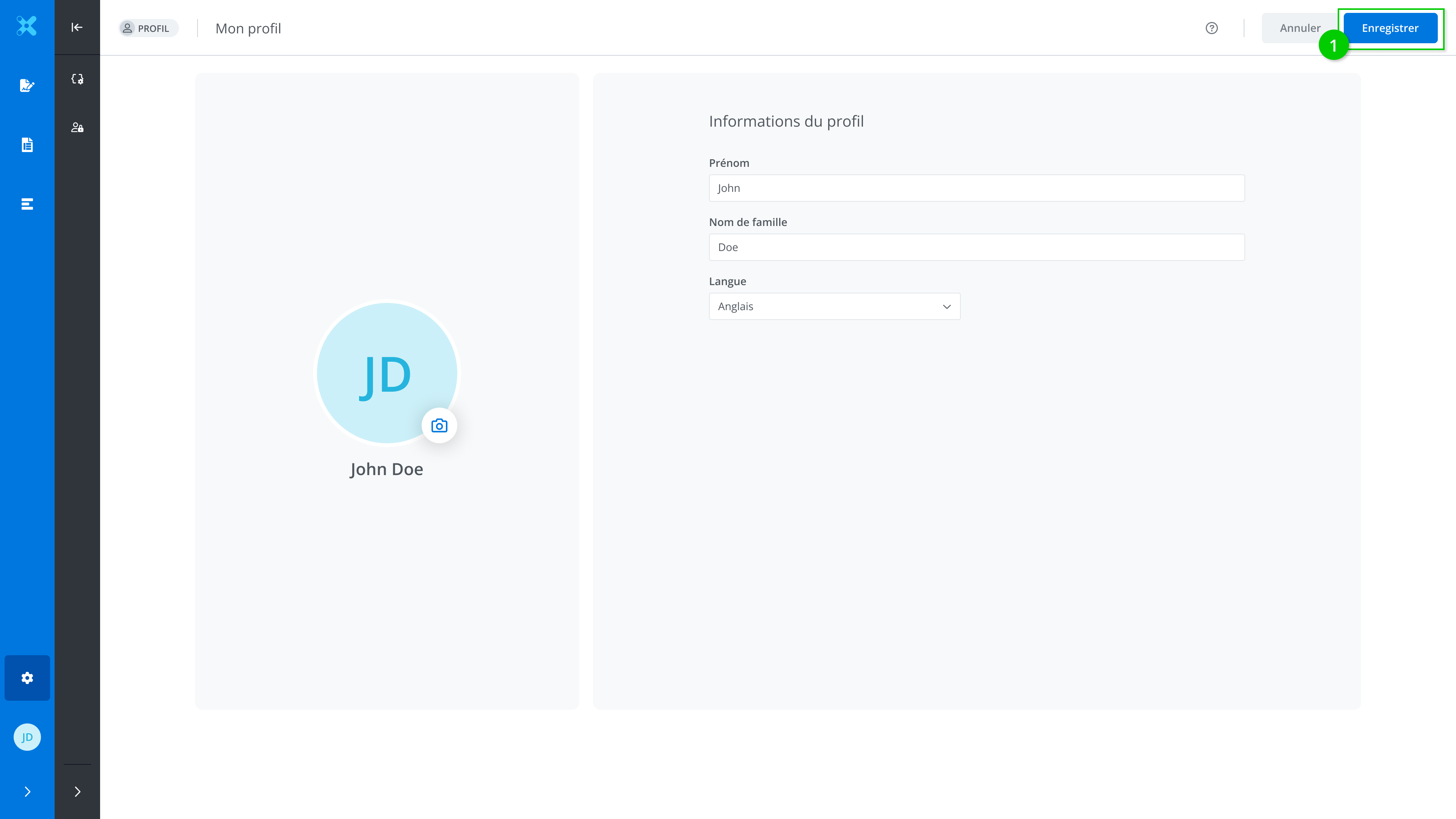
Edit the desired fields and click Save (1).