Description of the Feature
The history allows you to view the actions carried out by the various contract or document collaborators.
Access to Feature
-
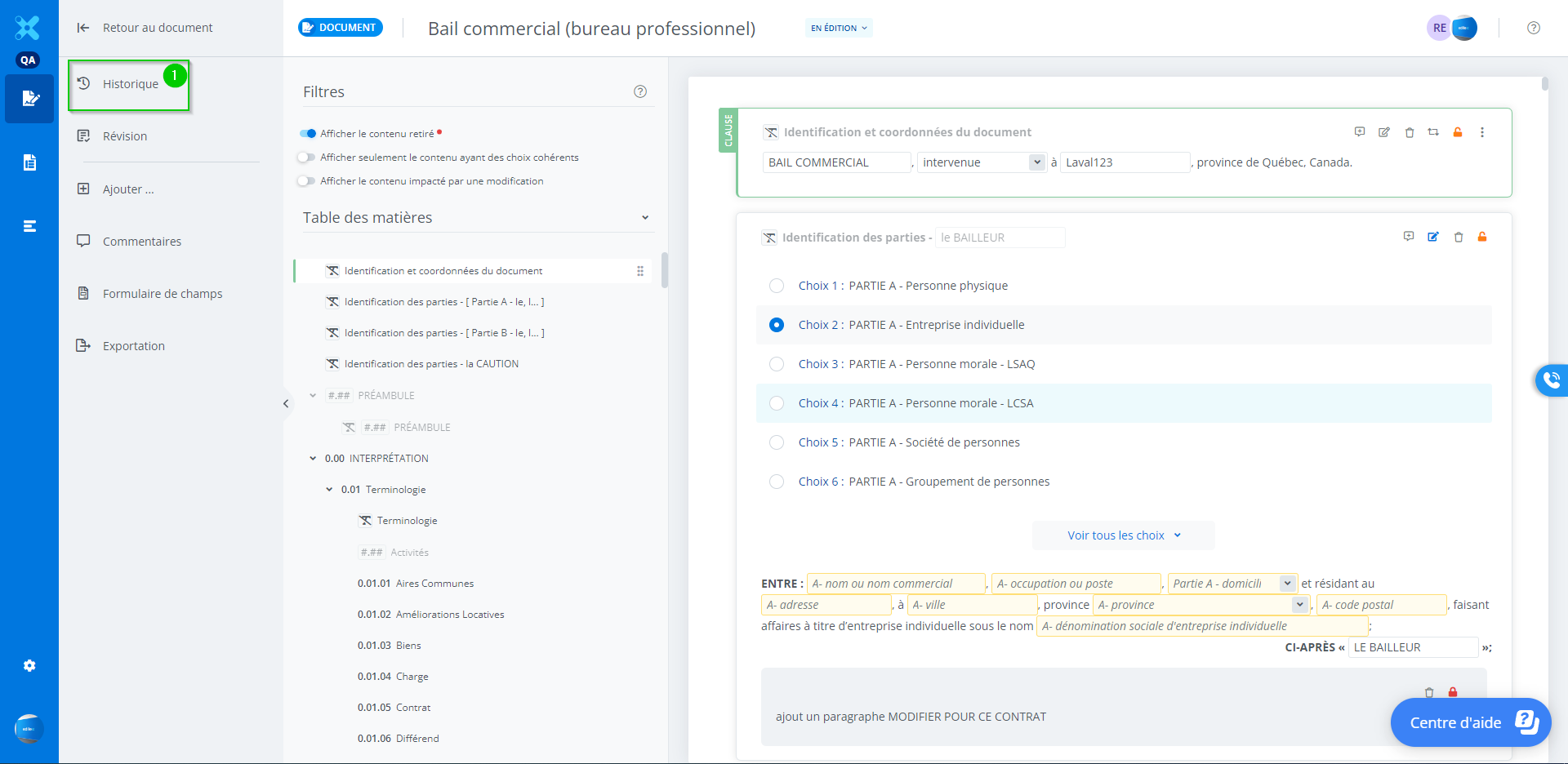
To access the history from a document, click History.
Detailed Description of the Feature
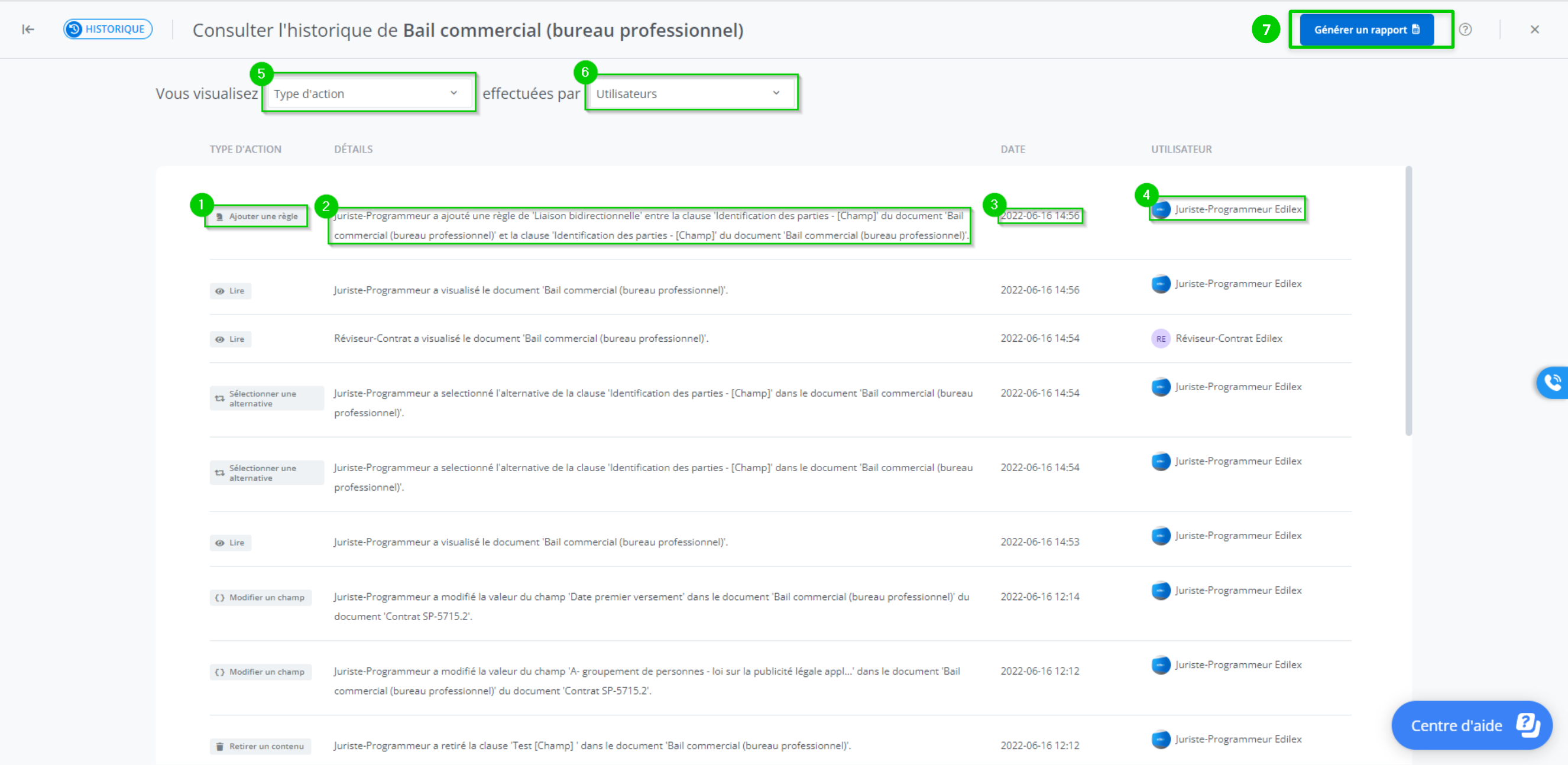
The history displays the following information:
-
The type of action performed by the collaborator;
-
The detailed description of the action performed by the collaborator;
-
The date and time the action was performed;
-
The collaborator who performed the action;
-
It is possible to sort the history by the type of action performed in order to display only certain type(s) of action(s);
-
It is possible to sort the history by collaborator in order to display the actions performed by one or more collaborators.
-
It is possible to generate a history report.
Who can use this feature?
Template Programmer Profile
Template Programmer Profile - Customized
Legal Drafter Profile
Legal Drafter Profile - Customized
Corporate Drafter Profile
Reader Profile
Generate a history report
To export a report of the changes made to a document, you must first select the information filters that will determine which data will be included in the report.
First, choose the type of action and which user(s). You can also get a complete report by choosing not to apply any filters.

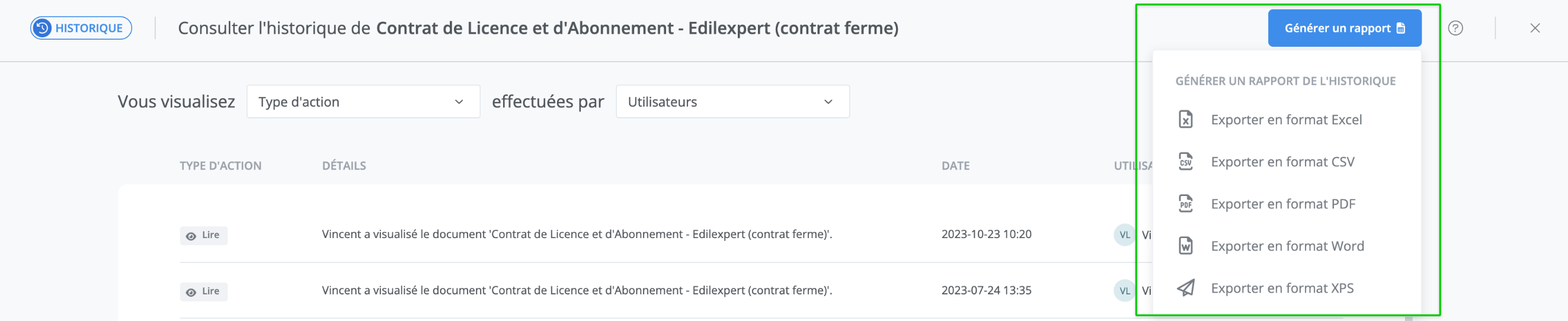
All that remains is to click on Generate report.

You will then be able to choose the format in which to export it.