Summary Description of the Feature
This report provides a global overview of your content (sections, clauses, schedule) created and added to the repository. You can obtain information such as:
-
Its identifying numerical code
-
Status
-
Title
-
Description
-
Text of the content item
-
Repository
-
Author
-
Jurisdiction
-
Tags
-
The creation, modification, and publication dates
Access to Feature
-
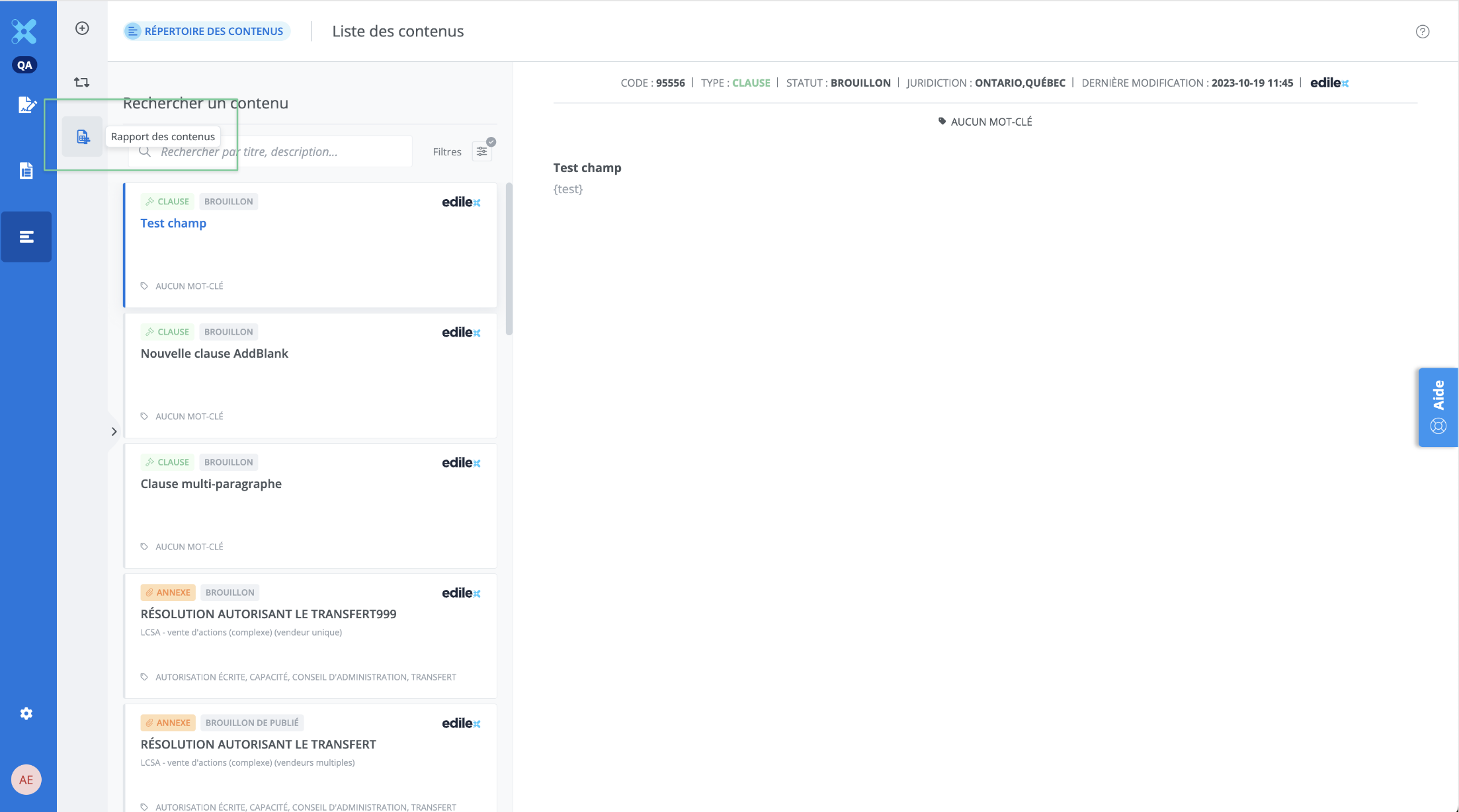
From the features menu of the Contents library, click the Content Report tile.
Detailed Description of the Feature
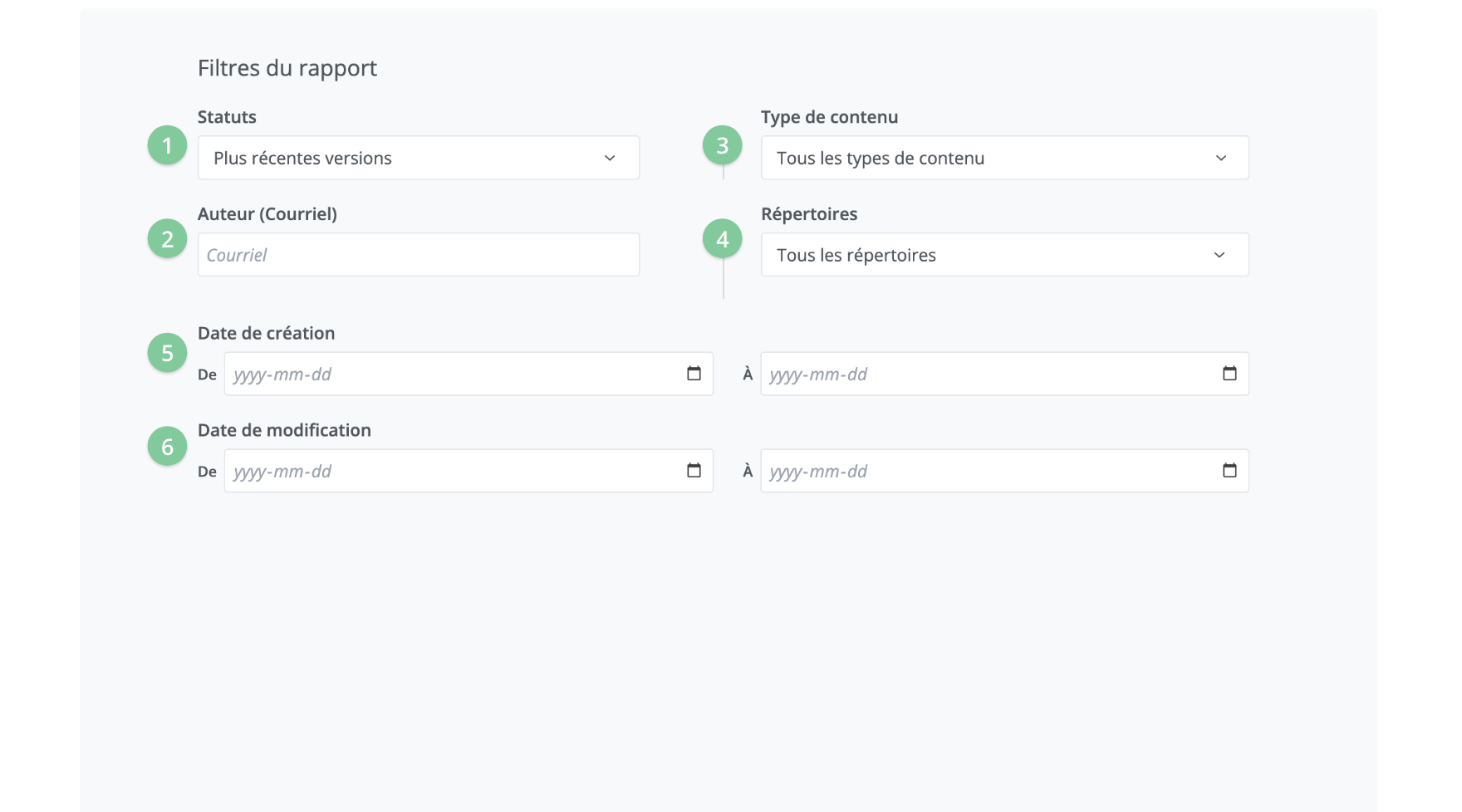
This window lets you select the various parameters according to which the report will be generated. It consists of the following filters:
-
Content status
-
Content assignee
-
Content type
-
Repository is belongs to
-
Creation date
-
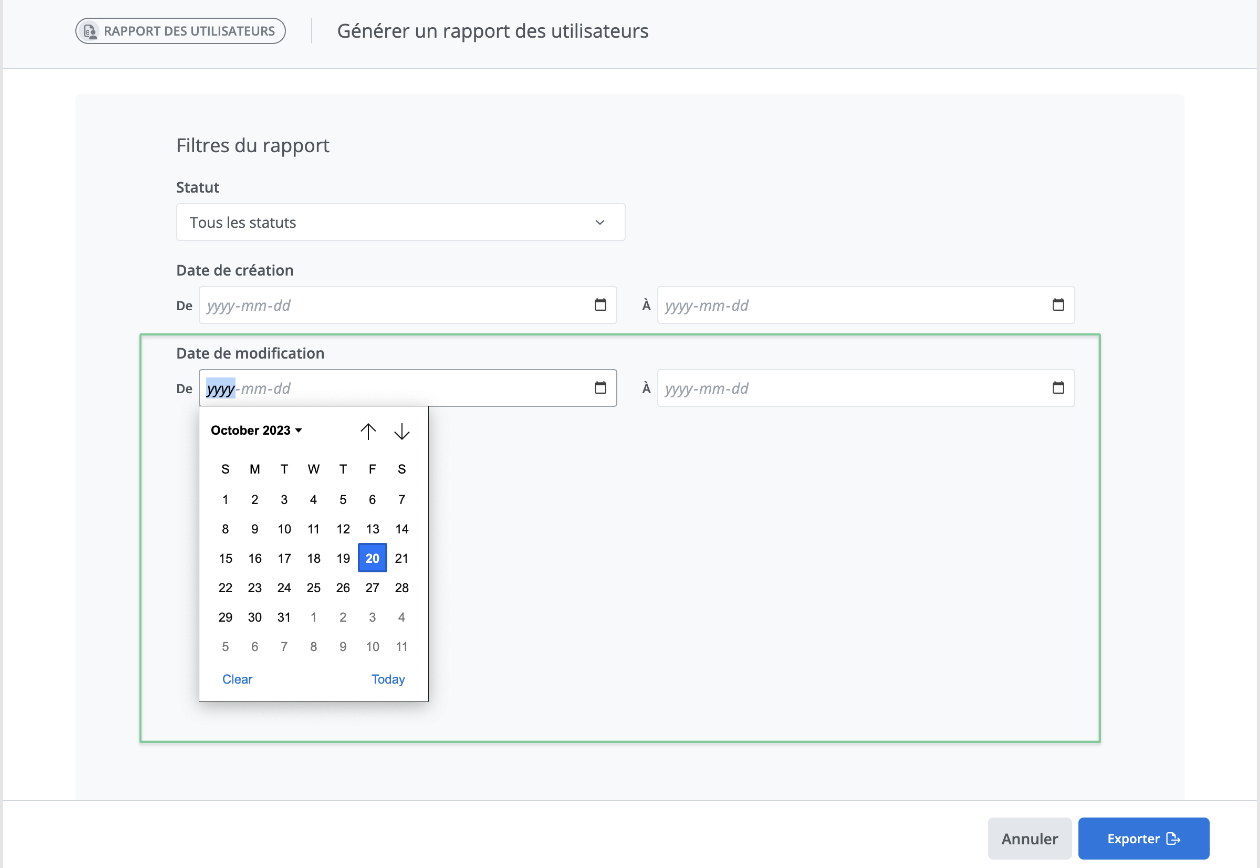
Modification date
Generate content report
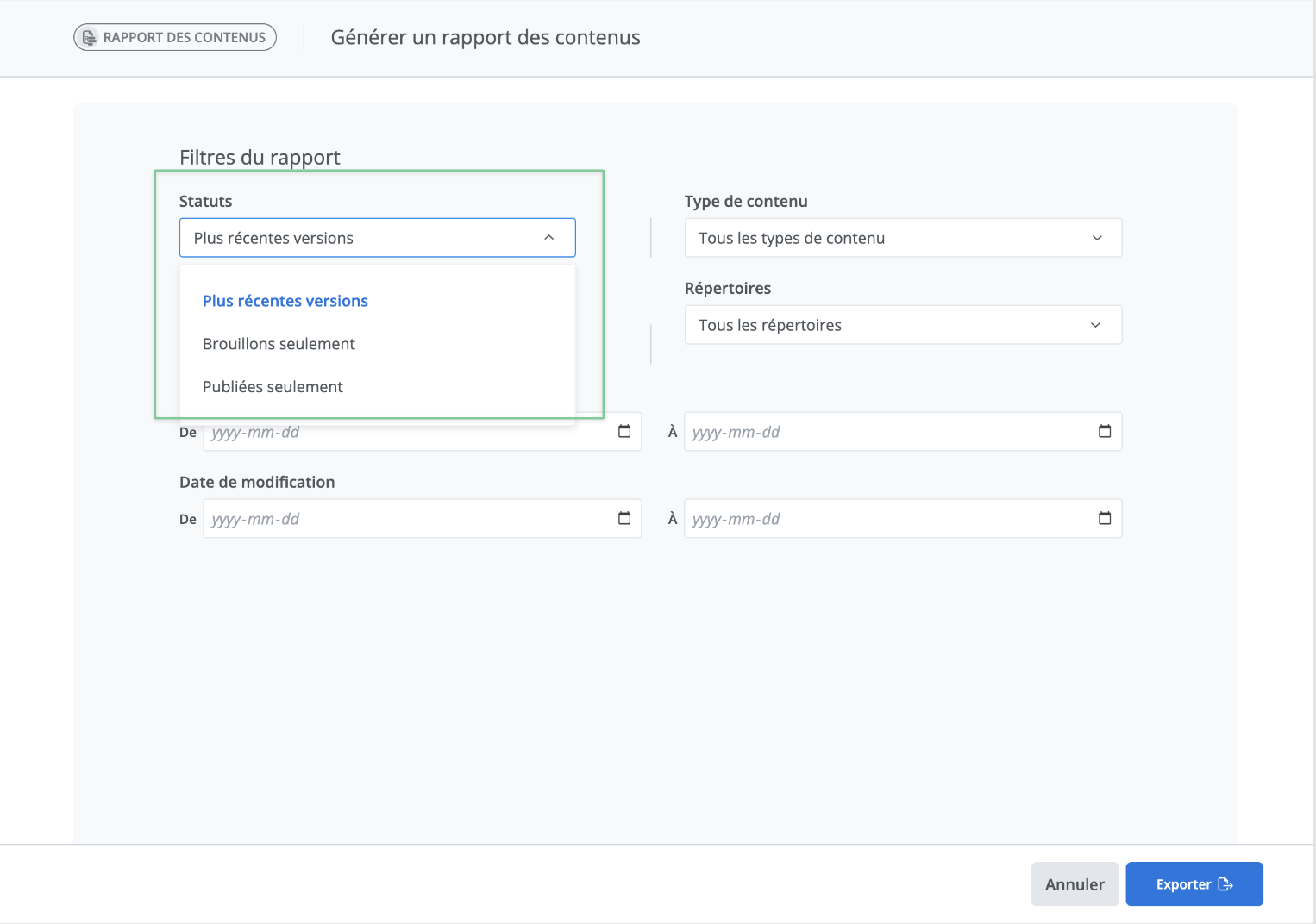
Start by selecting the content status option: Most recent versions, Only draft versions, or Only published versions.
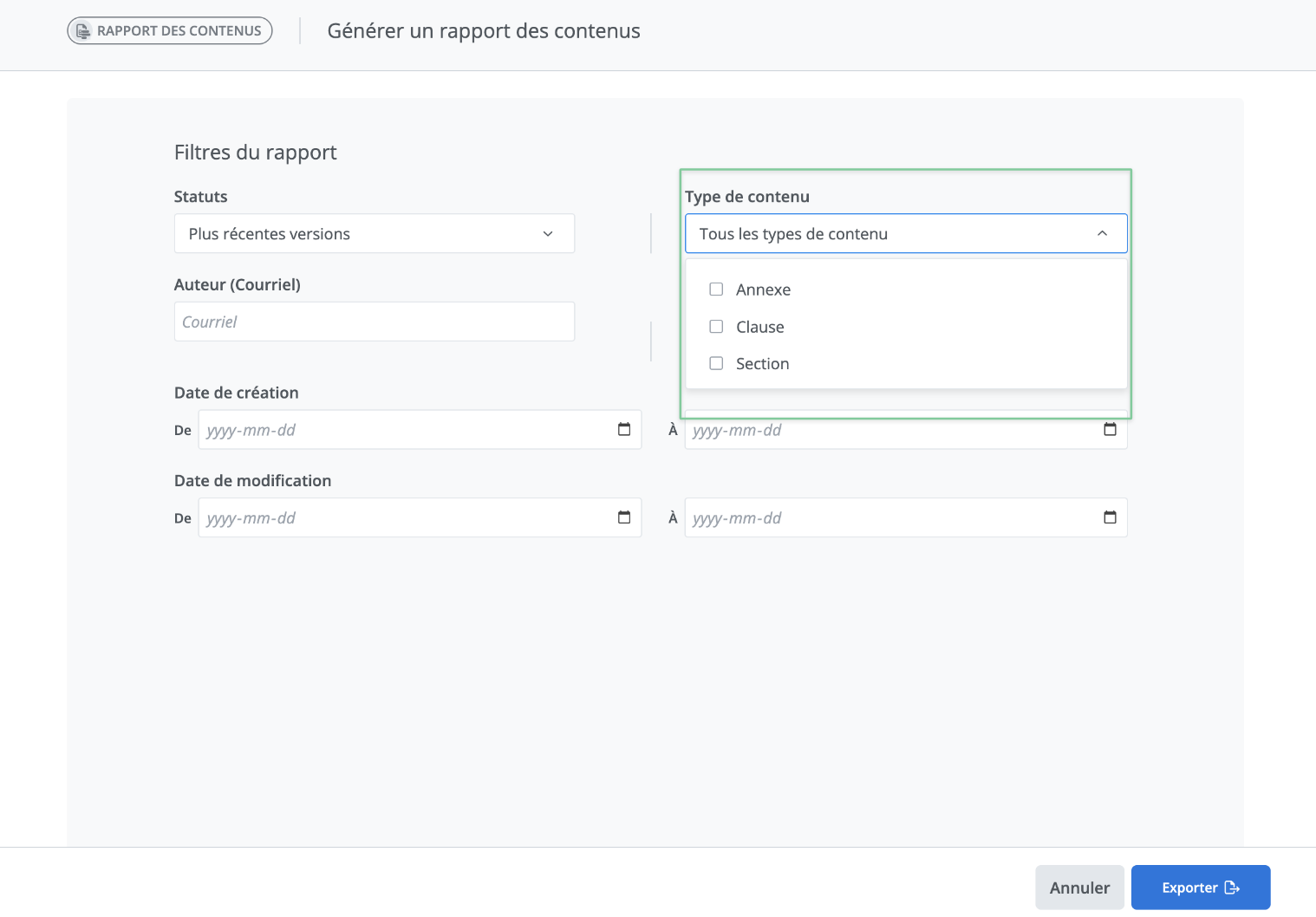
You can then select which type of content for which you want a report: All types of content, Clauses only, Sections only, Schedules only.
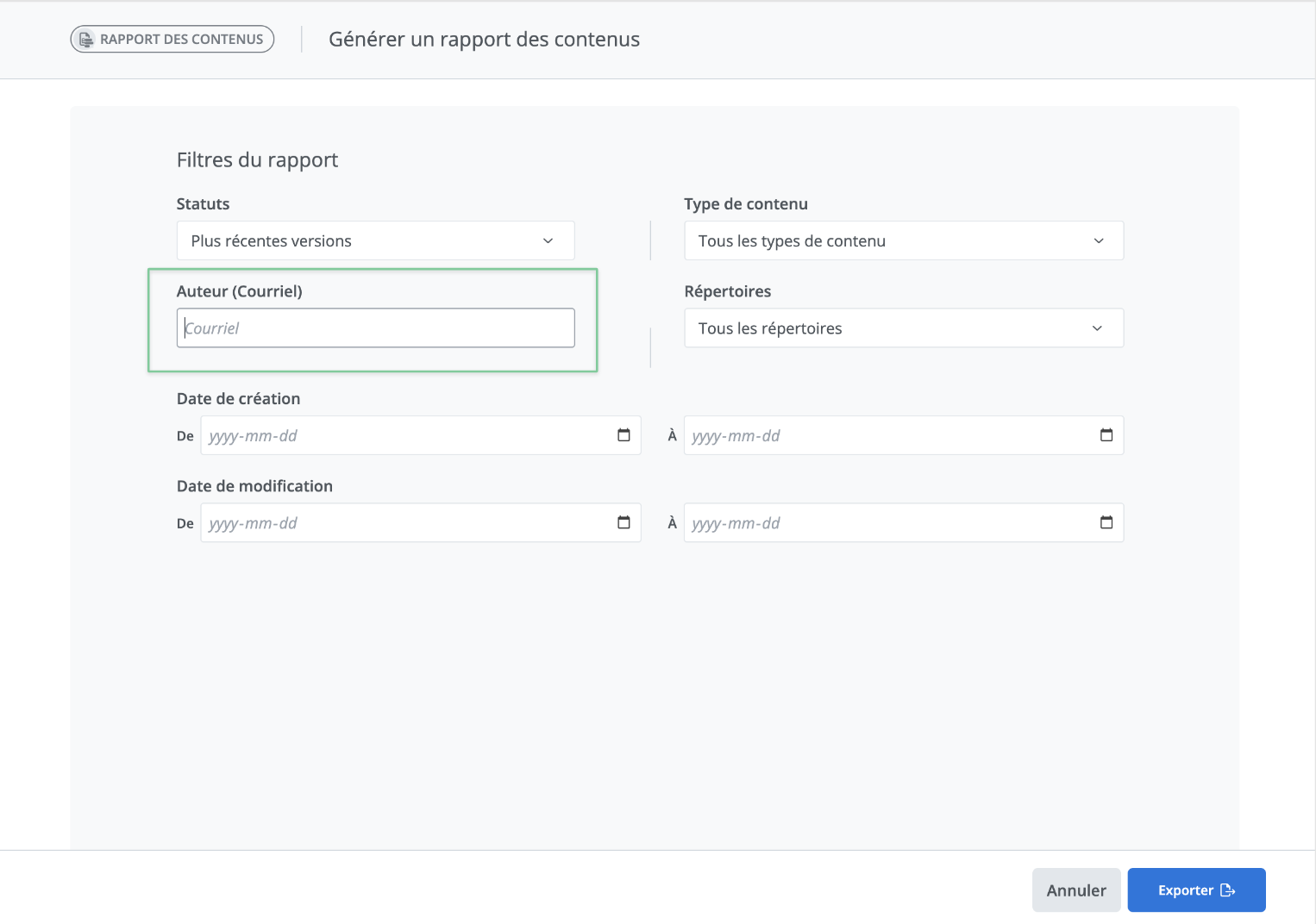
You can also obtain content information for a specific user. To do this, you can fill in the Assignee (email) filter field intended for this purpose. Simply enter the email of the user for whom you want to obtain content information.
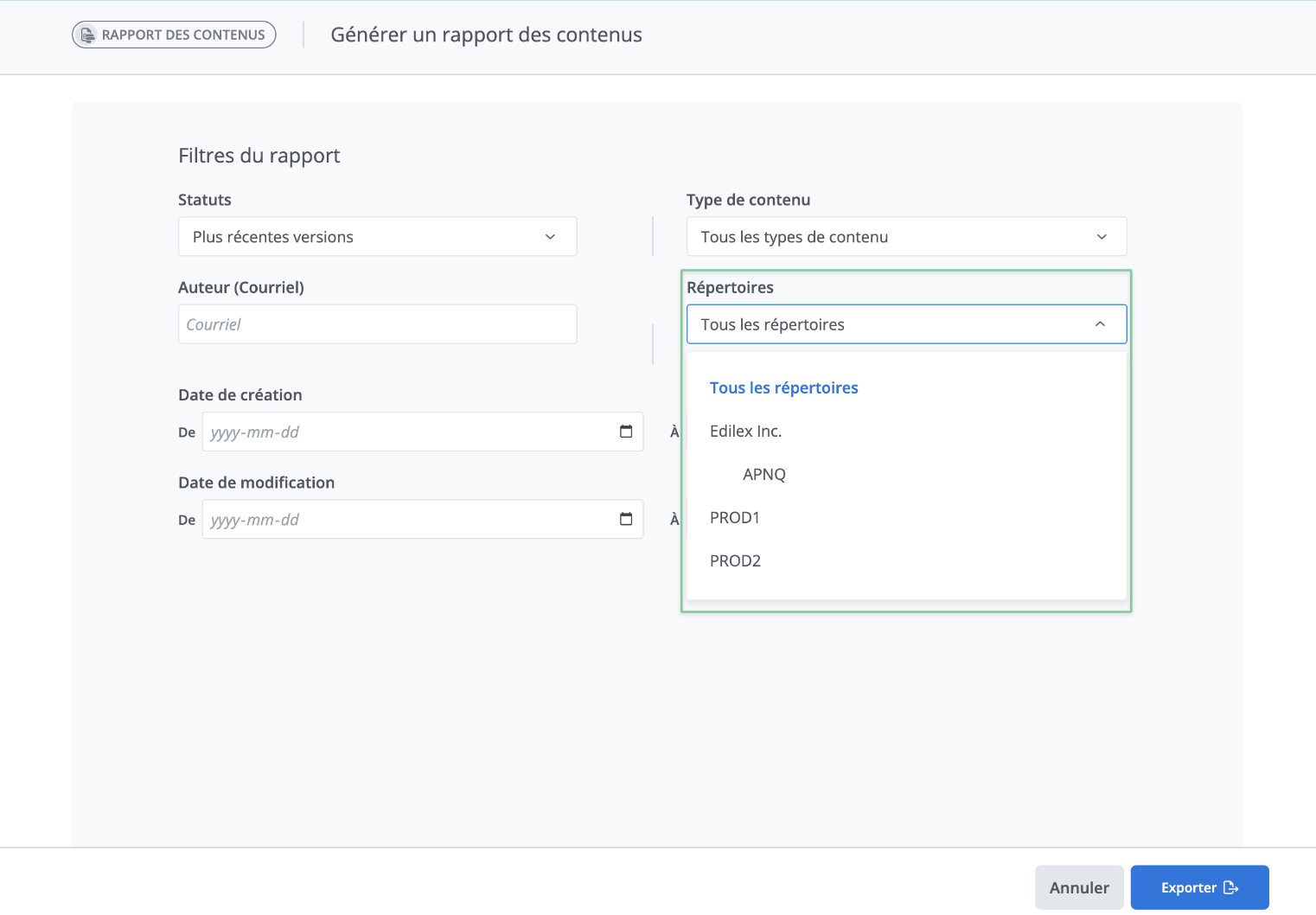
You can also get content information for a specific repository. To do this, simply select the name of the repository you're interested in from the Repository drop-down menu. You can then filter by All repositories or choose a single one from those to which you have access.
Then choose the date range for which you want to obtain the users' creation details.
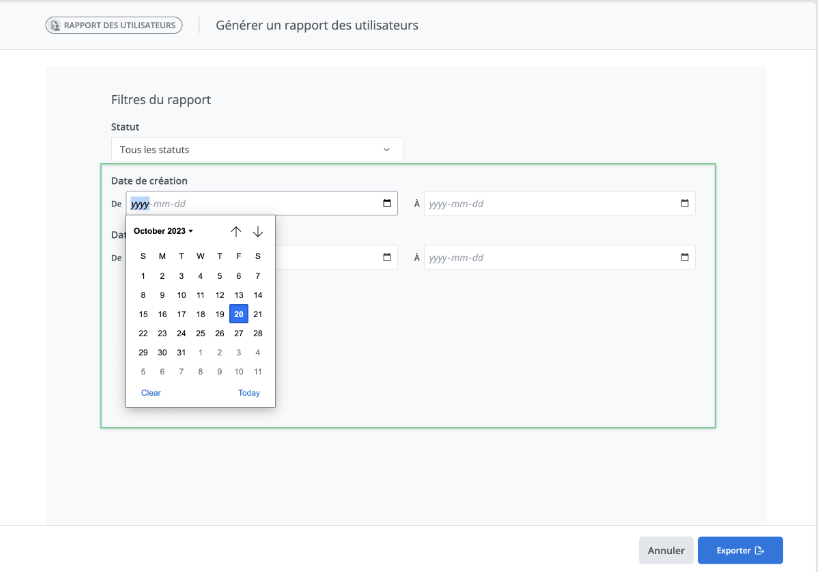
Then choose the date range for which you want to obtain the users' modification details.
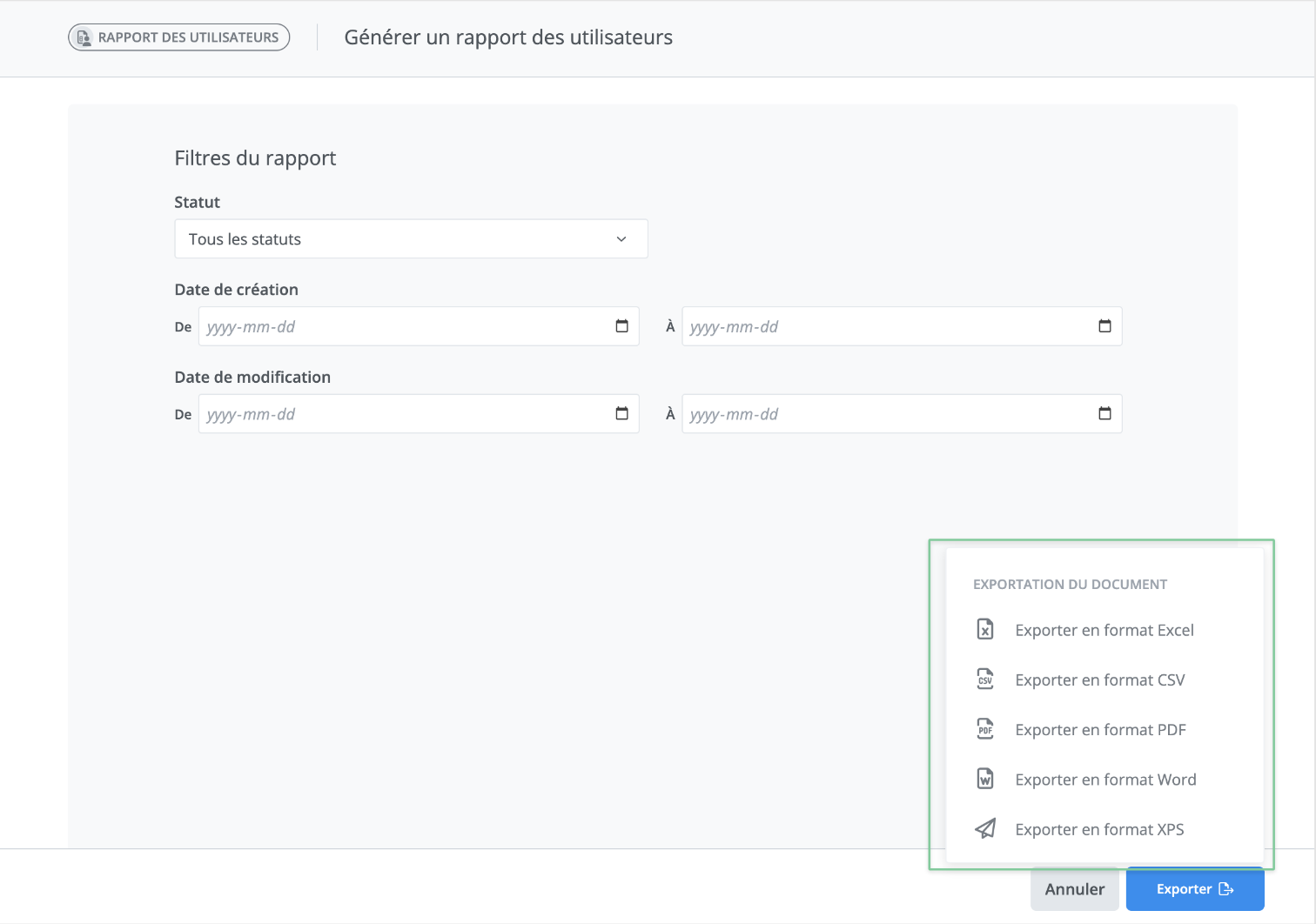
Finally, click Export. You can then choose the format in which your user report will be exported.