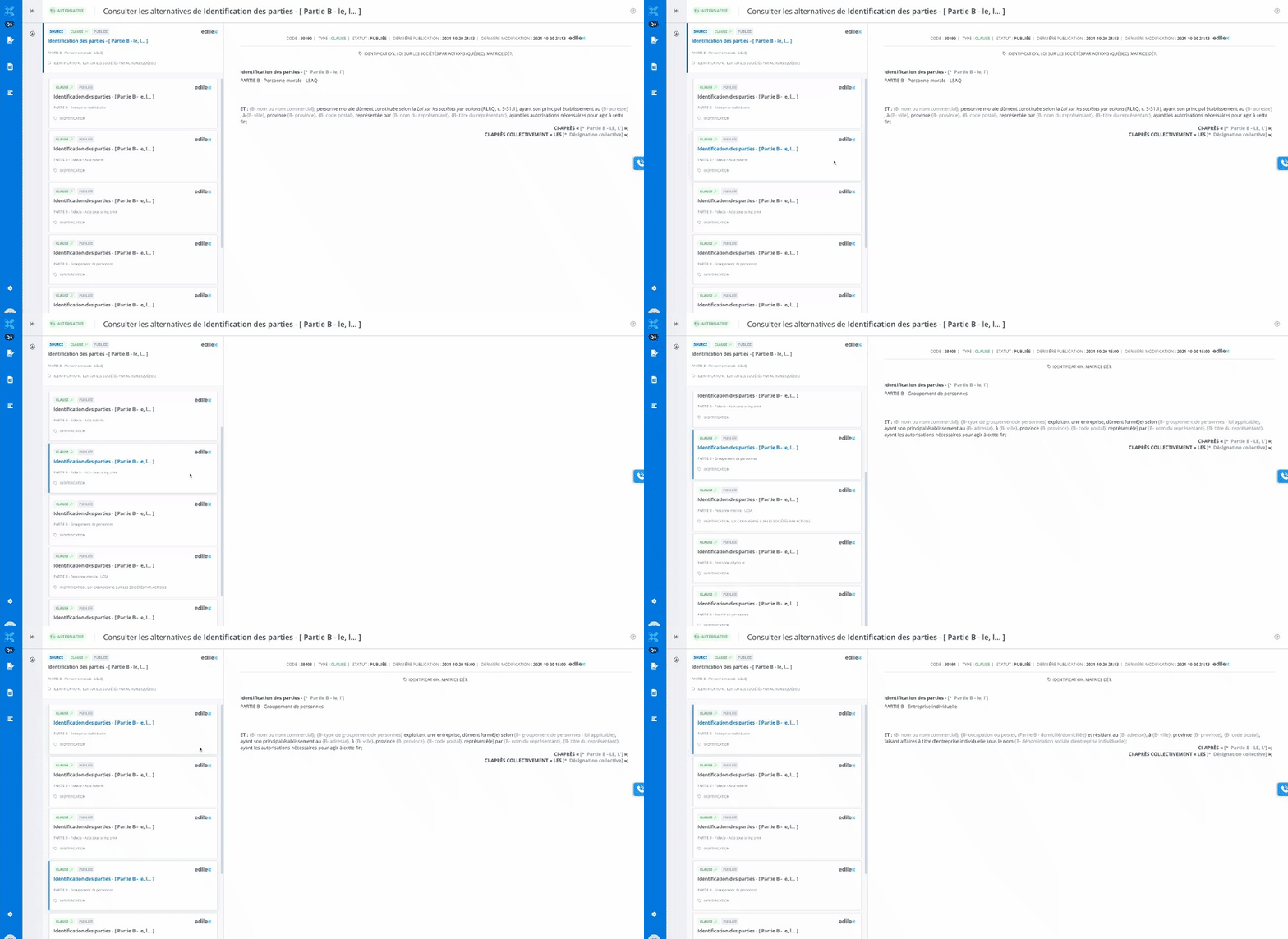
Description of the Feature
Allows you to view the list of alternatives for a given clause or schedule.
Access to Feature
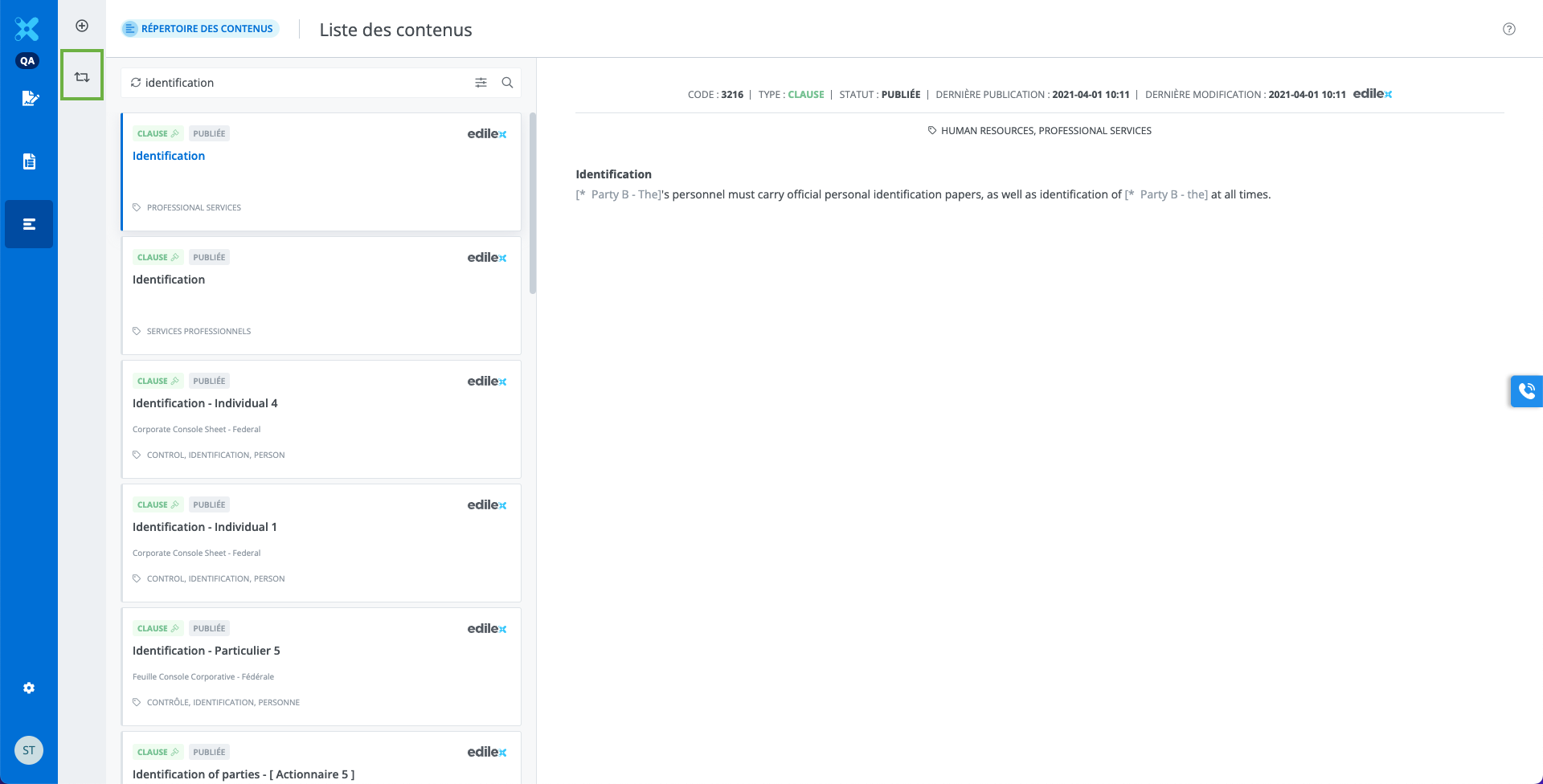
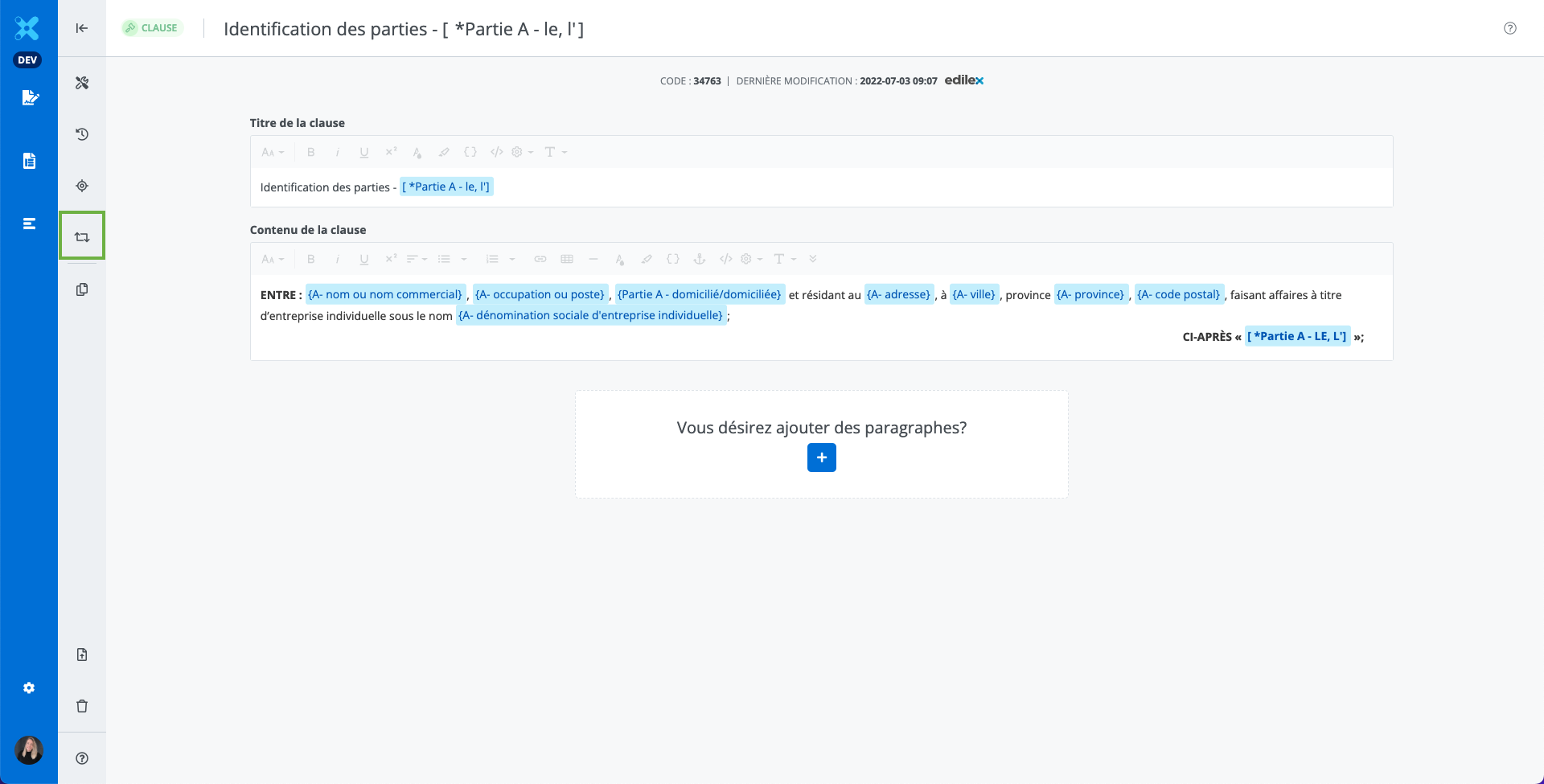
-
From the contents library or the content editor, click on Alternatives;
-
The alternative management window opens.
Alternative management window
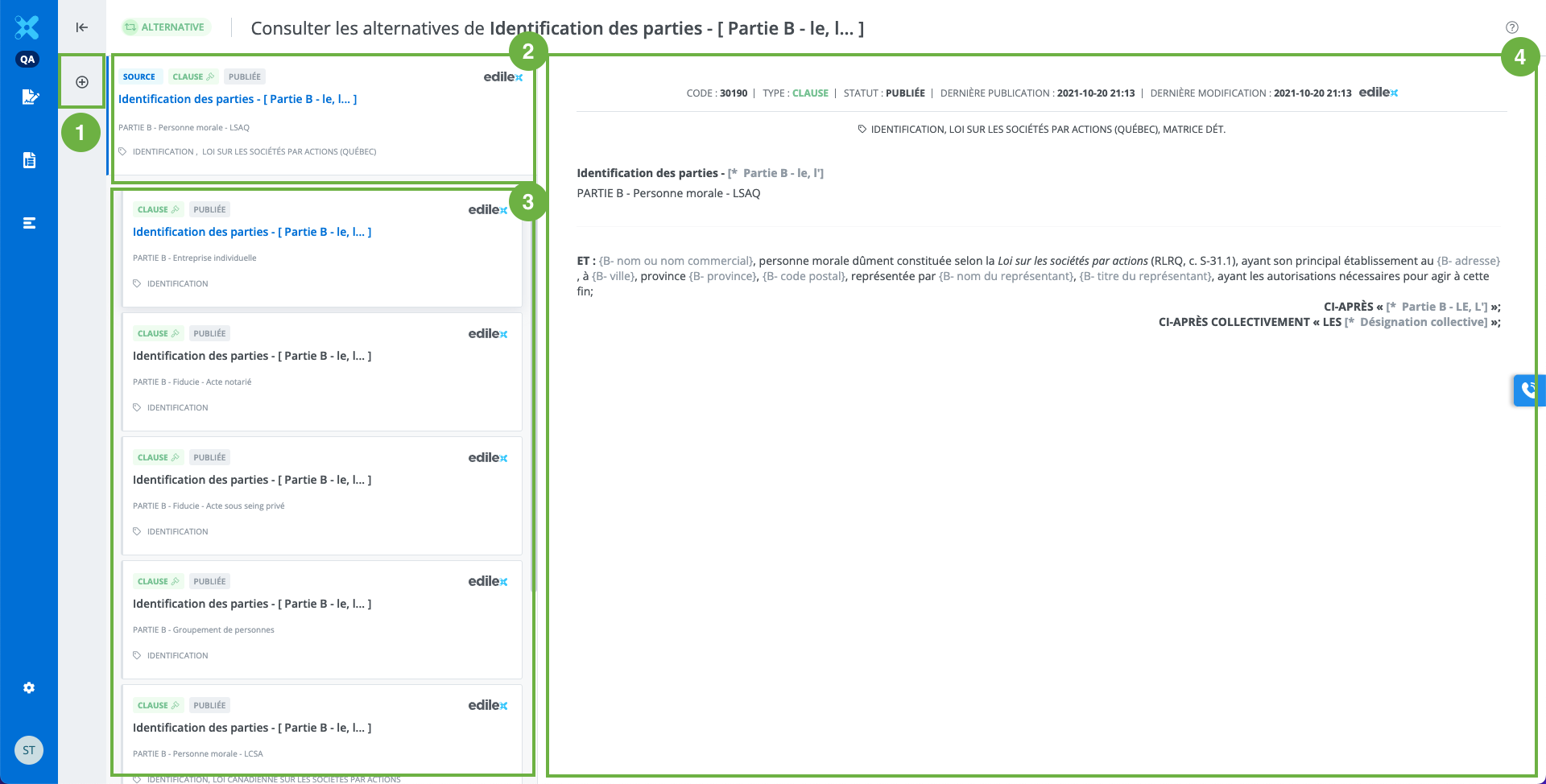
-
It is possible to create a new alternative from the content selected in the list by first clicking on the tile and then clicking Create from… Read the following article for more details: Create an alternative.
-
The source alternative is the one from which the window is accessed.
-
The list of alternatives associated with the source alternative.
-
The clause preview window. You can read the content of the different alternatives by clicking on the tiles.