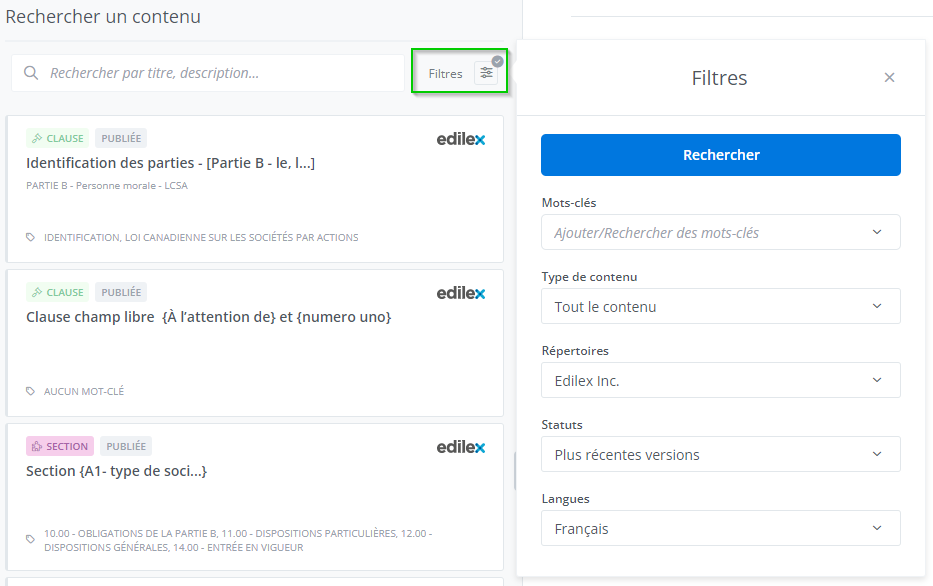
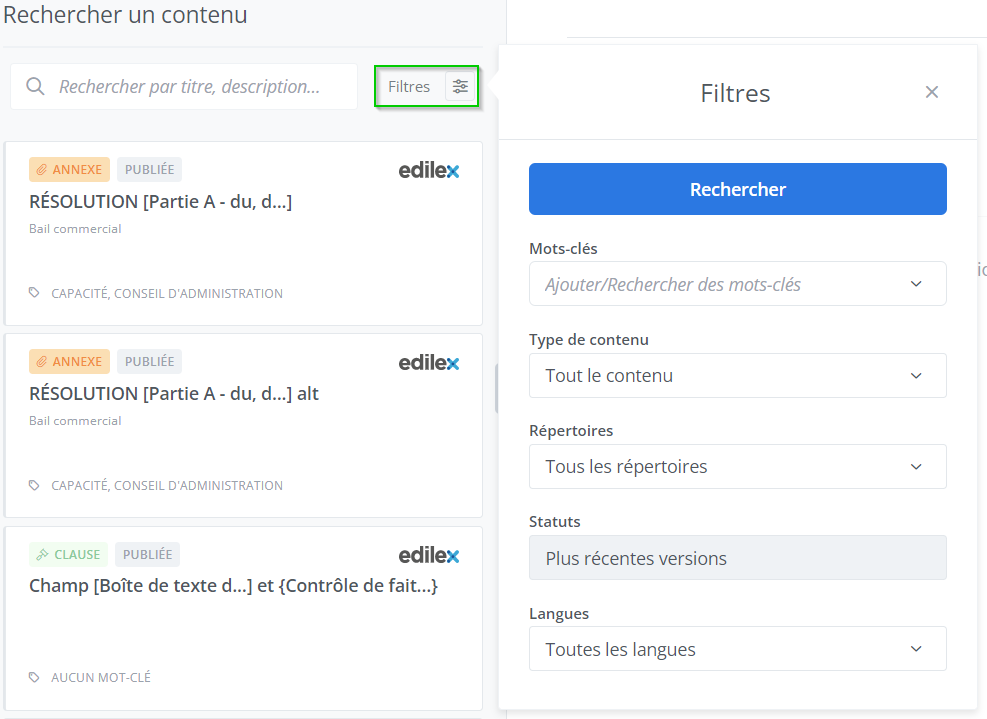
Create a Preference
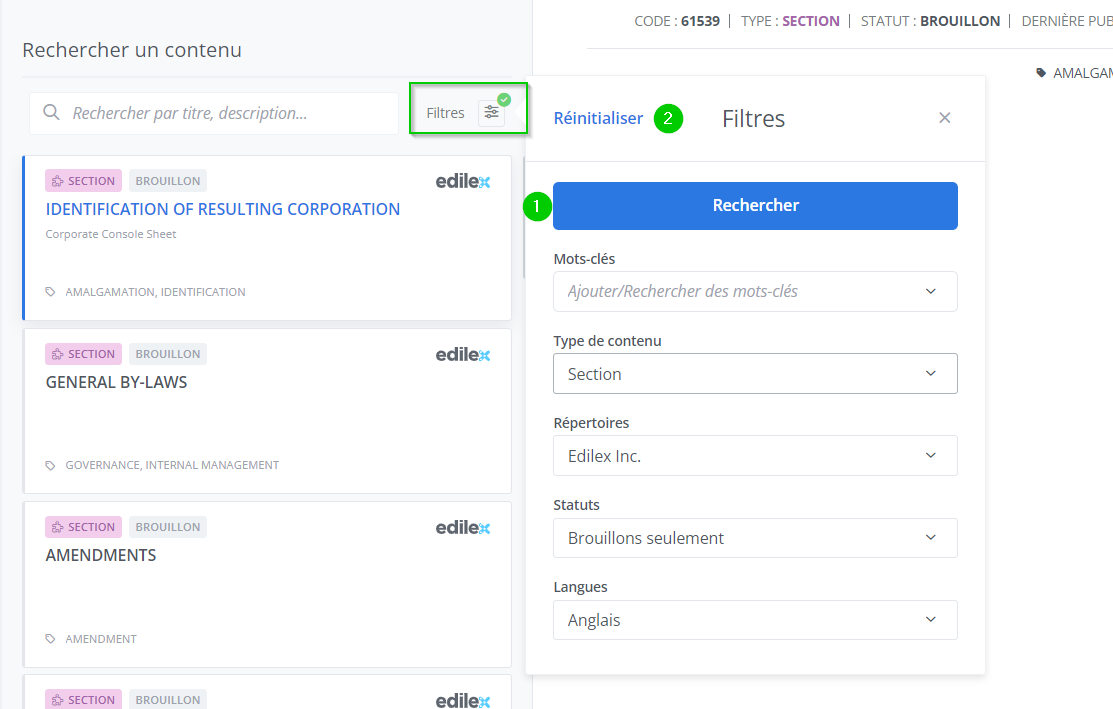
The search filter preferences in the contents library are saved at the time a search is performed (1). All filters are saved and can be reset using the Reset button (2).
Reset Preferences
When resetting preferences, the applied preference values are either the preferences set by the organization (gray checkmark) or the default preferences (no checkmark).