
Description of the Feature
Allows you to copy a clause, including its properties (tags and description). Draft clauses and published clauses can be duplicated.
Steps to duplicate a clause
-
Click on the title of the clause to duplicate;
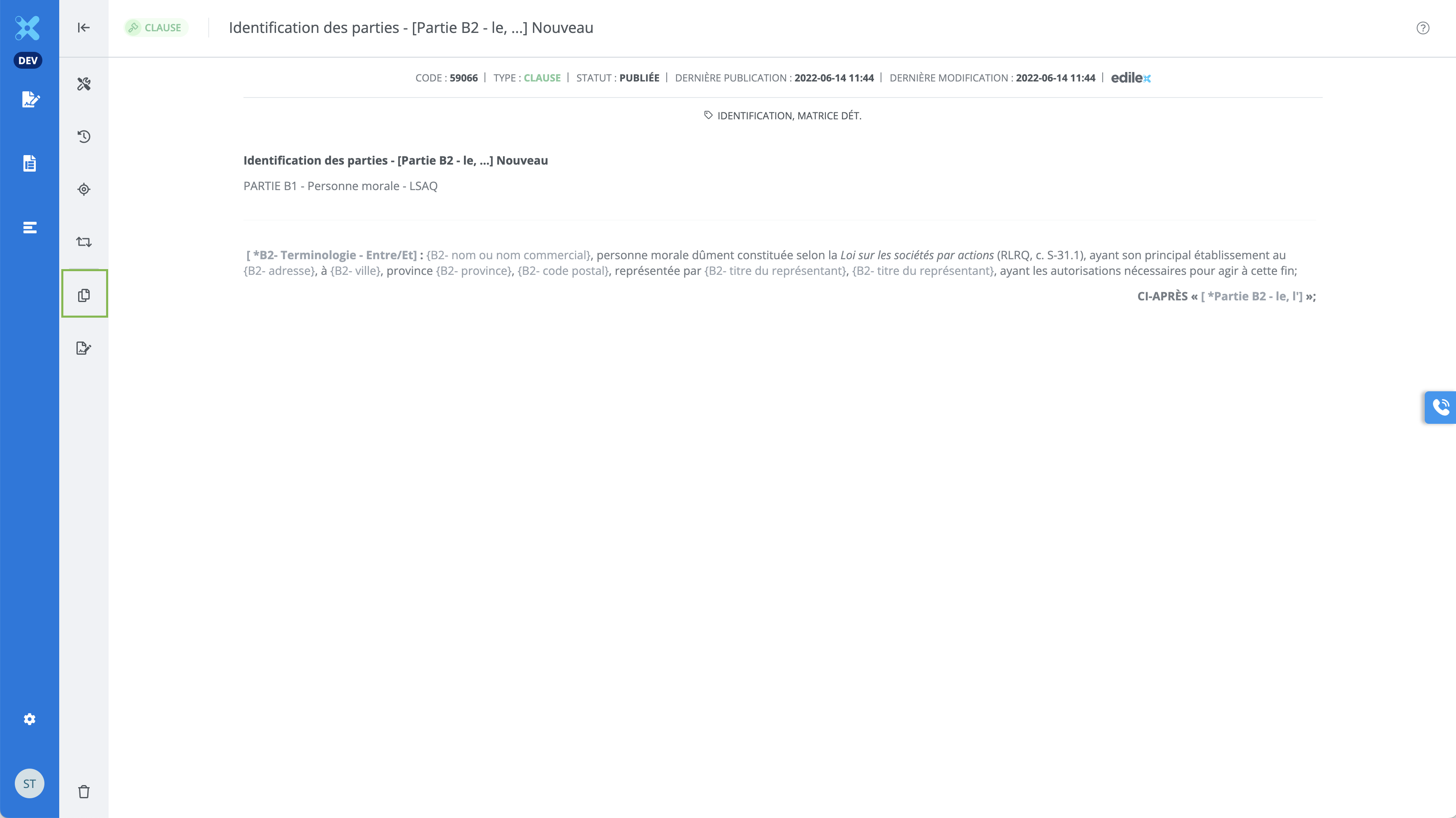
-
Click on Duplicate in the features bar;
-
Select a repository or subrepository;
-
Select the drafting language;
-
Click on Next ;
-
Modify the duplicated clause as desired;
-
Click on Create.
Important Notice
-
It is not possible to modify the directory and drafting language of a clause after its creation.
-
Add tags and a description to the duplicated clause dupliquée following its creation by clicking on Properties.