
Mandatory Properties
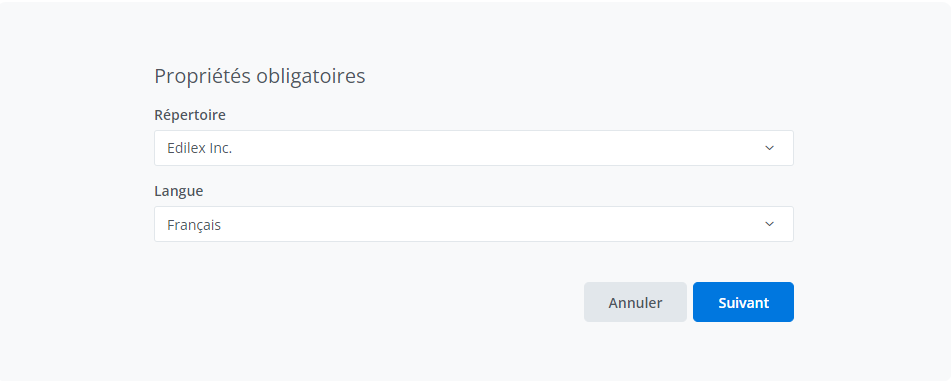
-
Select a repository or subrepository;
-
Select the drafting language;
-
Click on Next ;
Important Notice
Repository:
-
The repository displayed by default in the drop-down list is the user's preference, if one exists; or the directory of the source clause if the user's organization has "write" access, or a default value as a last resort.
-
The directories available in the drop-down list are those that have "read" or "write" access to the source section and for which the user has "write" access.
-
It is not possible to modify the directory and drafting language of a clause after its creation.
Refer to the Repository Management page for more information on repository management.
Tags:
-
Add tags and a description to the duplicated clause following its creation by clicking on Properties.
Who can use this feature?
Template Programmer Profile
Template Programmer Profile - Customized
❌ Legal Drafter Profile
❌ Legal Drafter Profile - Customized
❌ Corporate Drafter Profile
❌ Reader Profile
Related articles