
Description of the Feature
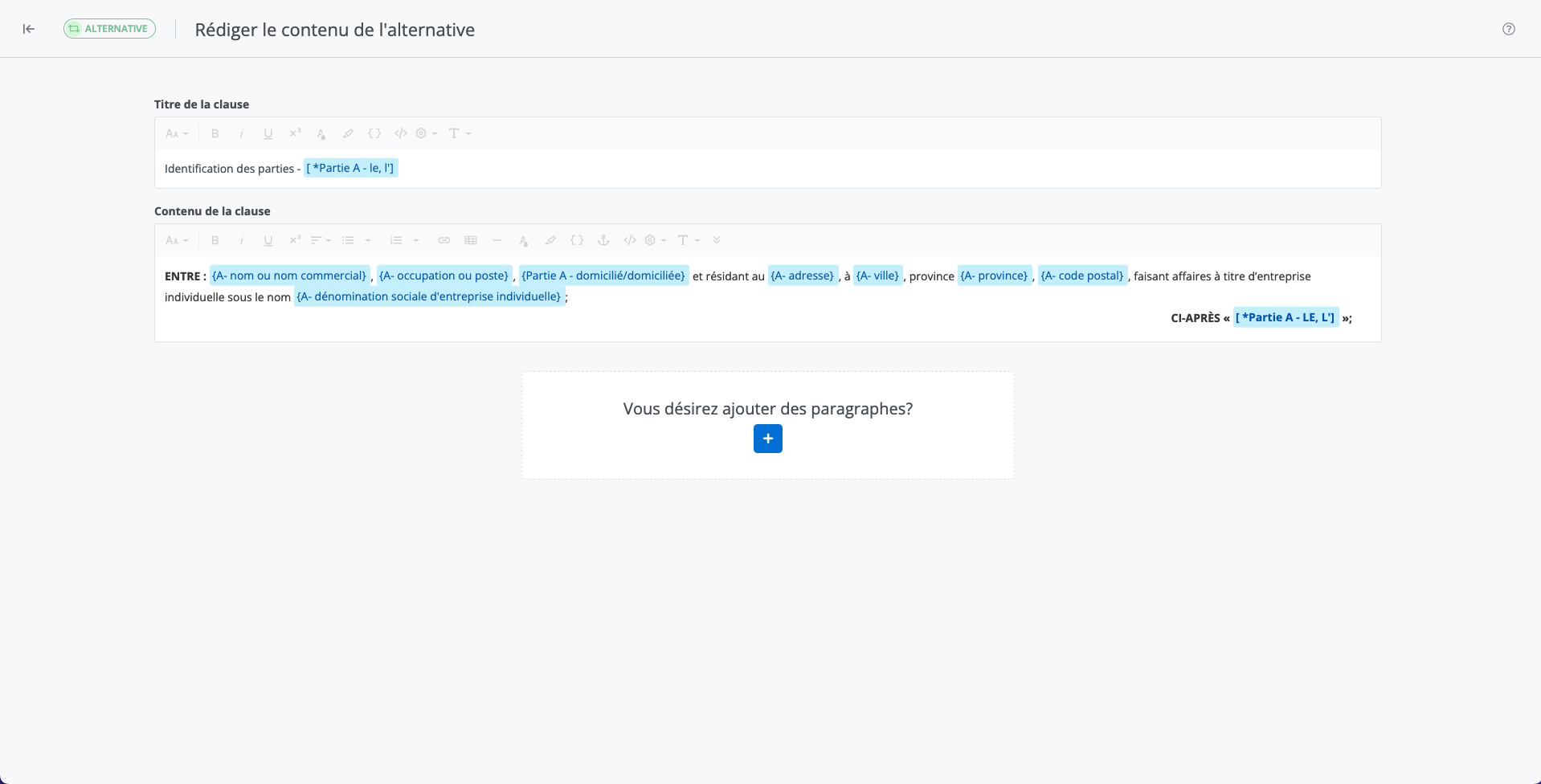
Allows you to create a new clause or schedule that will be available as an alternative to an already existing clause or schedule. Alternatives are, in effect, different versions of the same clause or schedule, among which the user must choose when completing their document, depending on the relevant circumstances.
All available editing features are the same as those for drafting the clause.
Important Notice
-
The Create from … button duplicates the content and properties of the selected alternative.
-
Add tags and a description to the alternative after its creation by clicking on Properties. The description is particularly important, as it helps distinguish between alternatives and specifies the circumstances in which each one can apply.
-
It is not possible to modify the repository and drafting language of an alternative after its creation.
-
Only the published version of an alternative appears in the project drafting module.
To learn more about drafting features
Read the following articles to learn more about the drafting features available to draft a clause.
https://edilexpro.atlassian.net/wiki/spaces/TSDC/pages/7667959/Outils+d+dition+de+texte?atl_f=content-tree
Modify a clause in draft mode in the content editor