
Summary Description of the Feature
When creating a template, you must start by filling in the template information.
Description of the Feature
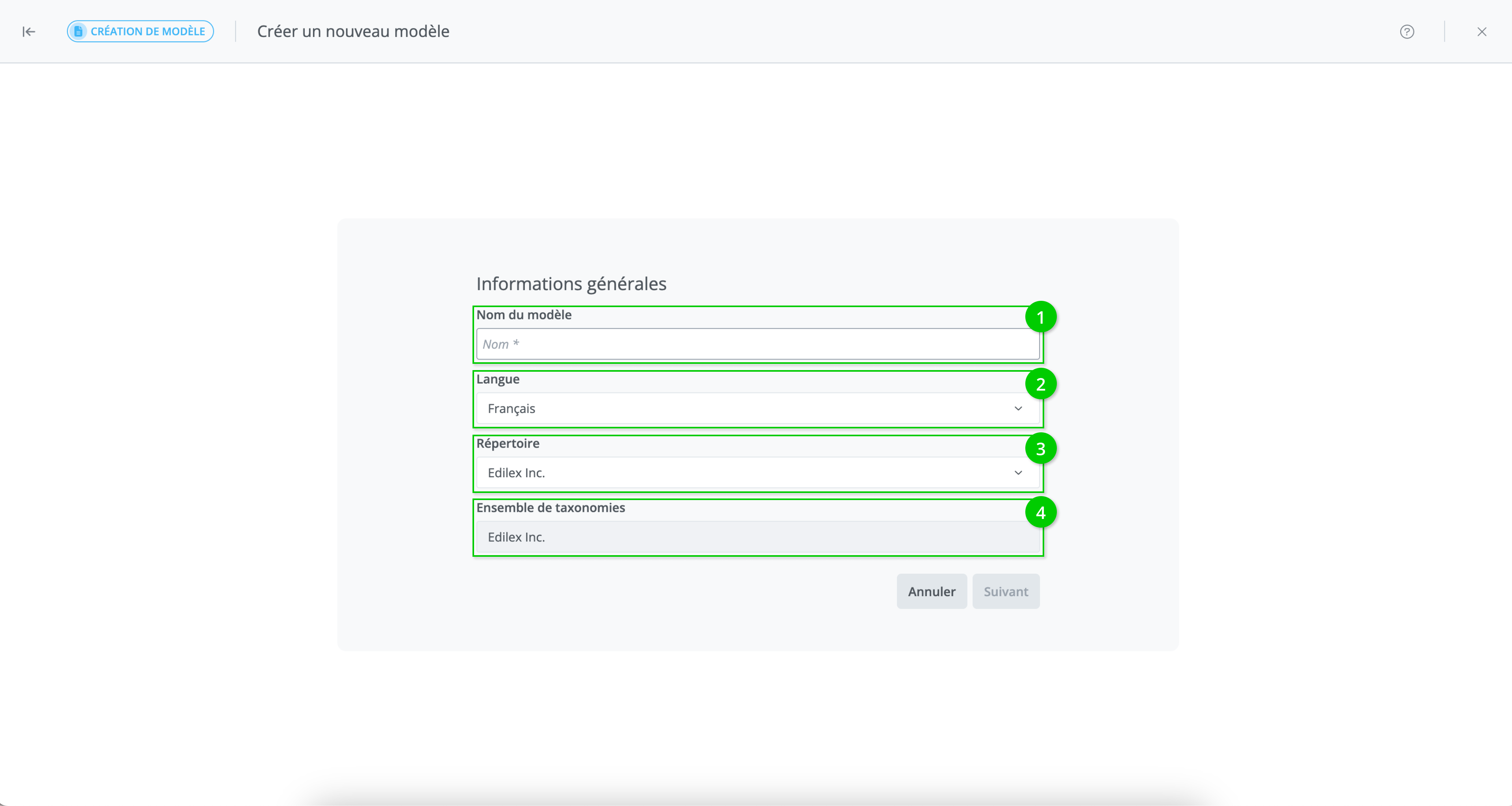
The following information must be provided:
-
Template name (required): this is the title of the template.
-
Language (required): content, fields, and keywords will be displayed in this language.
-
Repository (required): the repository to which the template belongs.
-
Taxonomy set (required): the taxonomy set to which the template belongs.
Once the information is filled in the window, click Next and proceed to template selection.
Repository:
-
The repository displayed by default in the drop-down list is the user's preference, if one exists; otherwise, the main repository is that of the user's organization.
-
The repositories available in the drop-down list are those for which the user has write access:
-
All repositories of the organization to which the user belongs.
-
All repositories made visible to this same organization with "write" access.
-
Refer to the Repository Management page for more information on repository management.