
Description of the Feature
When creating a template, you must choose a base template. Two options are available: create a template from an existing template (those visible in "read" or "write" mode from the directory selected during the creation step), or from a blank template.
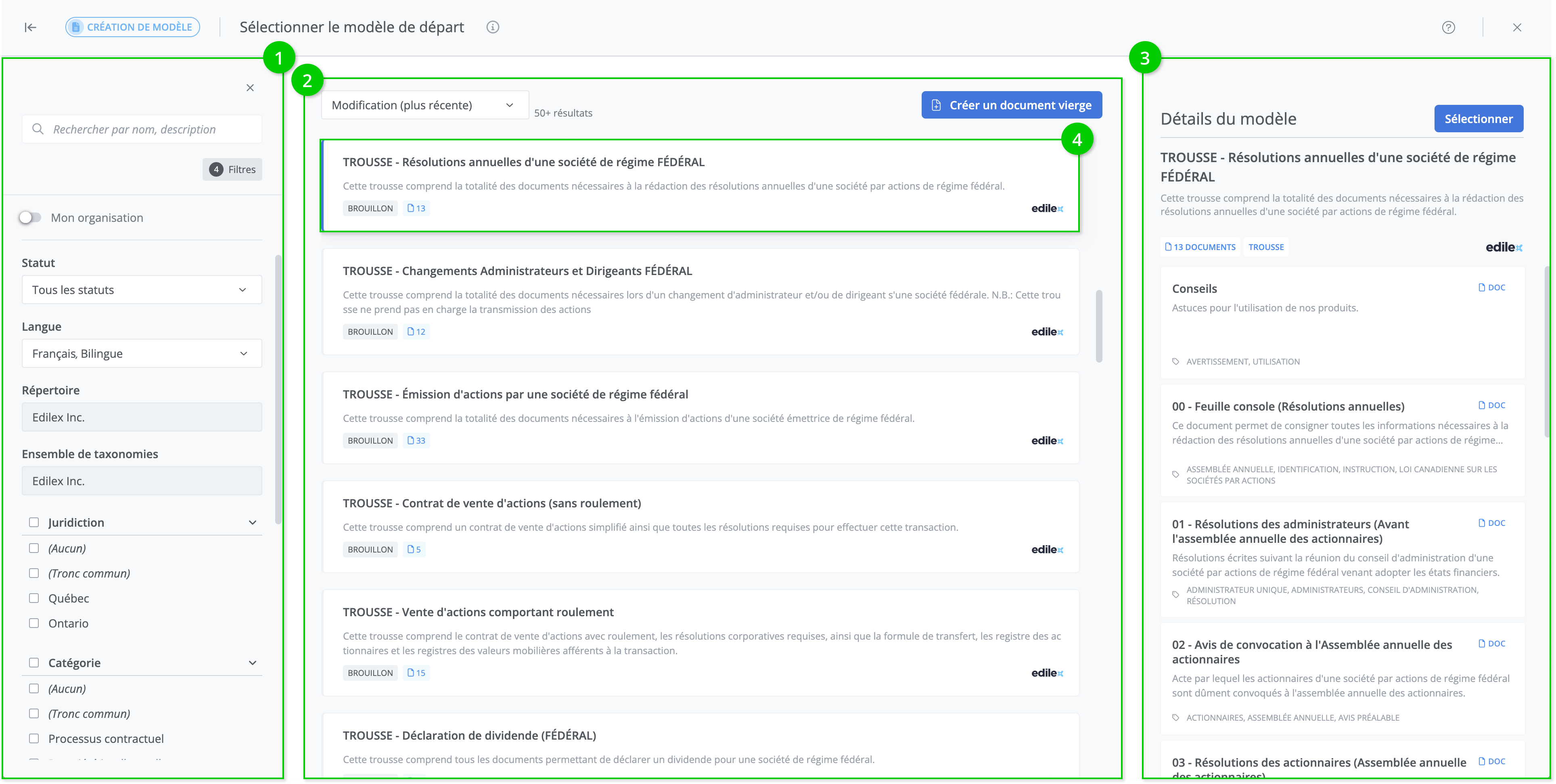
The template selection page is divided into three main sections: the filter and search panel (1), the search results list (2), and the template details panel (3). The latter is accessible when the template tile is selected with a click (4).
Search a Template
Refer to the following section for details on the template search
Template Library | Rechercher un modèleSelect a template;
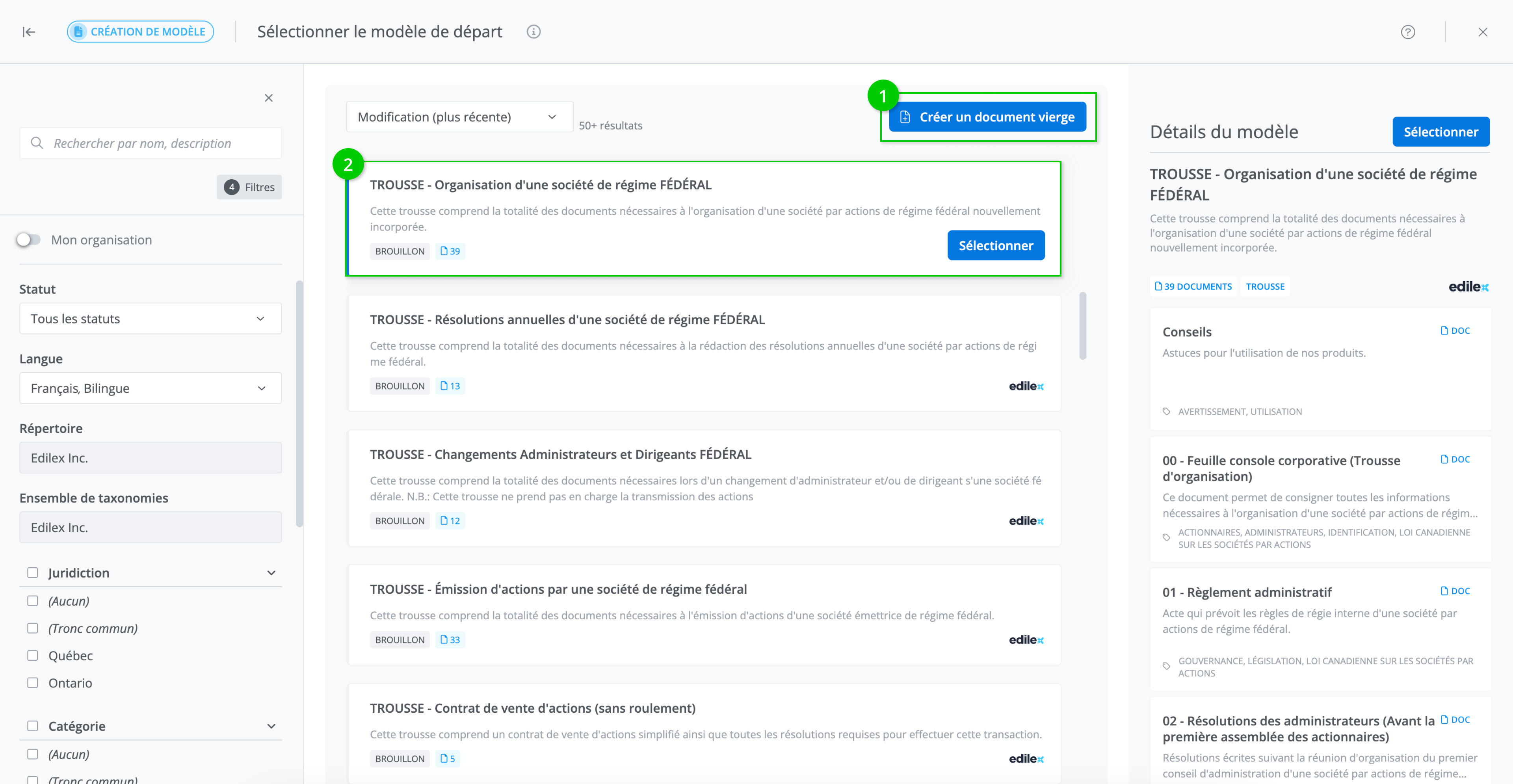
To create a blank template, select the Create a blank document tile (1). To create a template from an existing template, search for the desired template in the list. Once the template is selected, click on it (2) and press Select.