The approval module is an organization setting.
Please contact Edilex if you would like early access to this feature.
Description of the Feature
The approval feature allows contract documents to be submitted to multiple approval groups, each made up of several users and following a preset order, prior to the documents being published or taking effect. Each member of the approval groups can edit the documents while they are under review by their group, and then approve the project.
For more details on approval groups:
Approval groupsStart the approval process
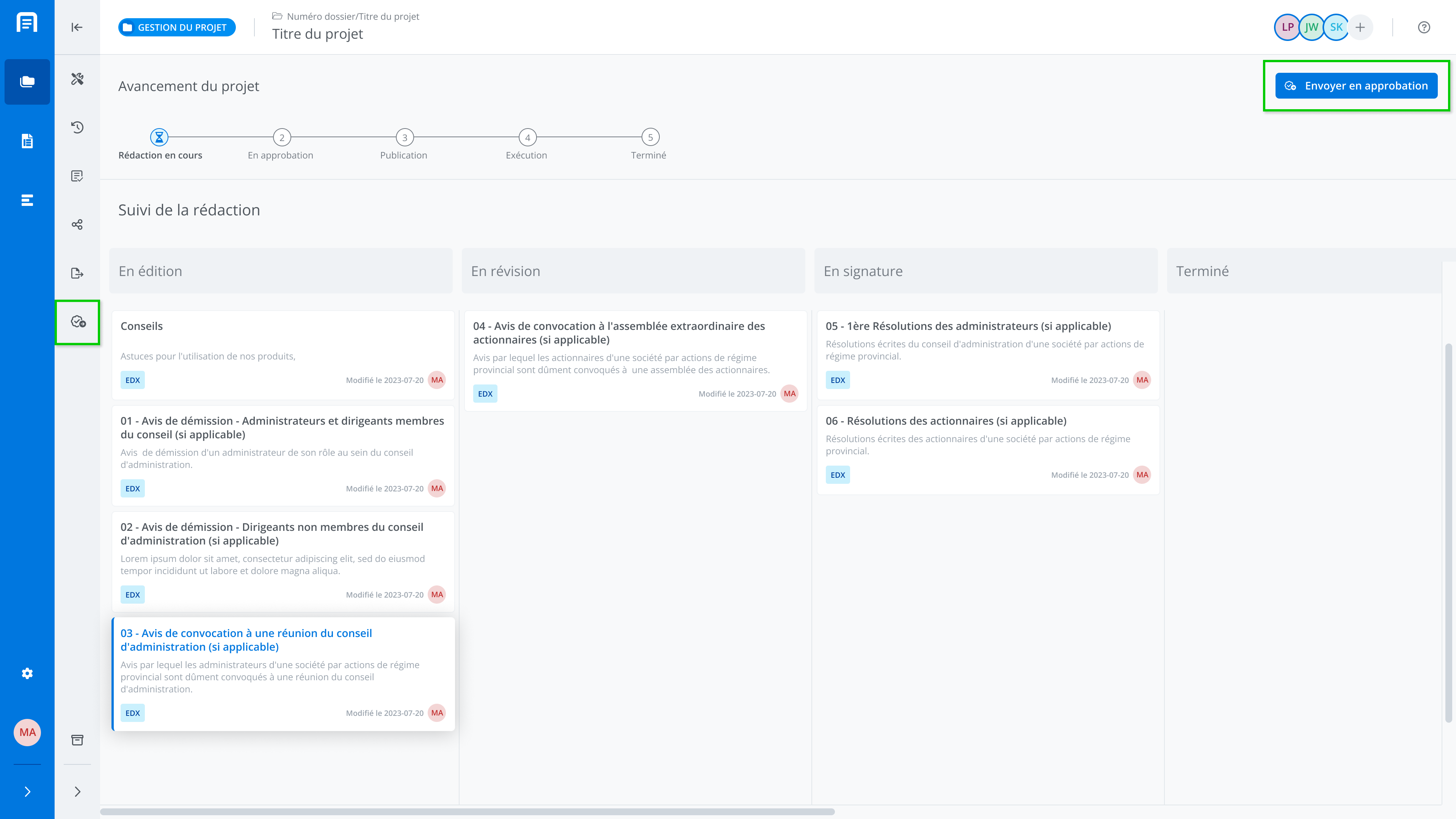
Click on Senf for approval to start the approval process.
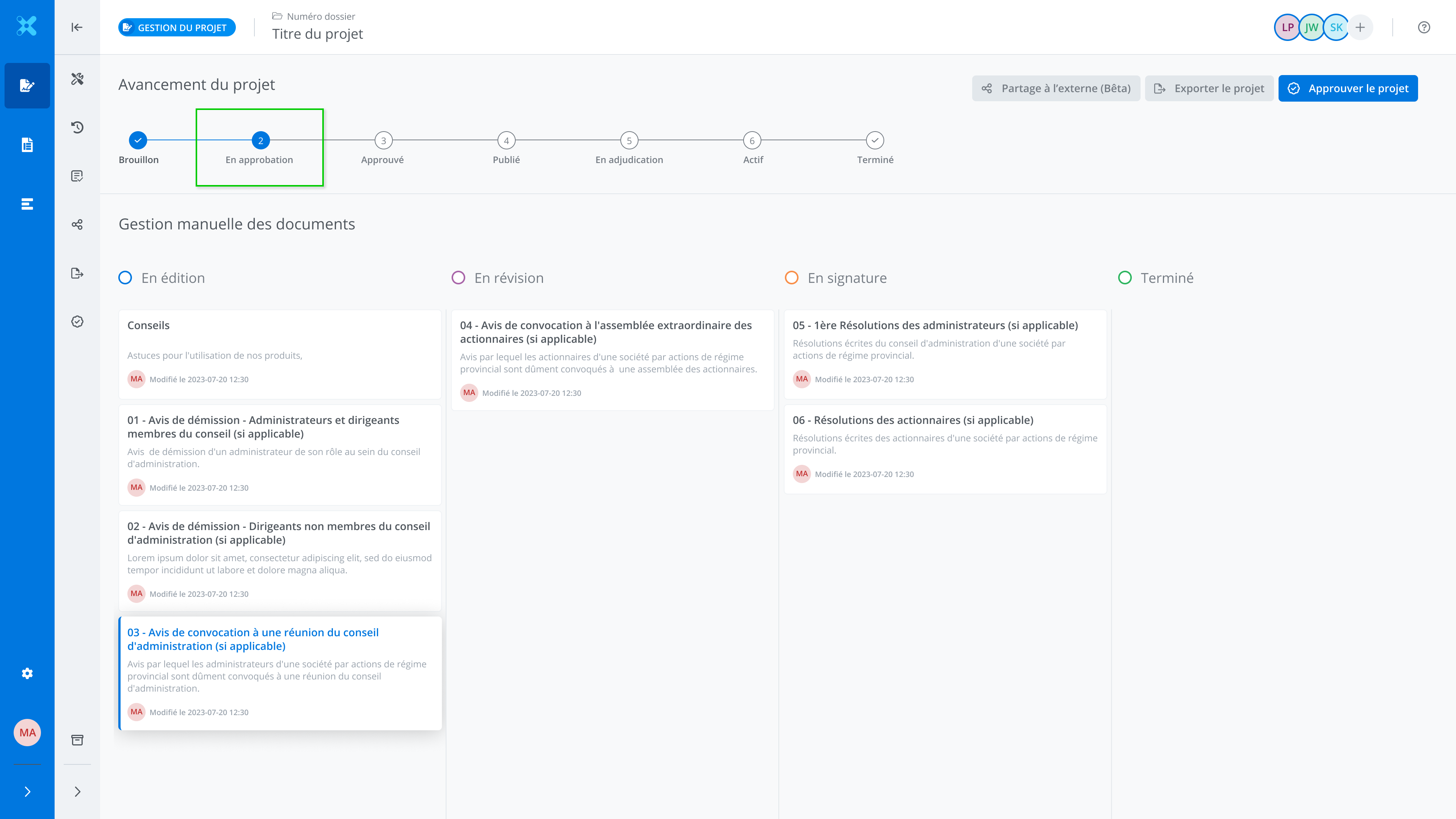
The project status changes to Under approval by [name of approval group].
In the project list, to see the projects you need to approve, turn on the Under approval by my group toggle.
Interim Approval
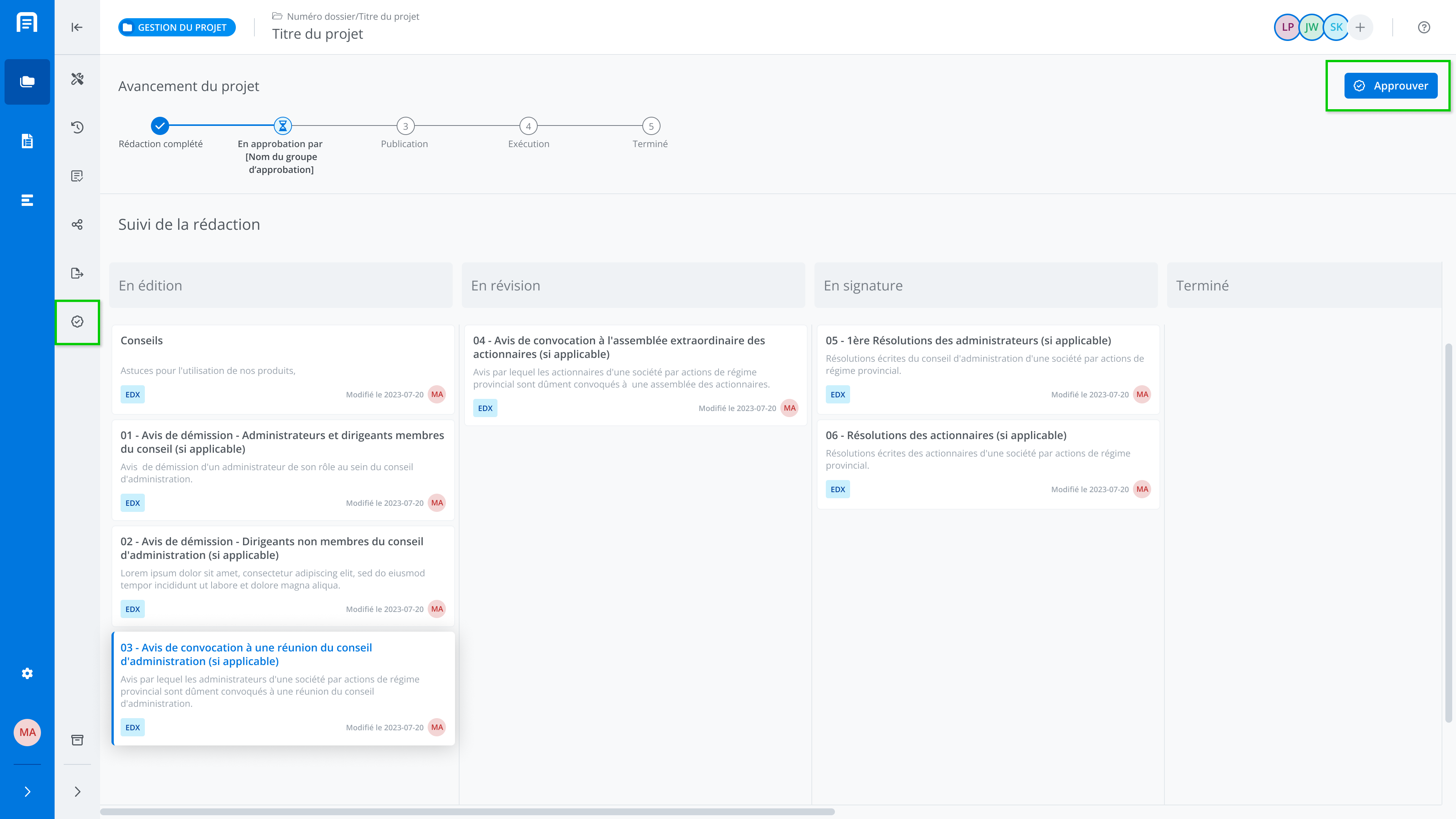
When the project is under approval by the group you belong to, to approve a project, click Approve.
Note that the the Approve button will only be displayed for users of the approval group whose turn it is to approve.
Final Approval
Final approval (by a member of the last approval tier) changes the project status to Approved.
Modify an Approved Project
Once the project has been approved by a member of the final approval group, if the project status is Approved, a member of that same group can still make changes to the project. To do so, click Edit EDX documents in the project progress section.
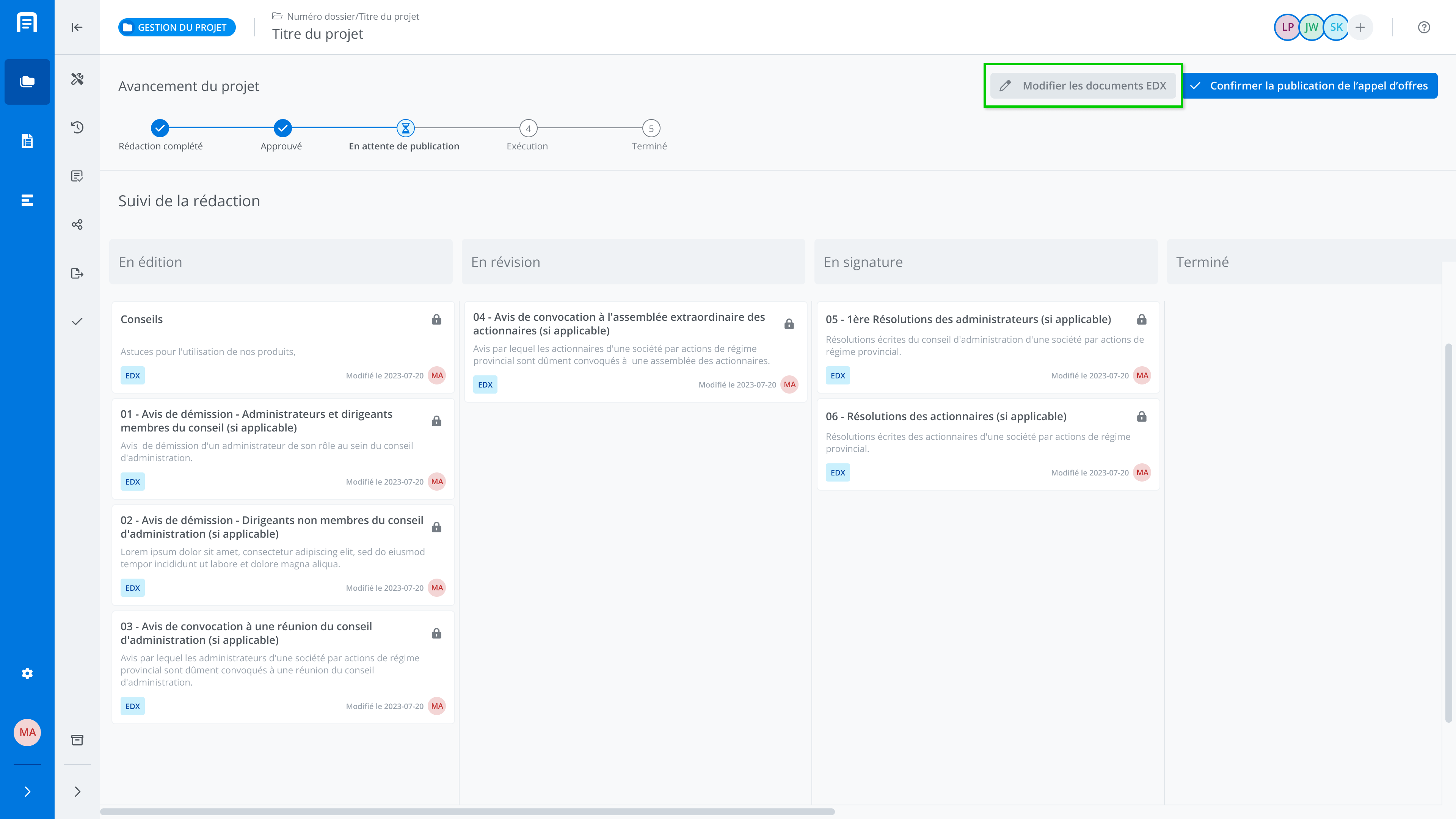
The project will then need to be approved again.
Email notification
Invitation
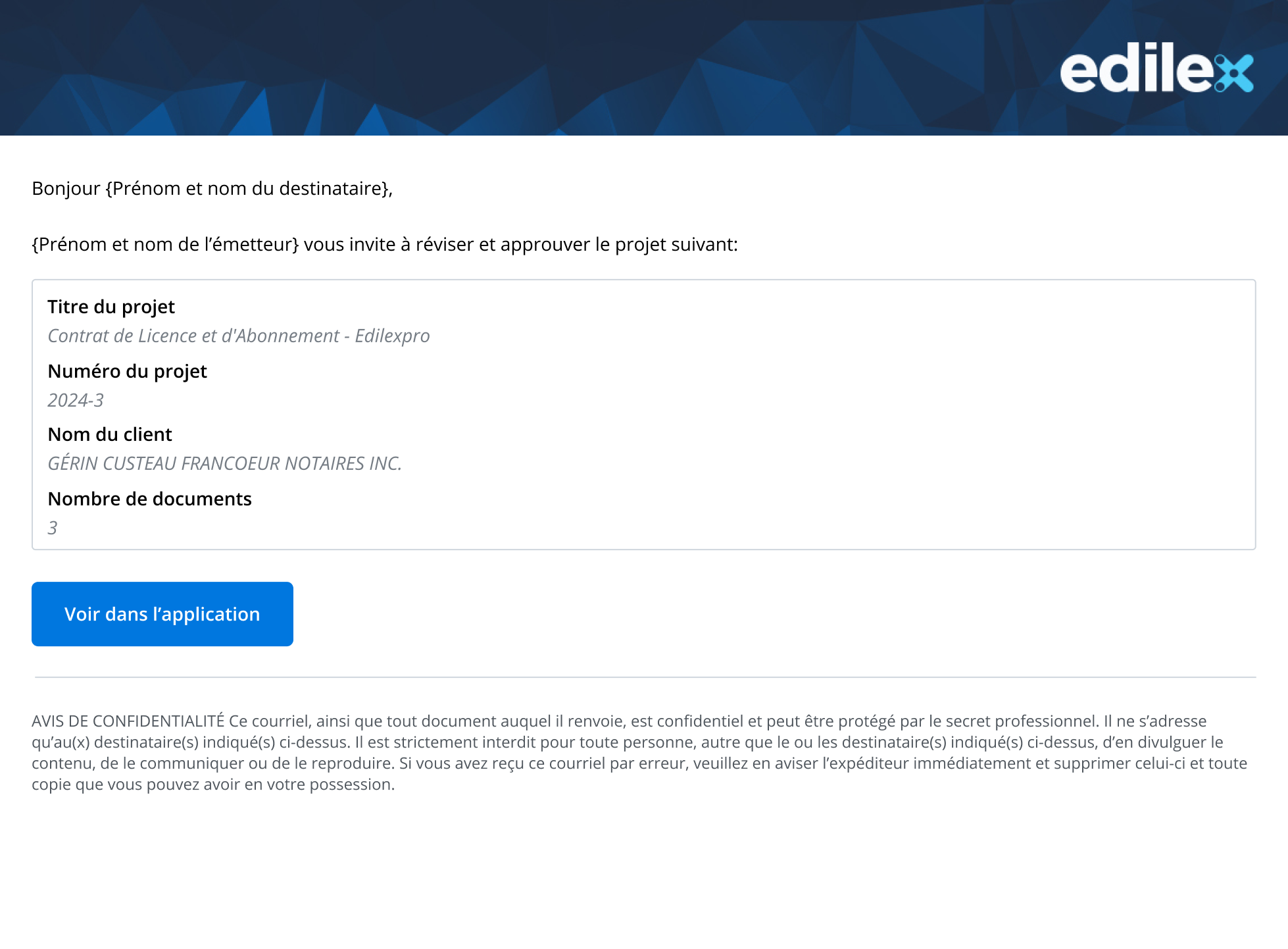
Submitting for approval sends an email notification to the members of the approval tier concerned by the request. The notification includes the following information:
-
The requester's first and last name;
-
The details of the project to be approved;
-
The View in application button.
Approval tracking
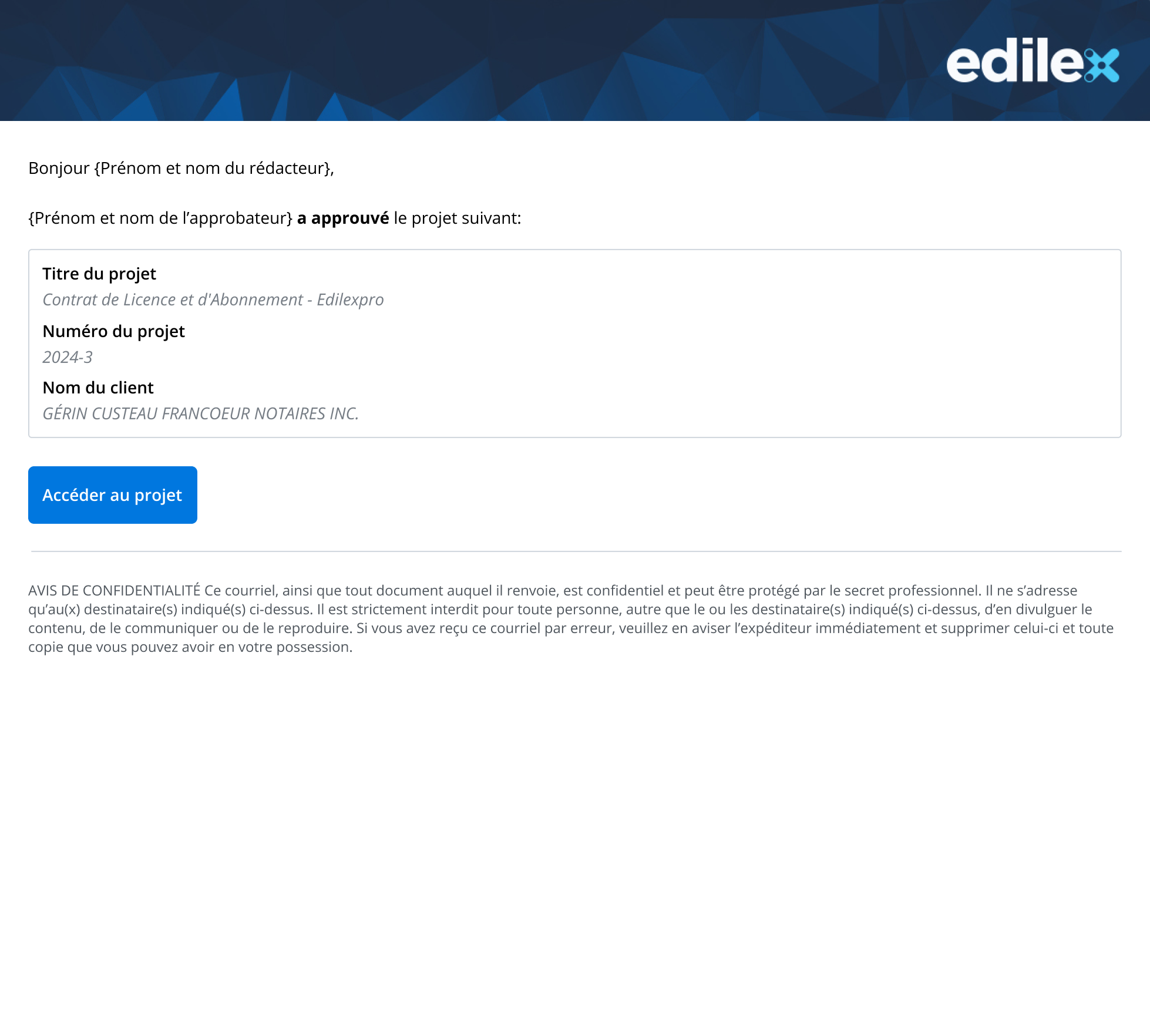
With each approval, for each tier, when one of the approval groups approves the project, an email notification is automatically sent to the project manager, informing them of the progress of the approval process. The notification includes the following information:
-
The drafter's first and last name;
-
The approver's first and last name;
-
The details of the project to be approved;
-
The Access the project button.