
Save a Project as a Custom Template
-
Create a project;

-
Make all modifications required to customize the template;
-
Click on Save as Custom Template from the project management toolbar;

-
Name and describe your custom template to better identify it;
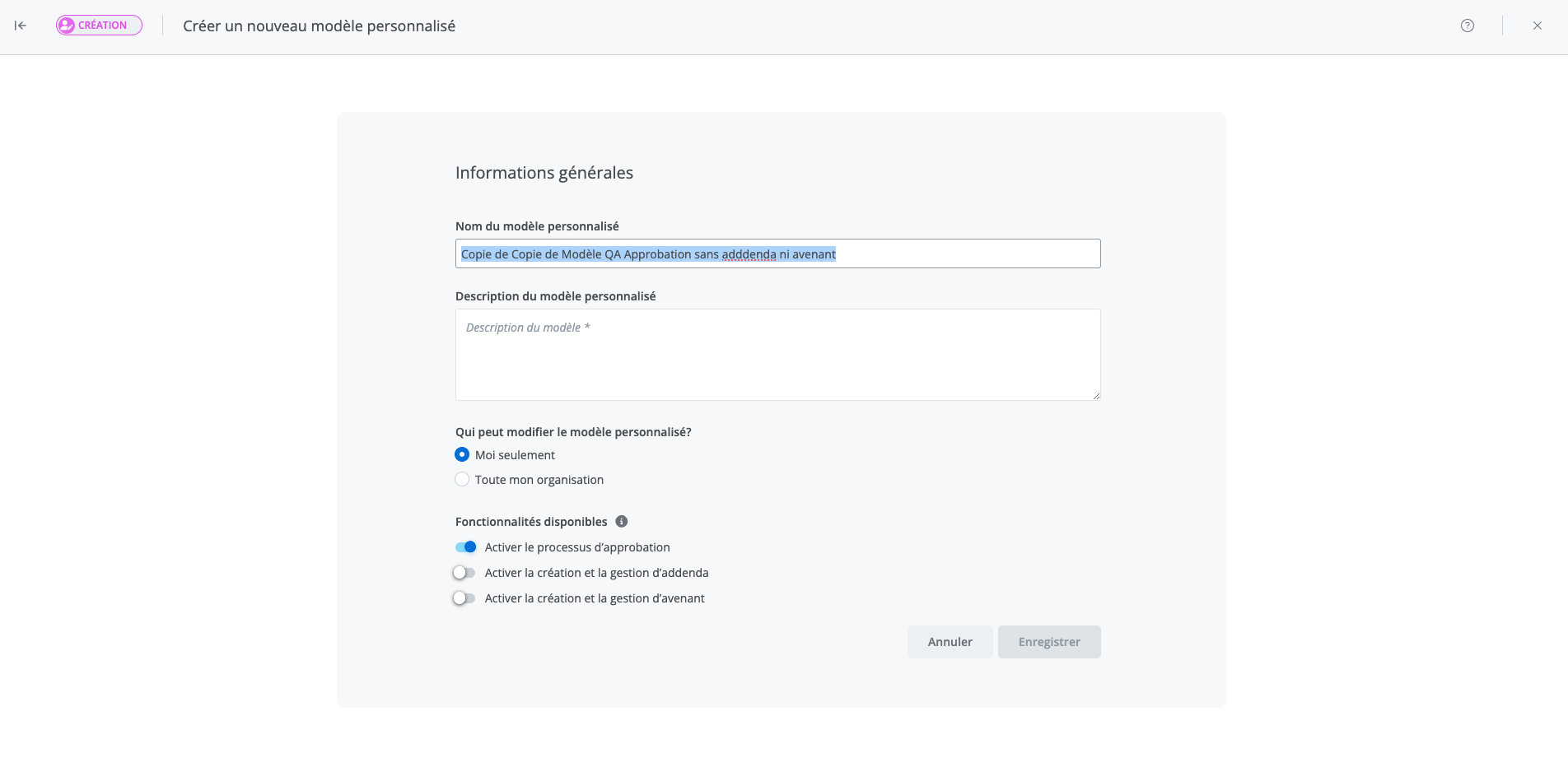
Note: All documents included in the template are saved when you create a custom template.
What happens when you save a project as a custom template?
-
The system saves the choices and field values, except for dates.
-
The system saves new content created directly within the project.
-
The system publishes the variants found in the project.
Related articles
What customizations are saved when saving a custom template?
Where can I find custom templates in the software?