
Description of the Feature
An export template is used to define the properties (such as the table of contents, numbering, etc.) of the file format (Word or PDF) that will be created following the export of the document.
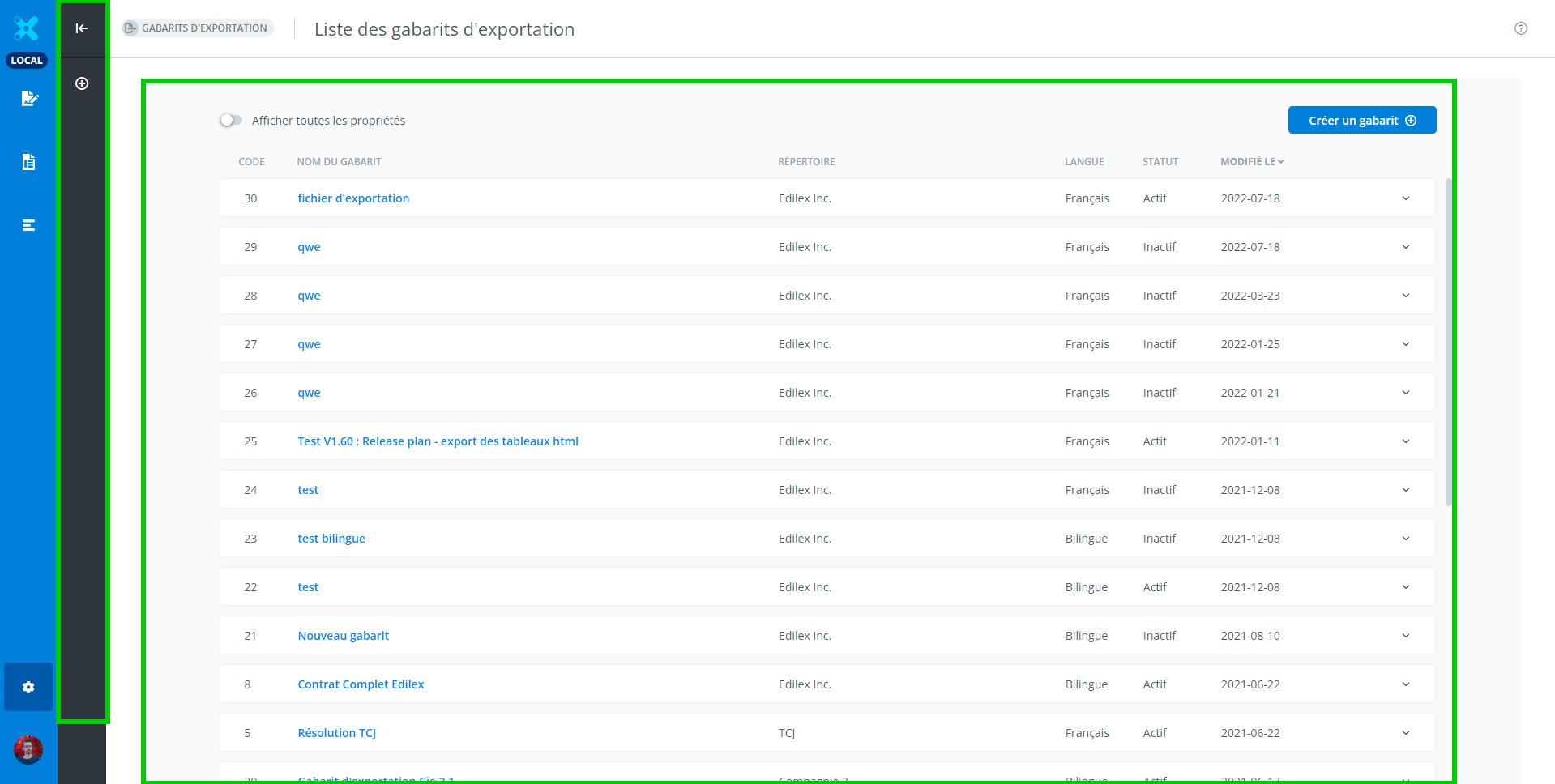
List of export templates
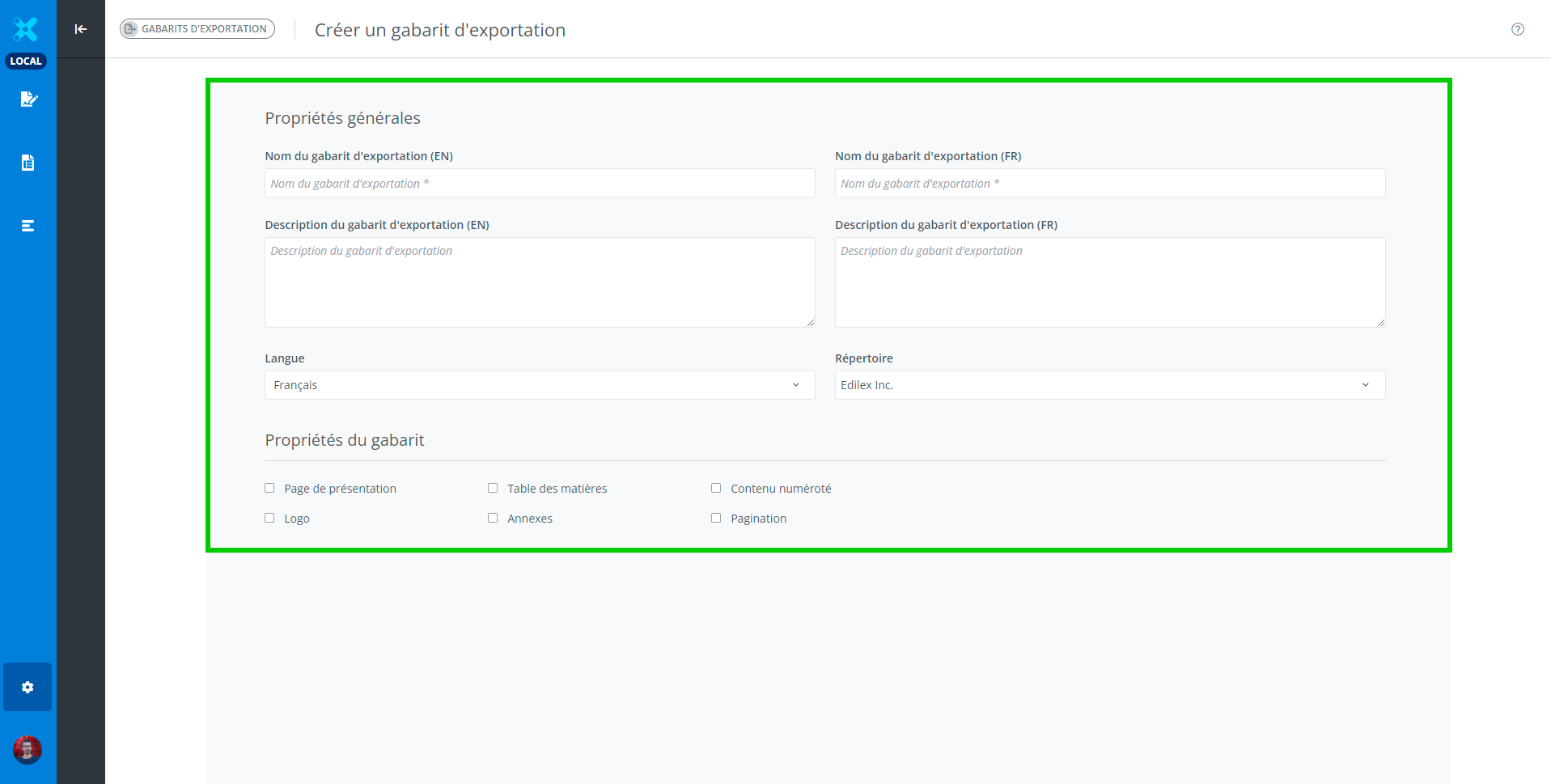
Create an export template
Access to Feature
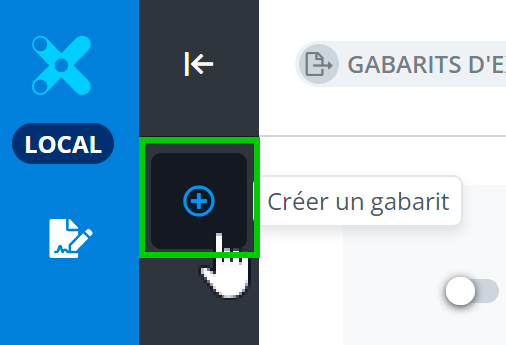
The button to access the export template creation window is located in the features bar (in dark gray), on the left side of the screen.
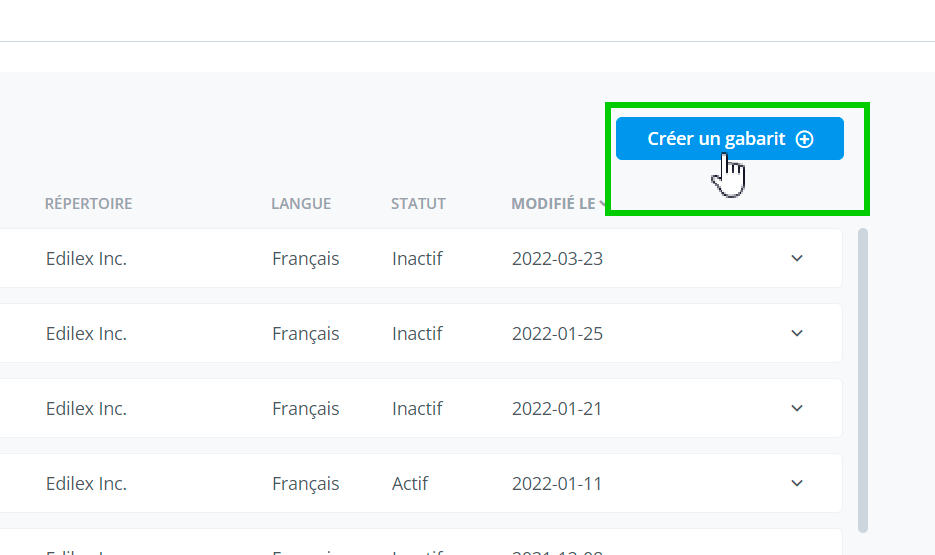
OR at the top of the export templates list, on the right side of the screen.
-
Access the export templates module;
-
Click on Create a template in the features bar or on the button above the list;
-
Fill in the required information;
-
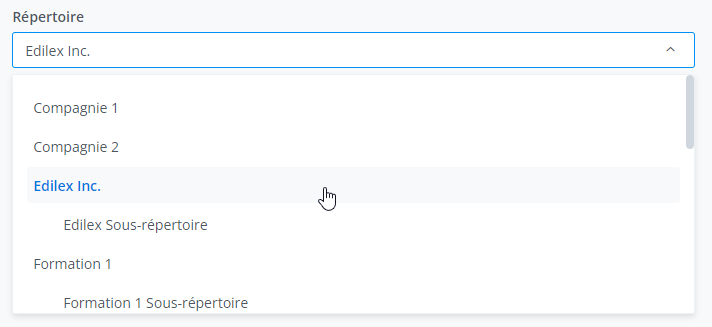
Select the repository in which the template will be created.
-
After filling in all the requested information, click the create button to complete the process (or the cancel button to start over).
Important Notice
-
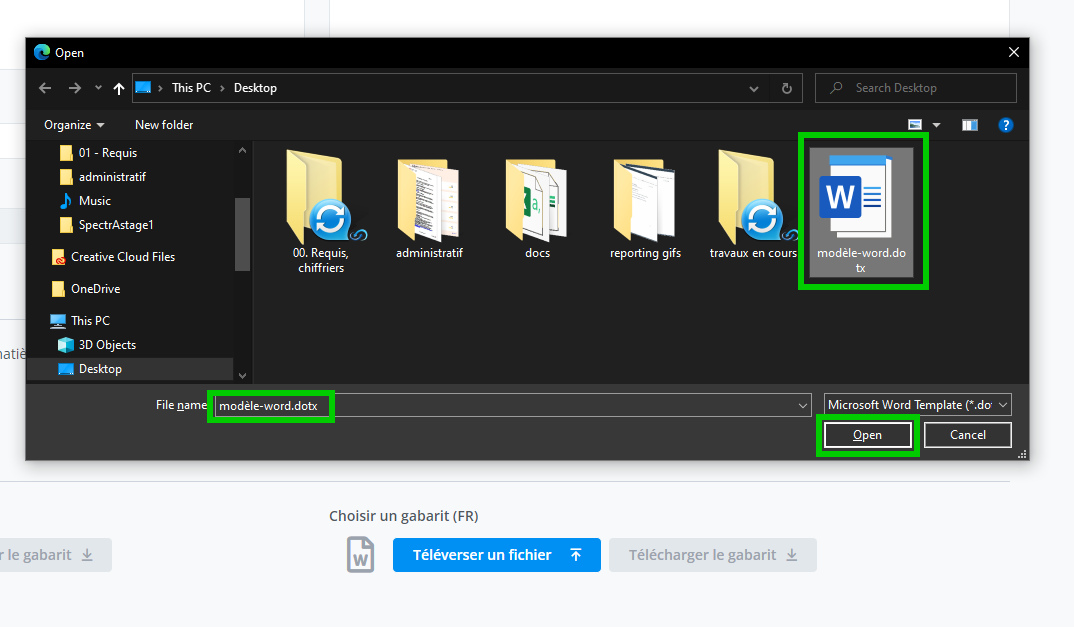
The export template is not yet active, as it is mandatory to upload a reference file (a-word-template.dotx);
-
After uploading the Word template, the template is active and can be used in the application.
Warning
The repository cannot be modified after creation.
Who can use this feature?
✅ Template Programmer Profile
✅ Template Programmer Profile - Customized
Legal Drafter Profile
Legal Drafter Profile - Customized
Corporate Drafter Profile
Reader Profile