Summary Description of the Feature
The Roles and Permissions window allows you to manage the properties, visibility, and permissions associated with a role.
Access to Feature
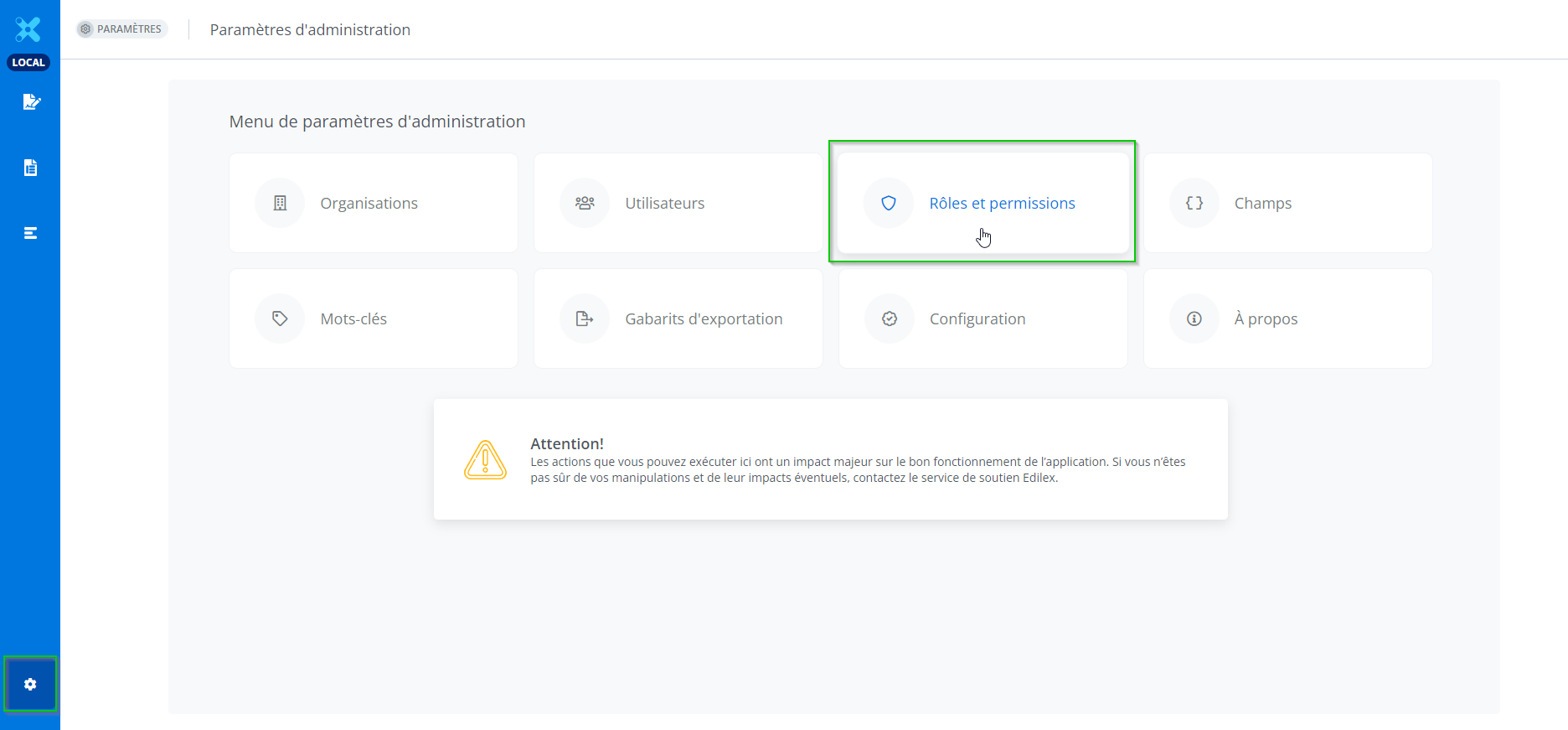
Access the feature by clicking Roles and Permissions from the Administration settings menu.
Detailed Description of the Feature
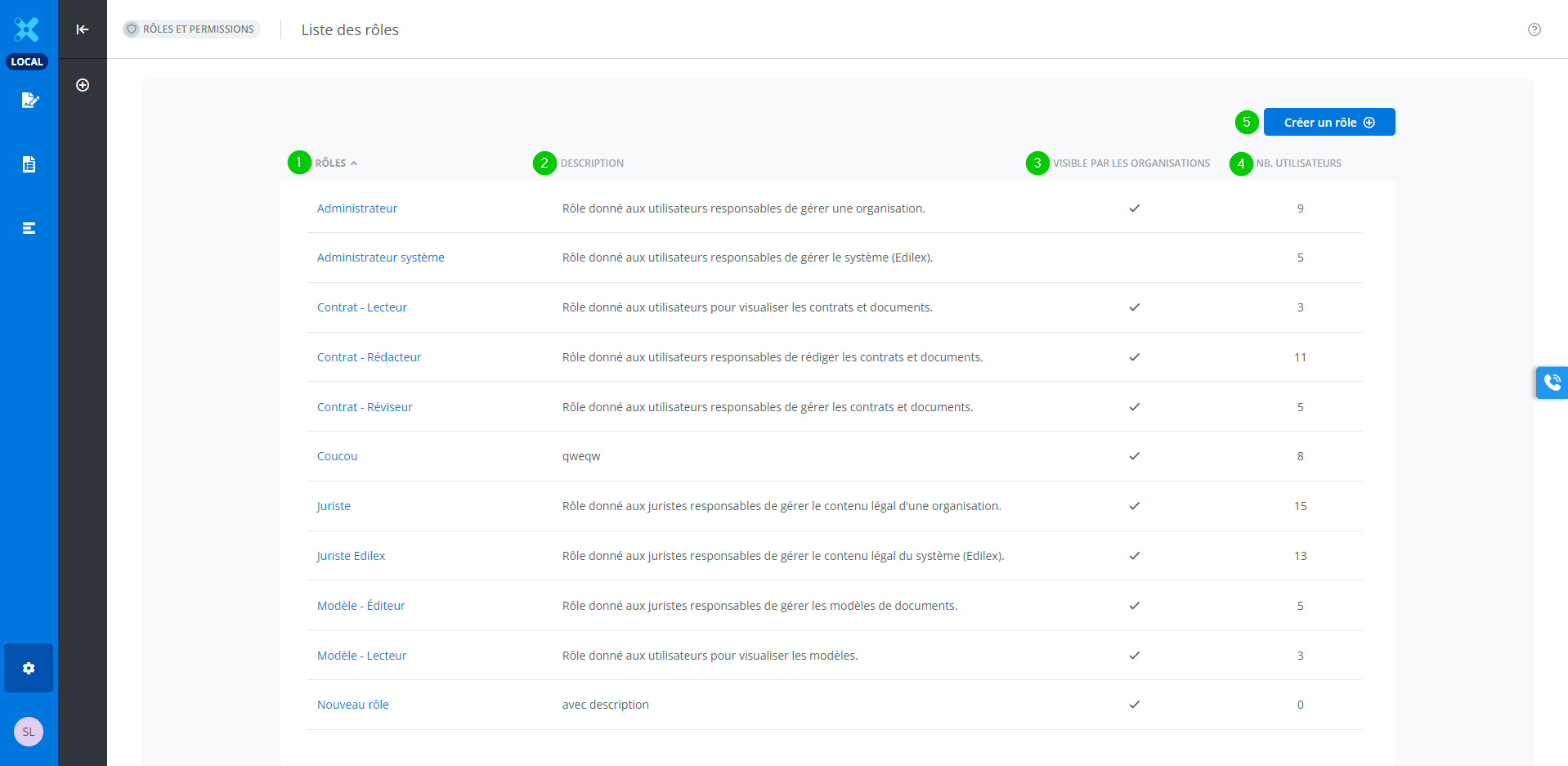
The Roles and Permissions window contains a list of the different roles, including the following elements:
-
The name of the roles;
-
A brief description of the roles;
-
Visible py organizations
-
Number of users for that role.
-
A Create a Role button.
The Create a Role button is only available to an Edilex System Administrator.
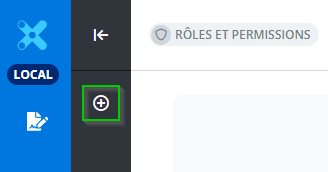
The Create a Role button is also available from the Features toolbar.
You can sort the role, description, and number of users columns by clicking the arrow to the right of the column title.