
Description of the Feature
The list of organizations lets you view all the organizations registered on Edilex, as well as add new organizations.
Access to Feature
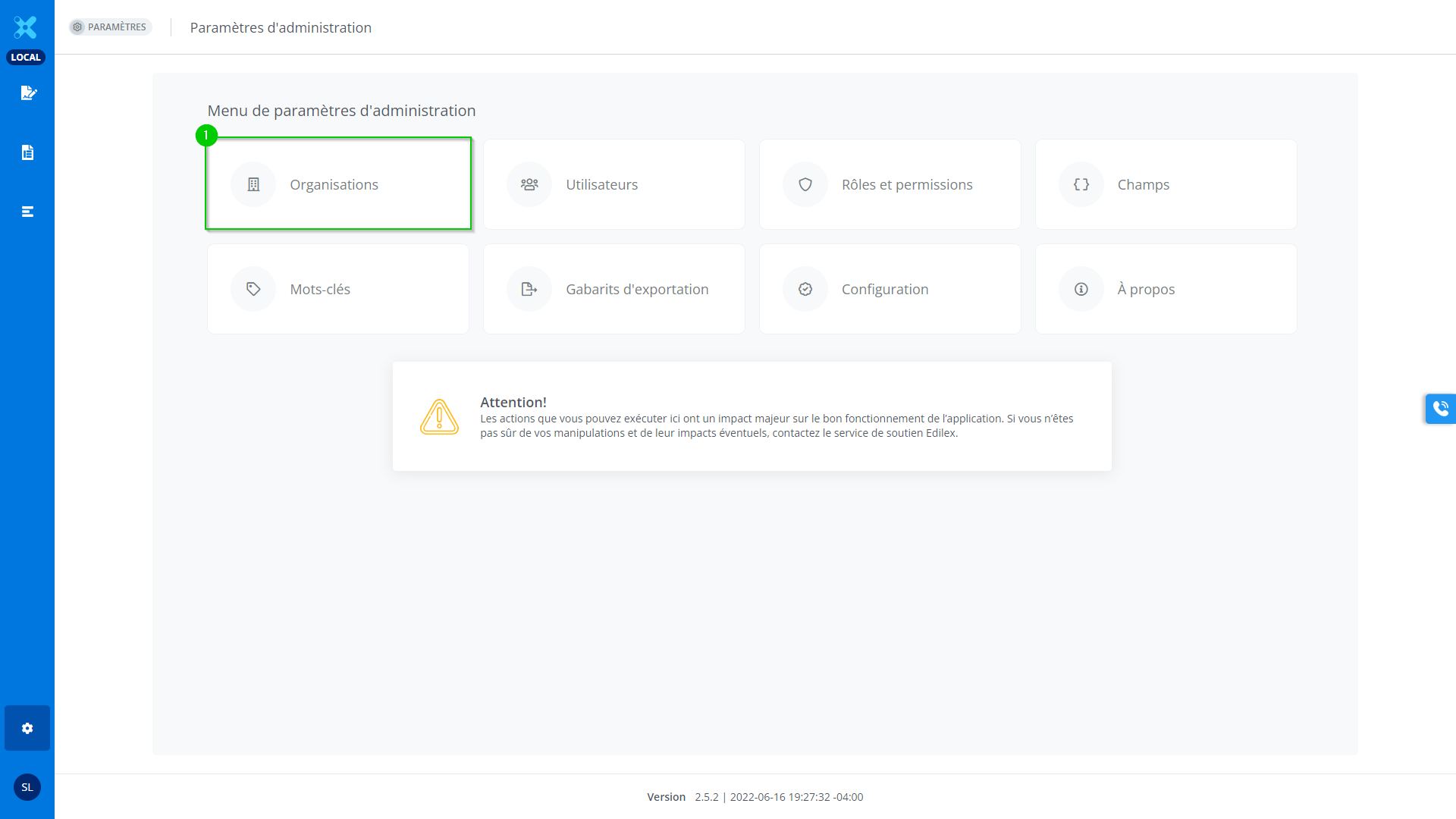
In the Administration settings menu, click on:
-
Organizations
Detailed Description of the Feature
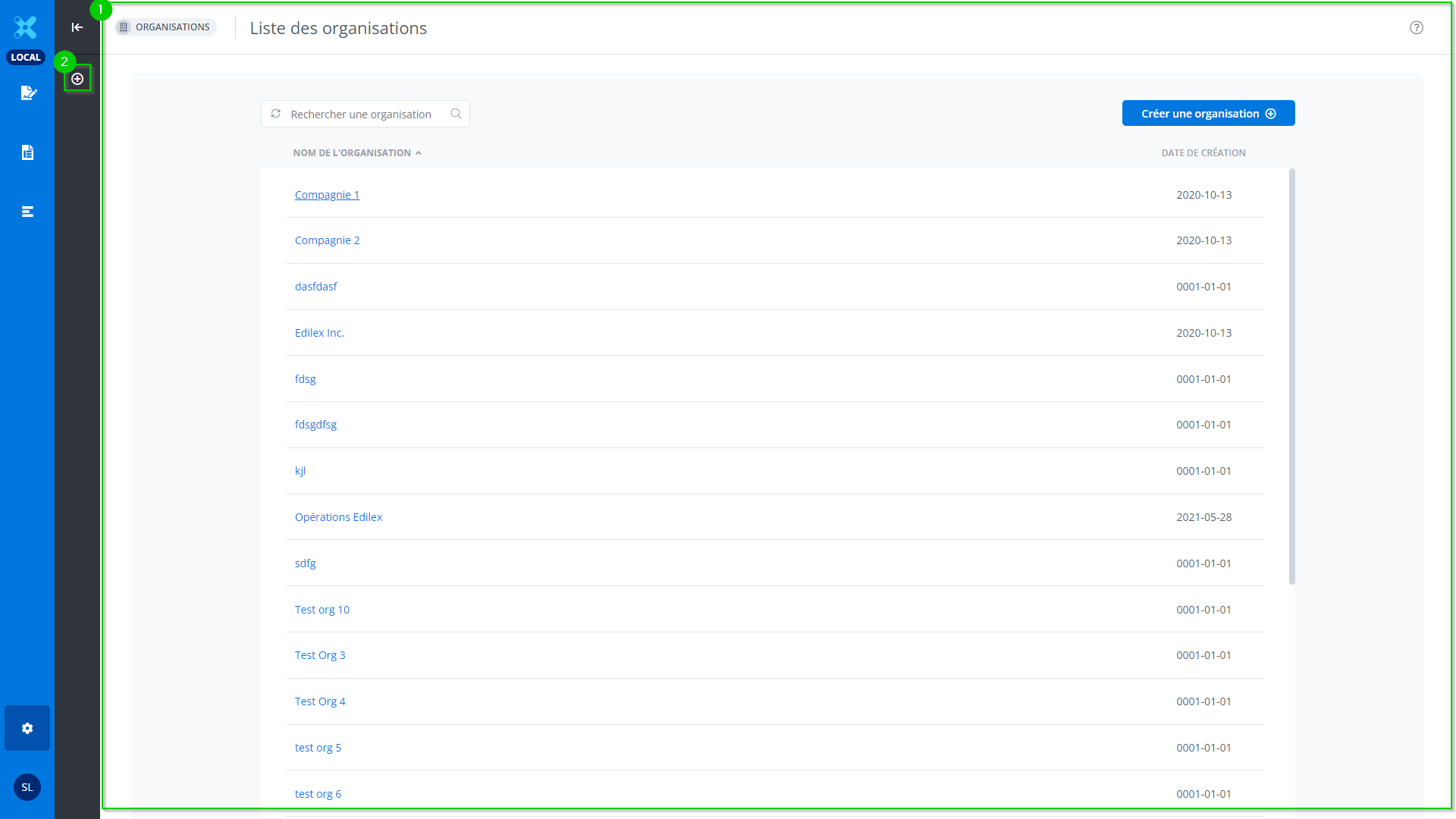
This window displays the list of organizations found in the application. It is divided into two tabs.
-
The list of organizations on the application.
-
The creation of an organization.
The list of organizations on the application.
This page displays the list of organizations registered in the application.
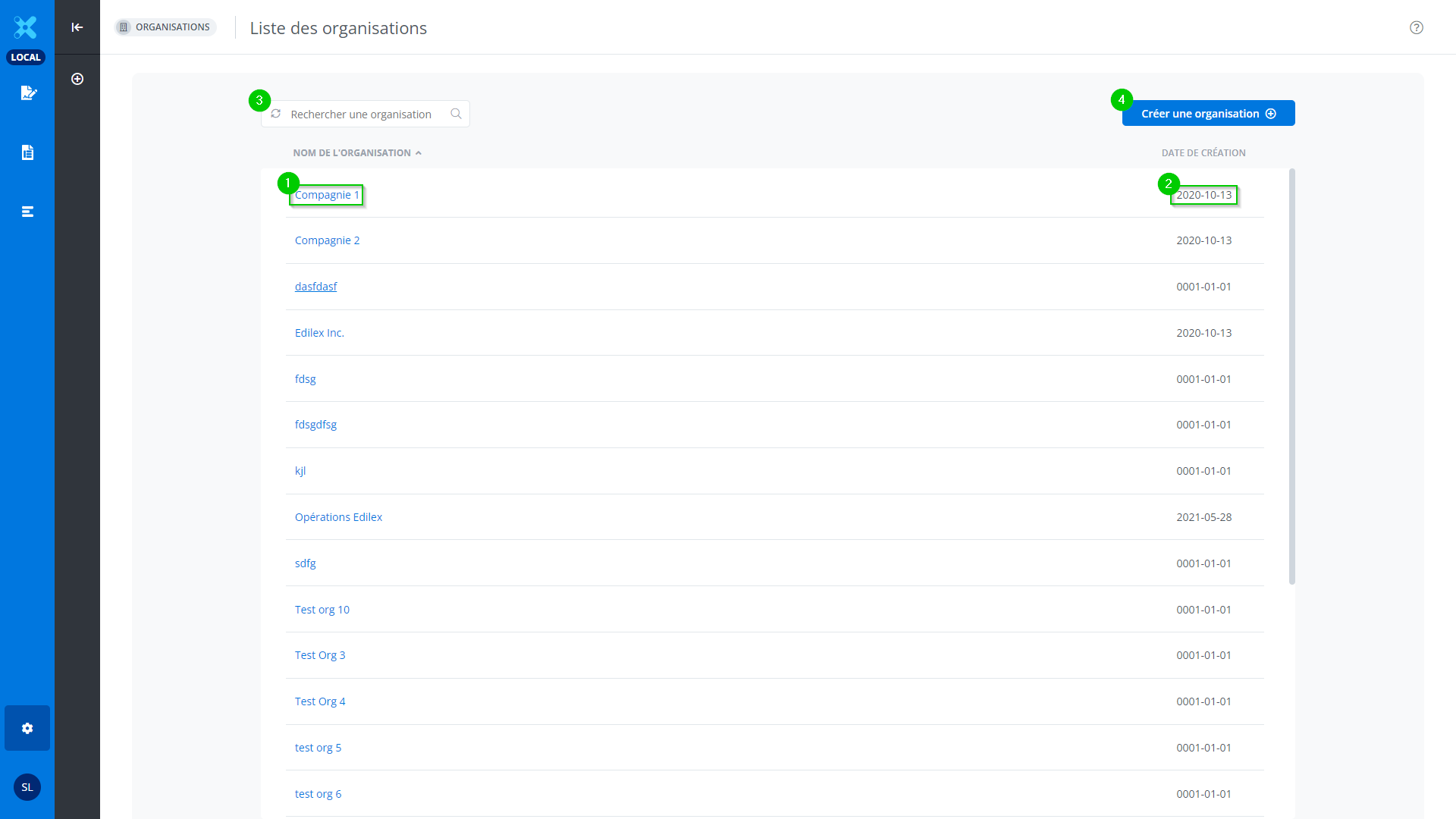
It contains the following information:
-
Name of the organization
-
Date organization was created
A search for organizations (3) is available, as well as an option to create an organization (4).
The creation of an organization
See https://edilexpro.atlassian.net/wiki/pages/resumedraft.action?draftId=5079072.
Available only to system administrators.