Description of the Feature
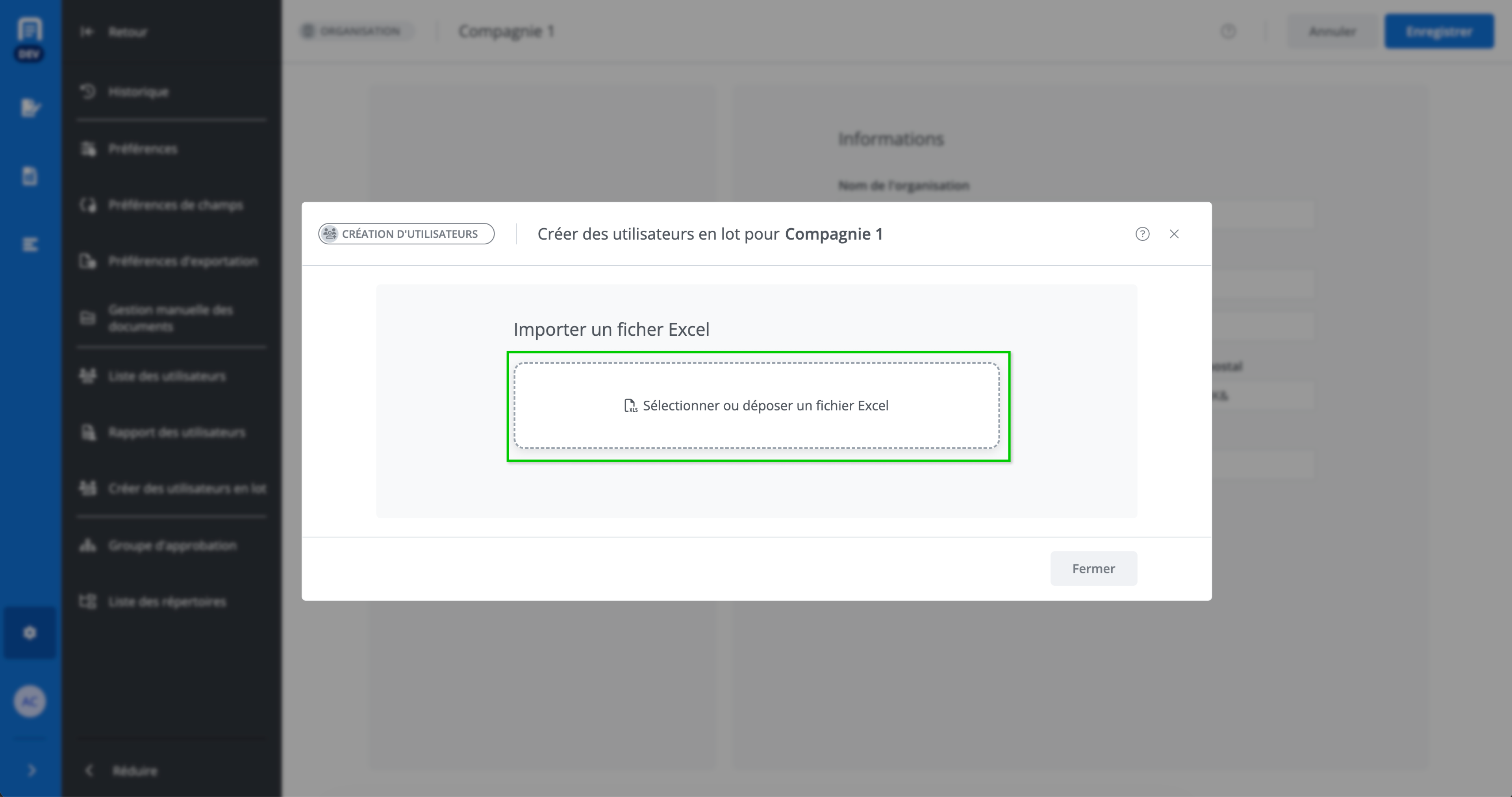
This window allows you to import an Excel file containing a list of users, by dragging and dropping it, in order to create multiple users in a single operation for an organization.
Access to Feature
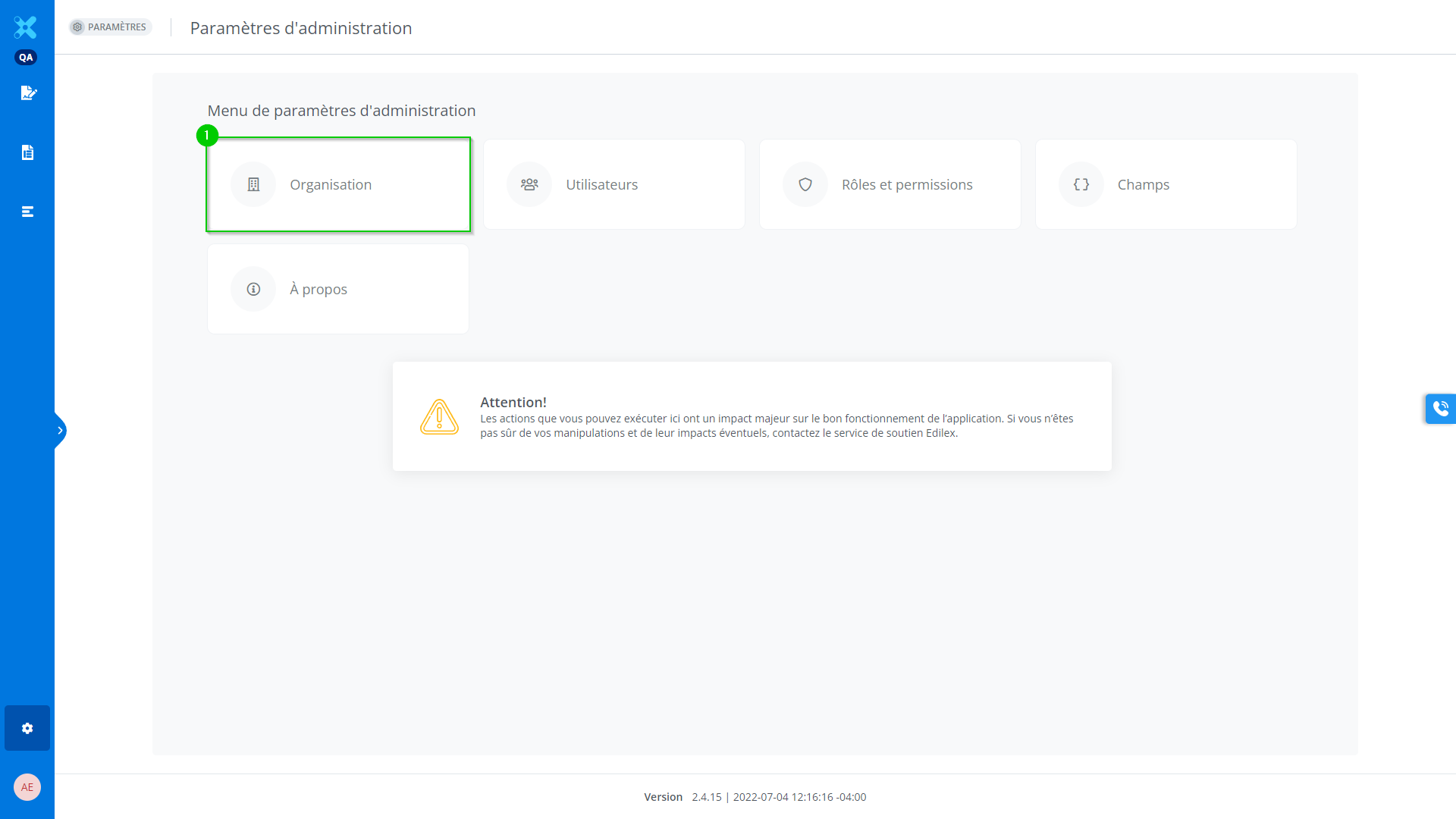
In the case of an administrator of an organization, go to the Administration settings menu and click on Organization.
-
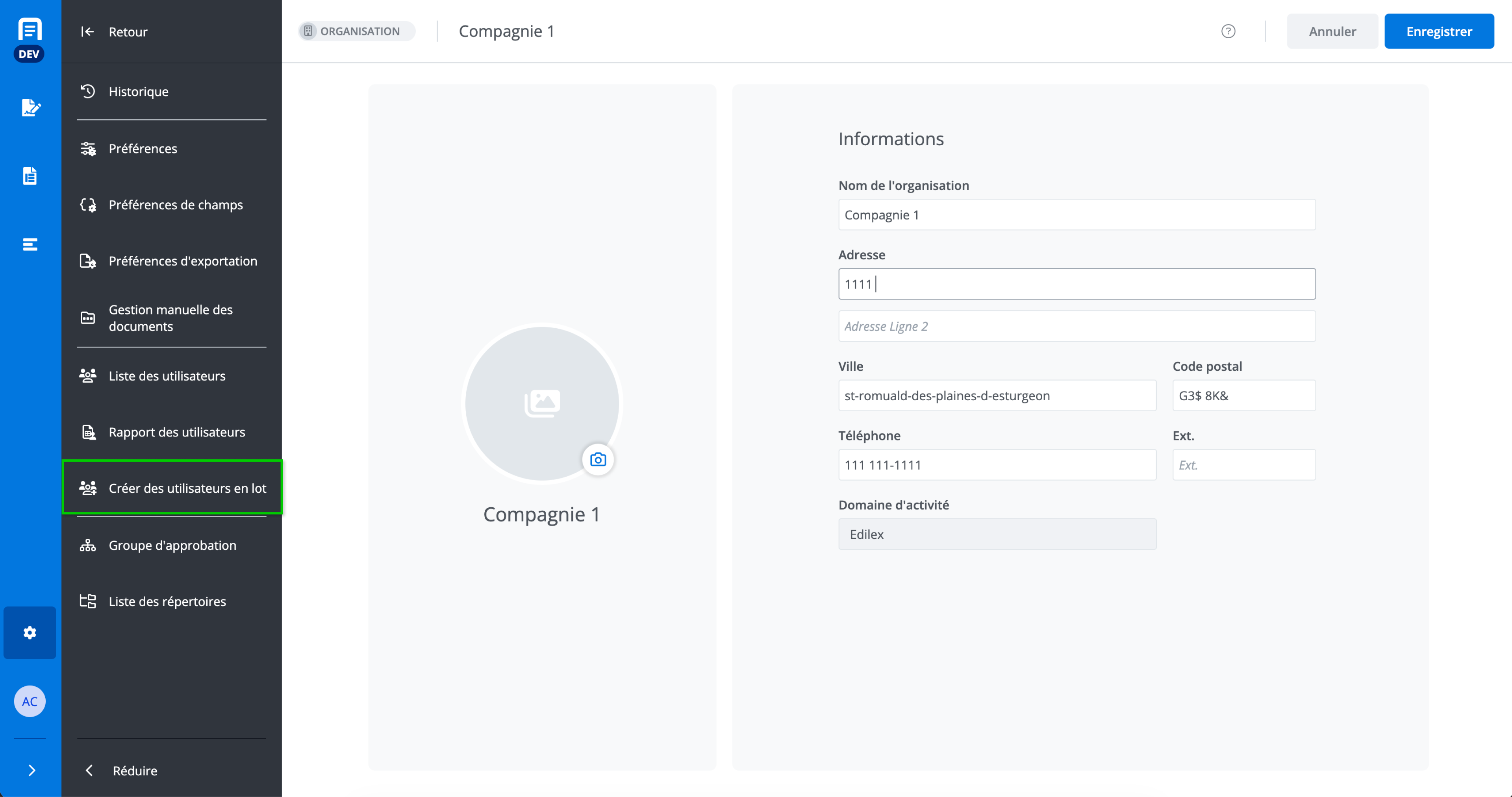
Then, in the navigation menu, click on Create users in bulk.
-
Finally, simply select or drop an Excel file.