
Description of the feature
It is possible to modify certain properties of a field after it has been created.
Access to feature
To access the field editing page, click the name of a field from the list of fields available in the settings.
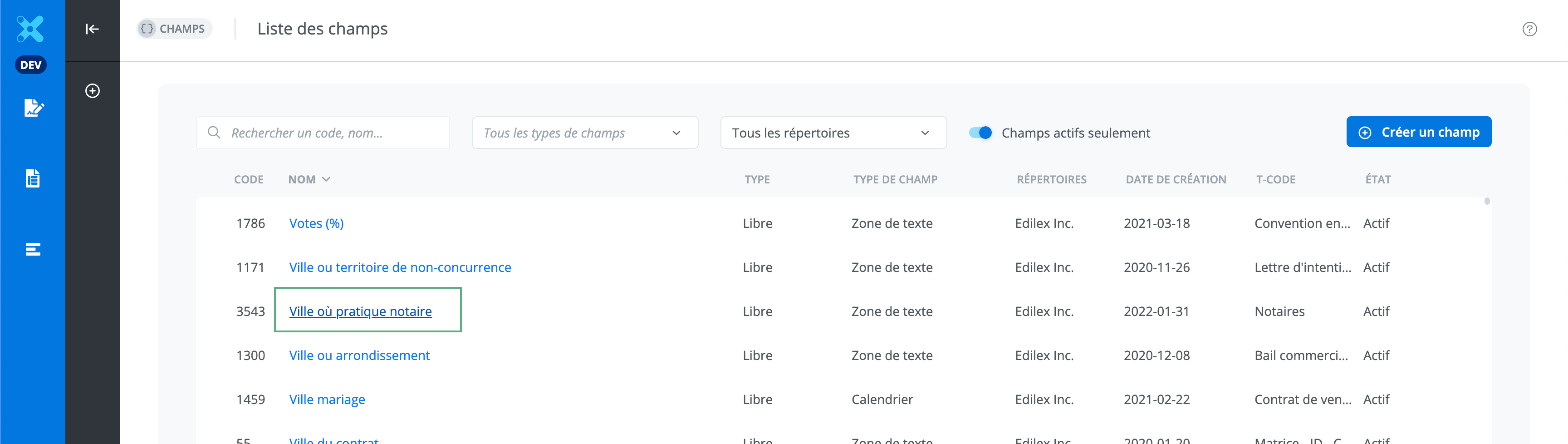
Modify a field
To modify a field, simply make the desired changes directly on the editing page. Click the appropriate button to save or cancel the changes.
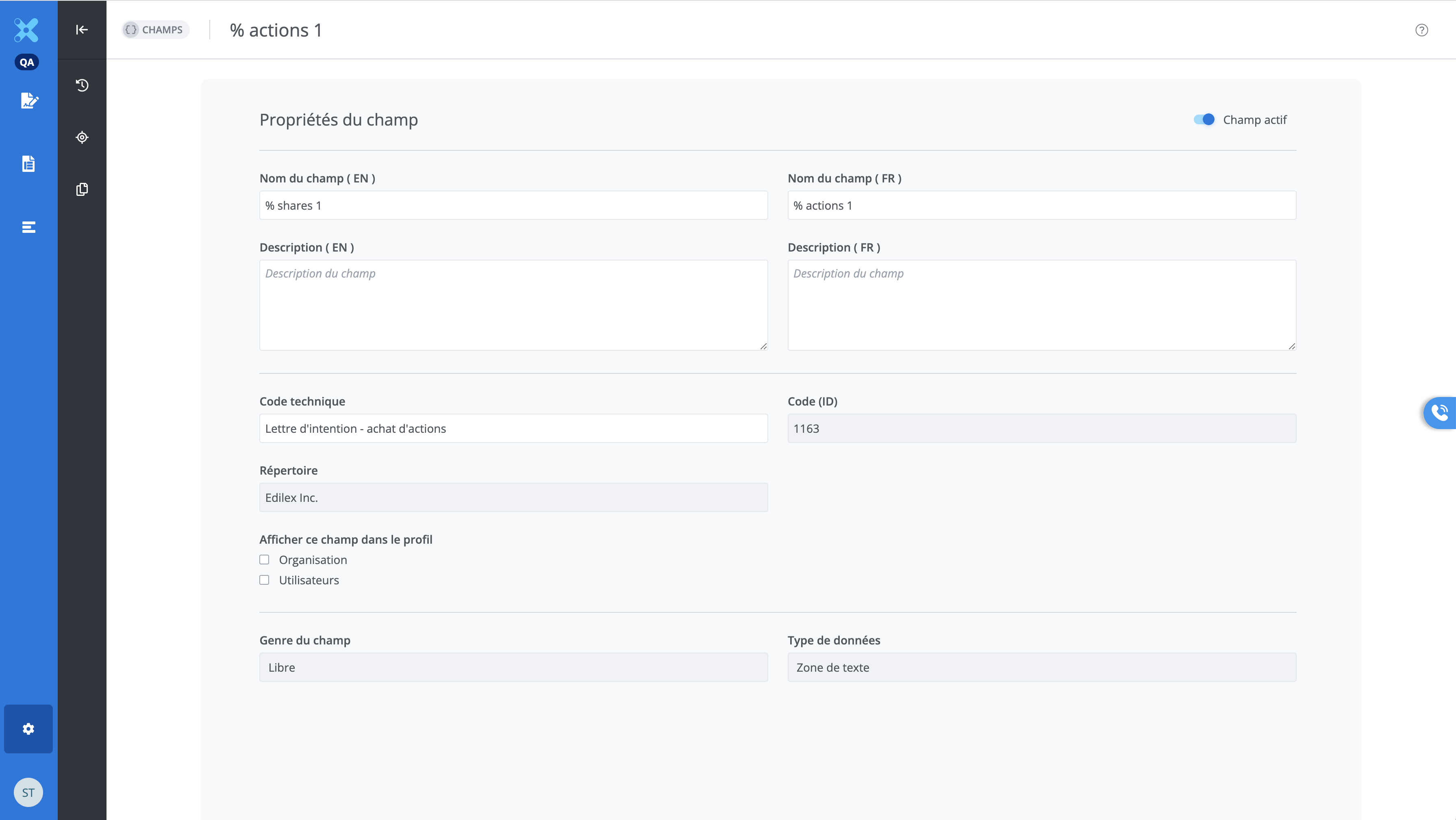
Field modification page
All properties of a field can be modified after field creation, except for the following:
-
Repository
-
Code
-
Input mode
-
Field type
"Drop-down list” field
For drop-down list fields, you can reorder the values by selecting the icon in the center and moving the value before or after another value.



It is also possible to add new values (1) or delete a value (2).
