
Creating a tag allows you to specify the nature of the content and distinguish it from other content elements that may seem similar.
Access to Feature
-
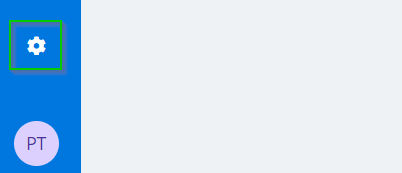
Access Settings in the blue menu at the bottom left of your screen.
-
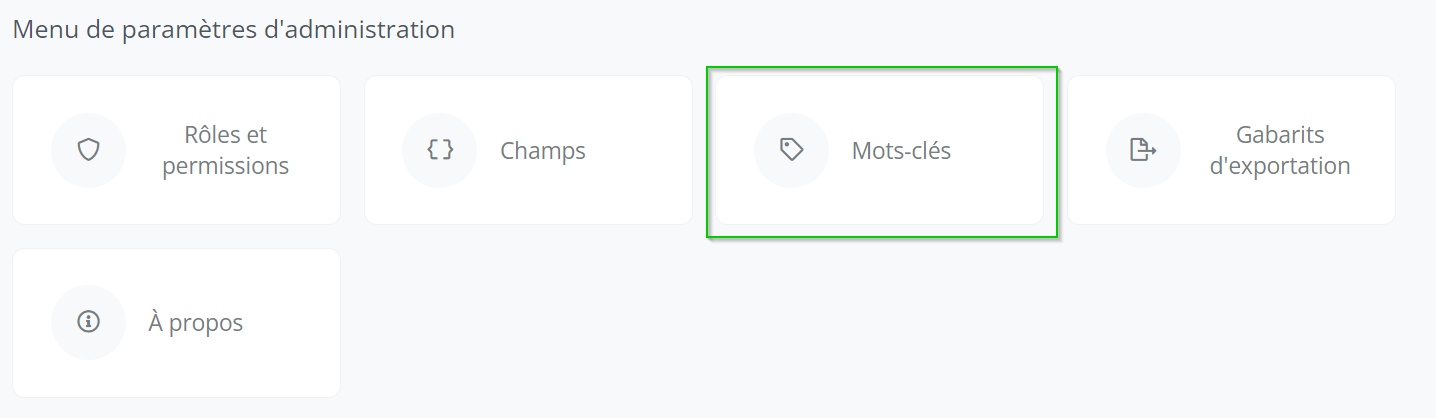
Click on the Tags icon.
Create a Tag
-
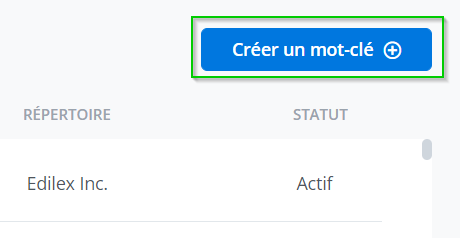
Click "Create a tag" (in blue) at the top right of your screen.
-
Enter the tag in both languages.
-
Enter one or more synonyms for your tag (optional) by writing the appropriate synonym in the text box, in both languages.
-
Click on the + to add synonym.

-
Repeat steps 3 and 4 for each synonym you wish to add.
-
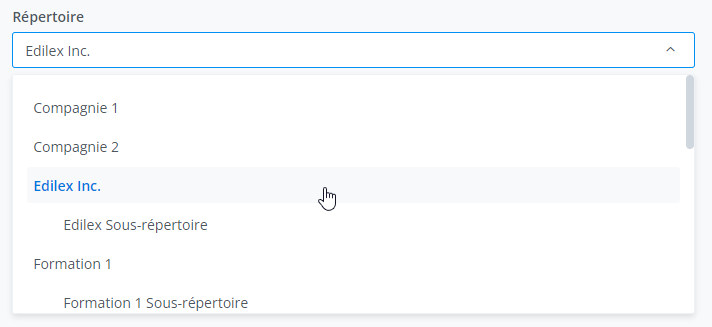
Select the repository in which the tag will be created.
-
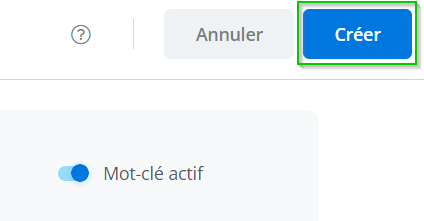
Click "Create" at the top right of your screen to create the tag.
Important Notice
Tags must be created in both languages (French and English).
Warning
-
Be sure to check whether the tag you are about to create is not already present in the database.
-
Make sure that the synonyms entered are not already a tag in the database.
-
The repository cannot be modified after creation.