
Access to Feature
-
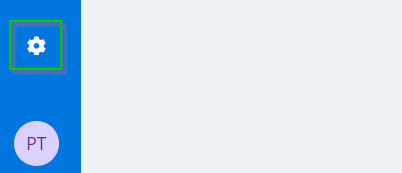
Access Settings in the blue menu at the bottom left of your screen.
-
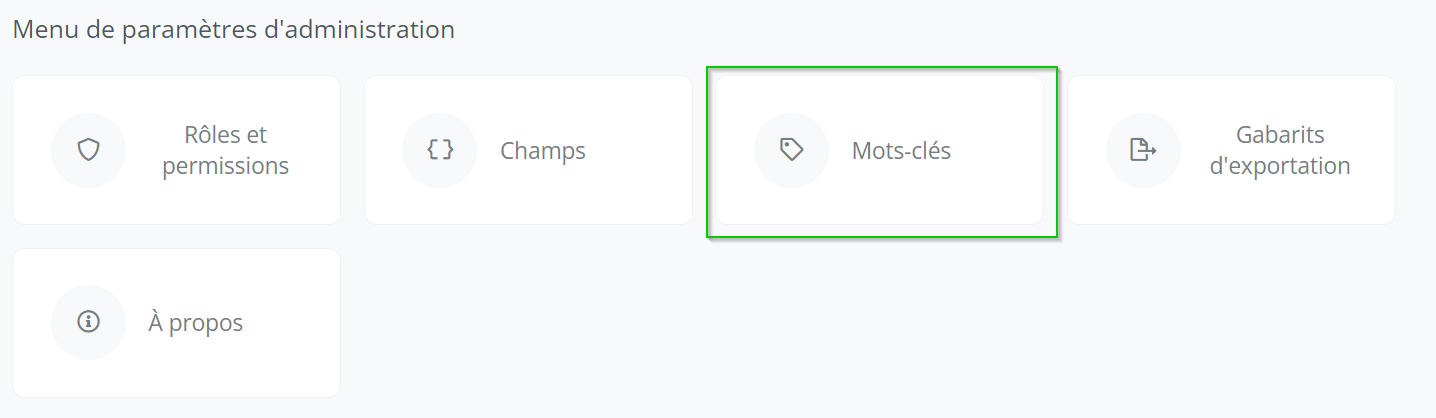
Click on the Tags icon.
Modify a Tag
-
Seach for a tag in the search bar.

-
Click the tag you want to edit.
-
Modify the desired information.
-
Click on "Save" at the top right of your screen to save your changes.
Warning
-
Be sure to check whether the changes made were done in both languages.
-
The repository cannot be modified after creation.