
For an Organization
-
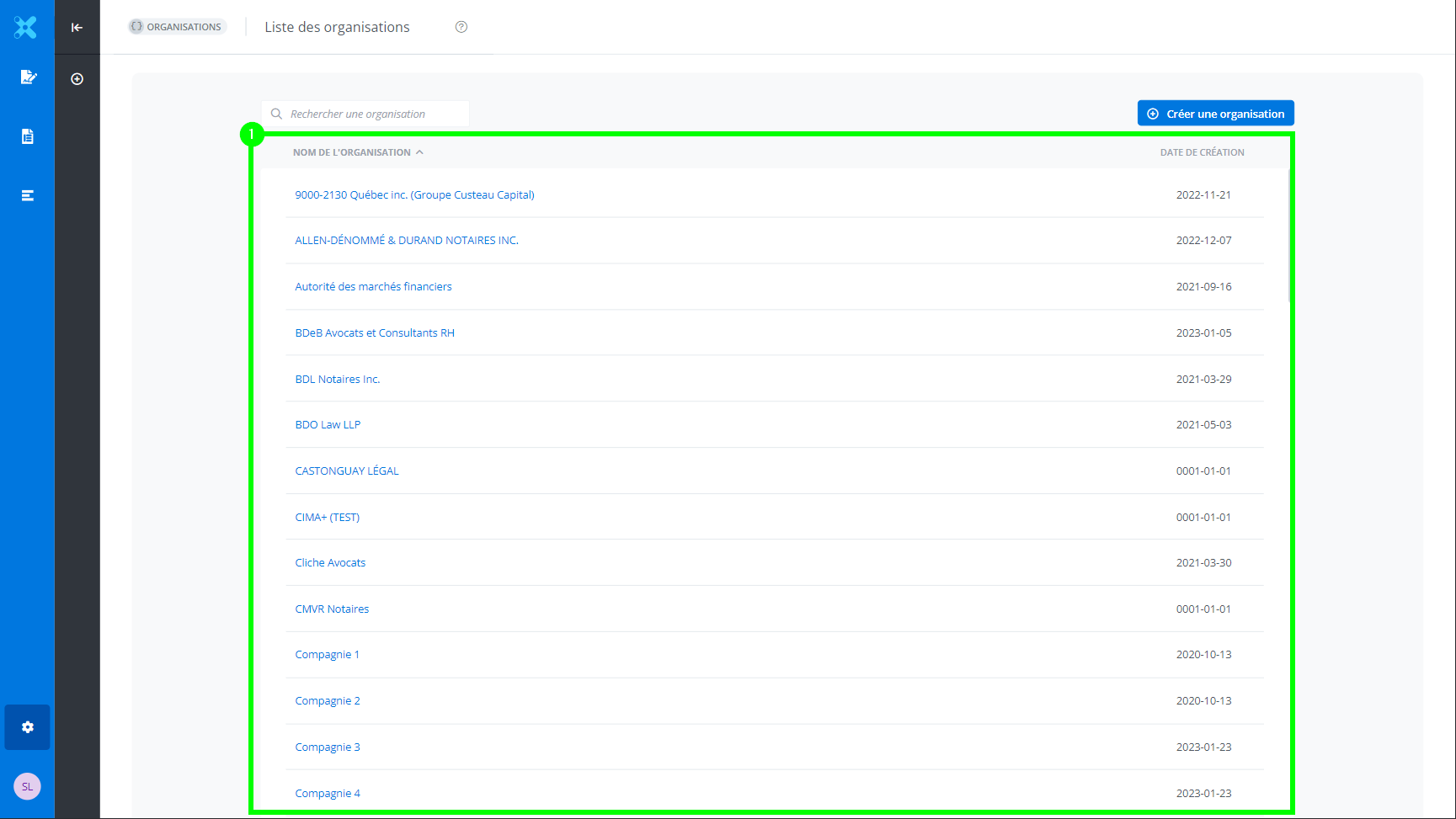
From the list of organizations, select the desired organization (1).
-
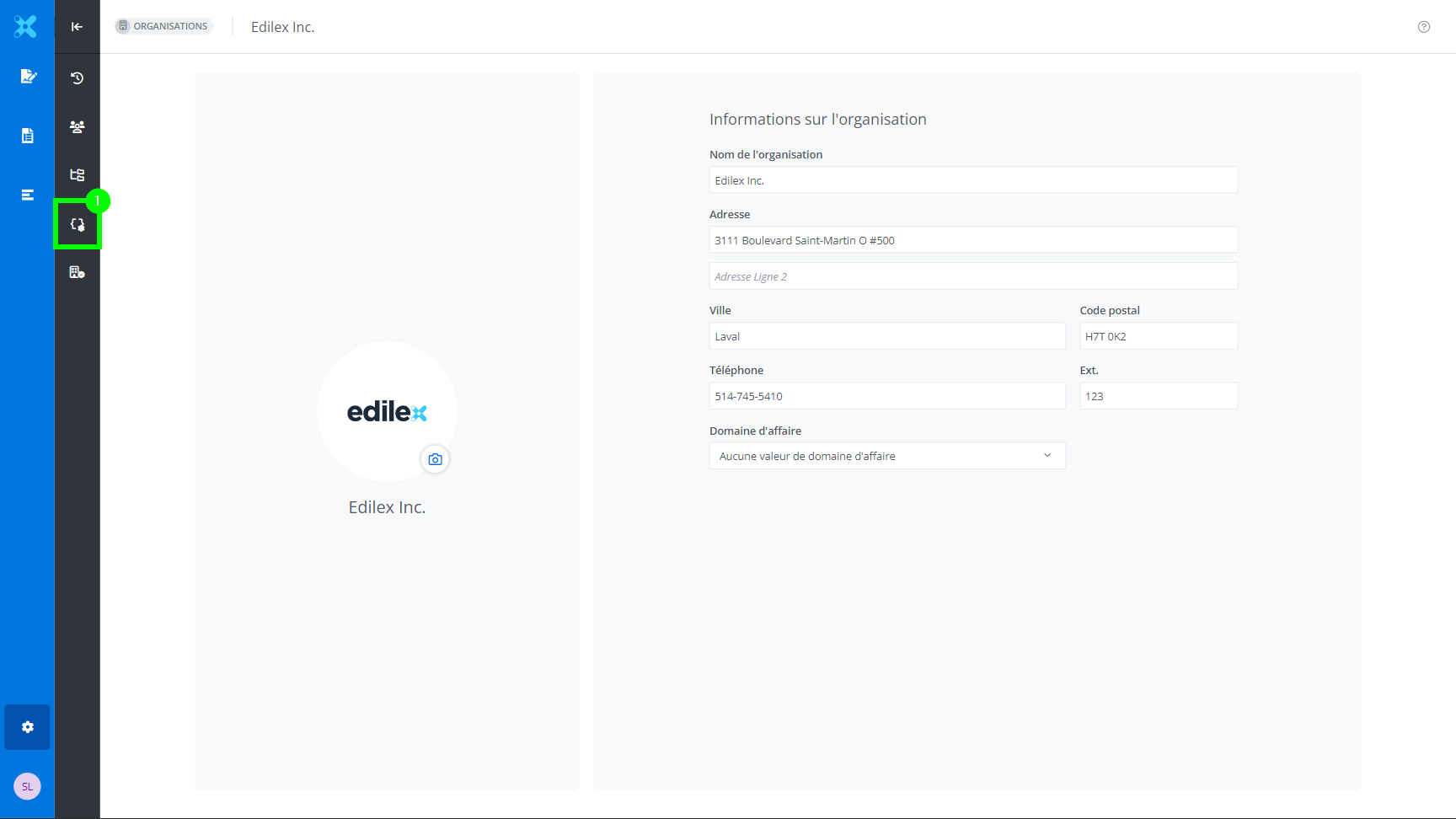
From the selected organization’s information, select Field preferences (1).
-
3. Select the preference for which you need to assign values to the fields.
Assign the values to the fields.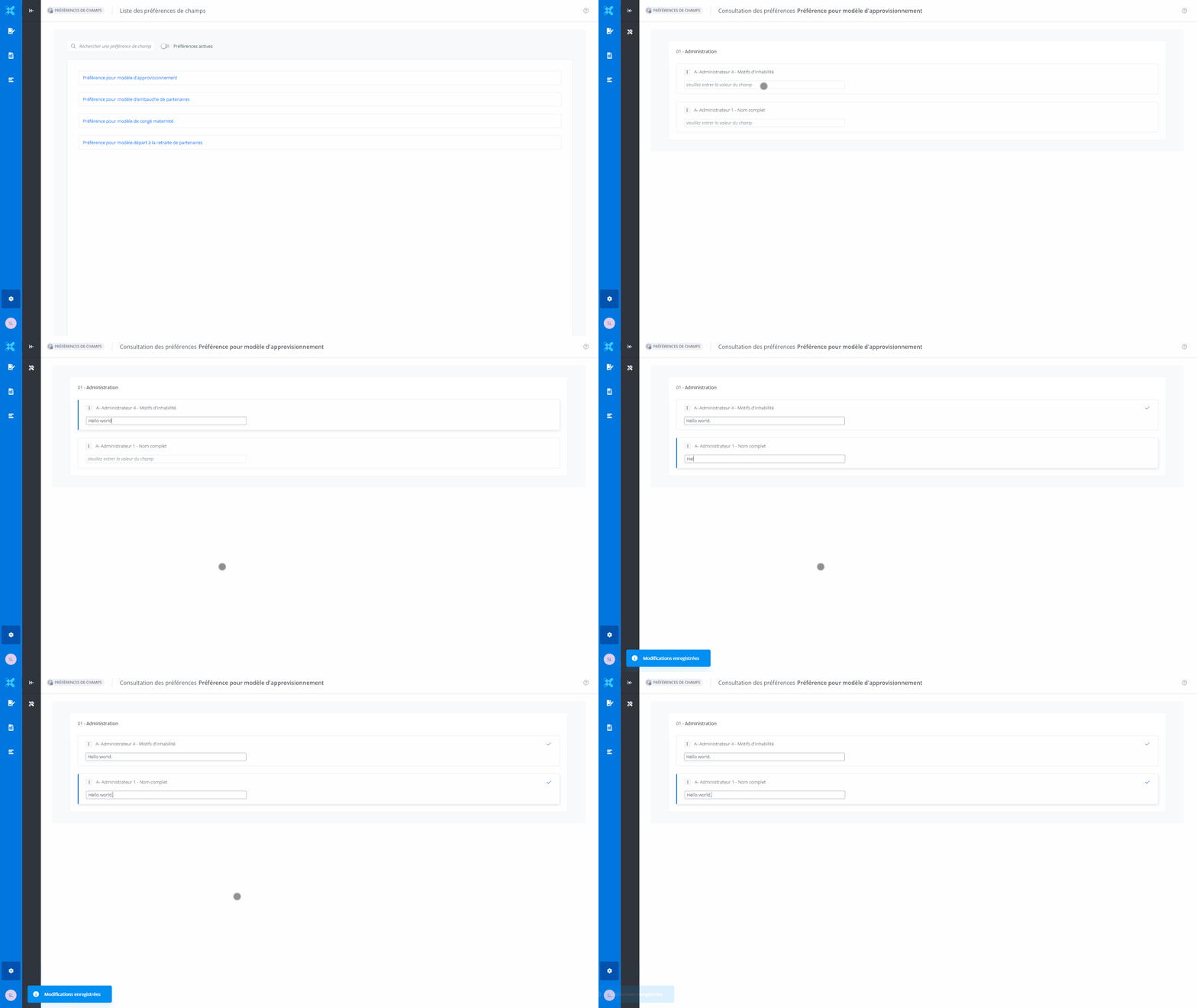
For a user
-
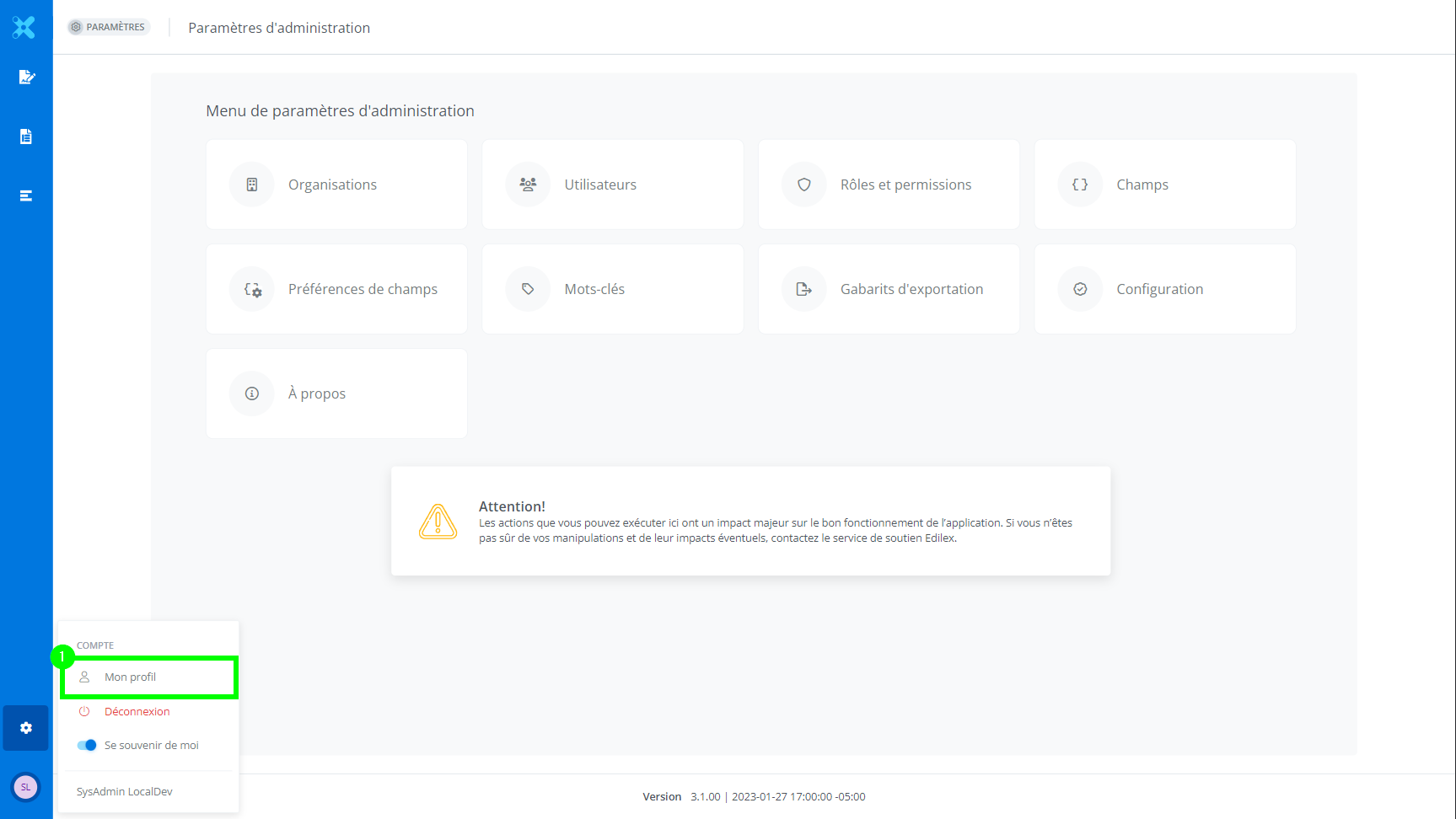
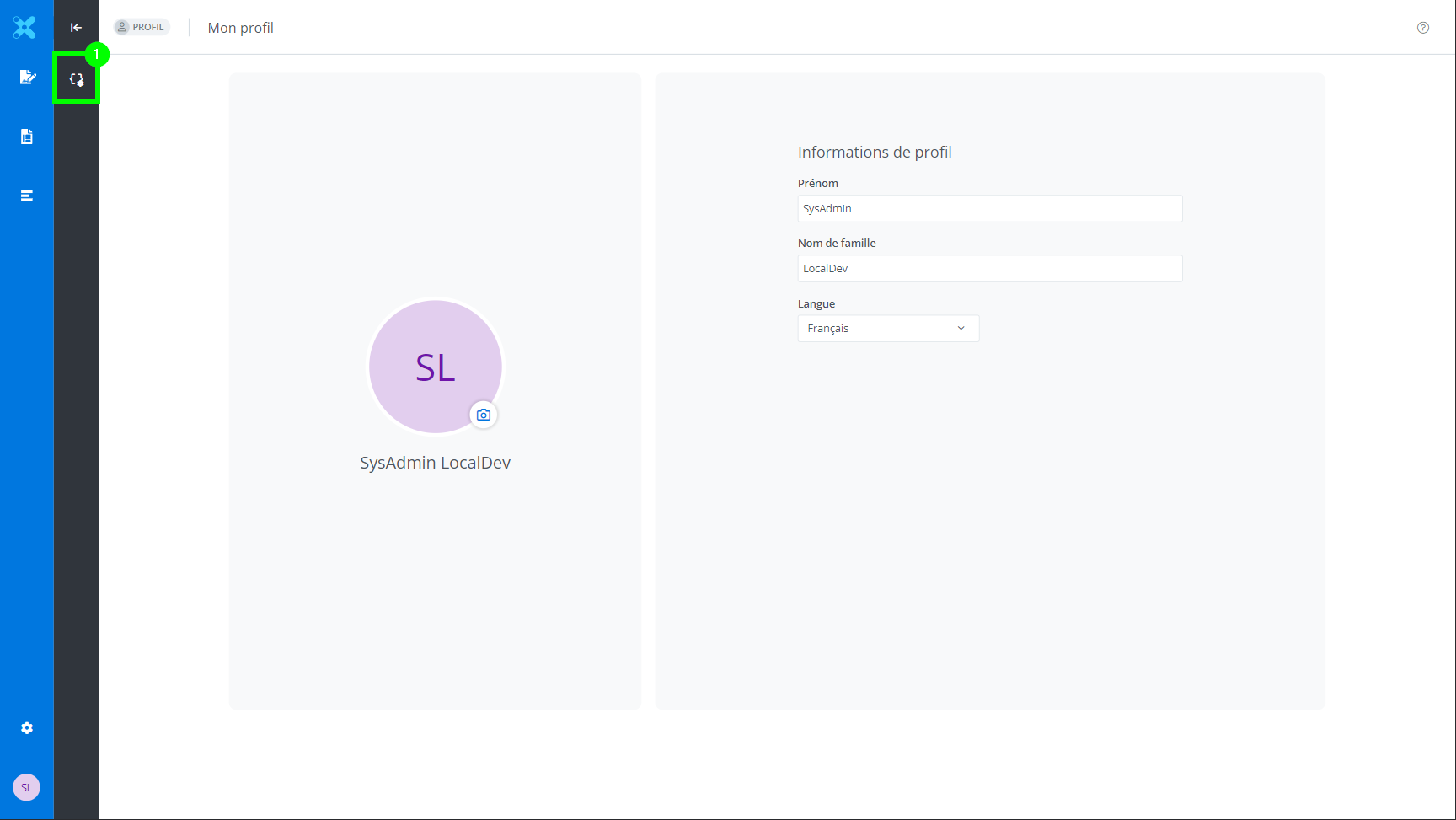
From My profile (1).
-
Click Filed preferences (1) in the menu.
-
Select the preference for which you need to assign values to the fields.
Assign the values to the fields
Note that it is possible to remove a default value. Simply clear the field of its value.