
-
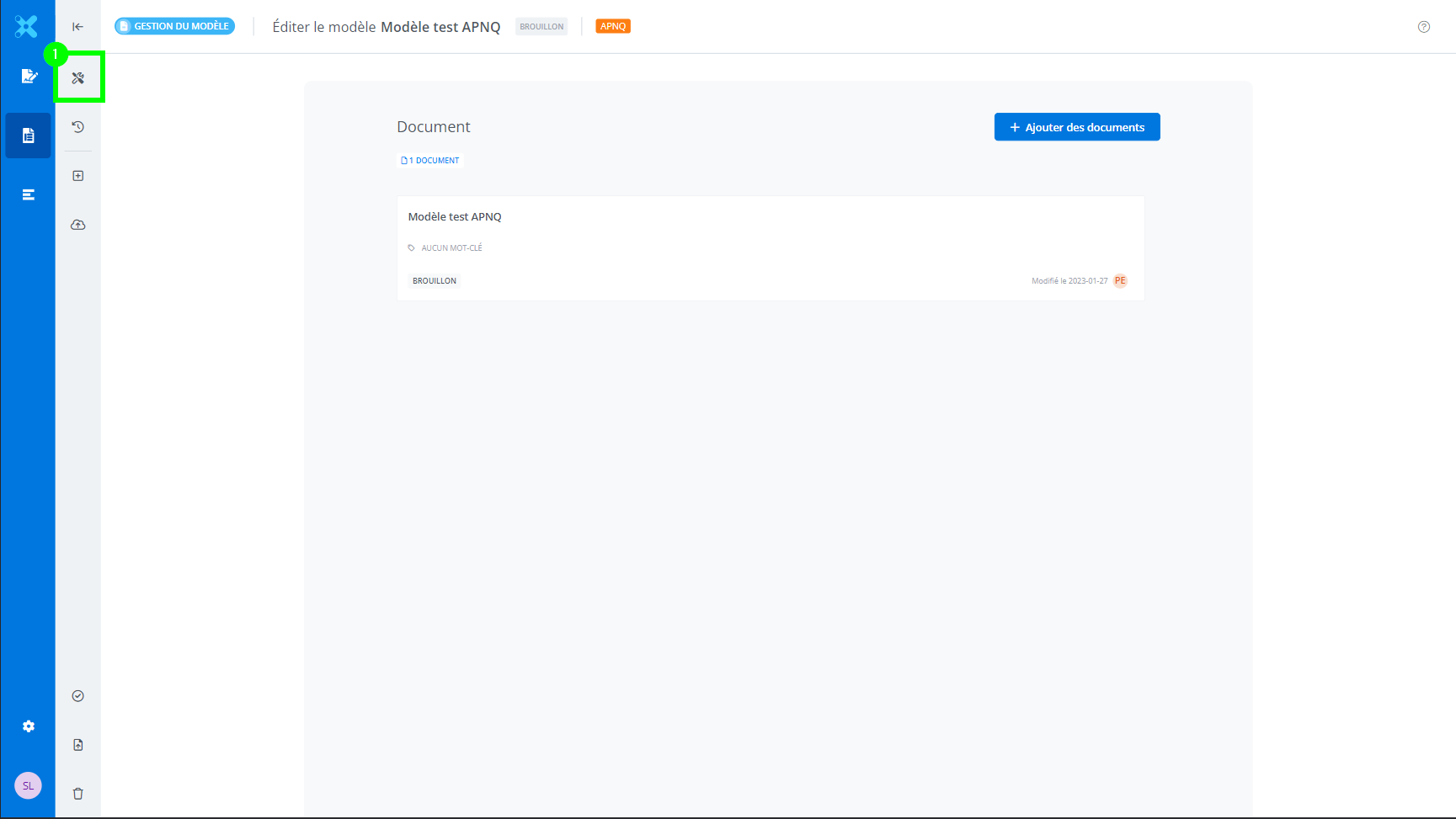
From the template information in Template Management, click Properties (1).
-
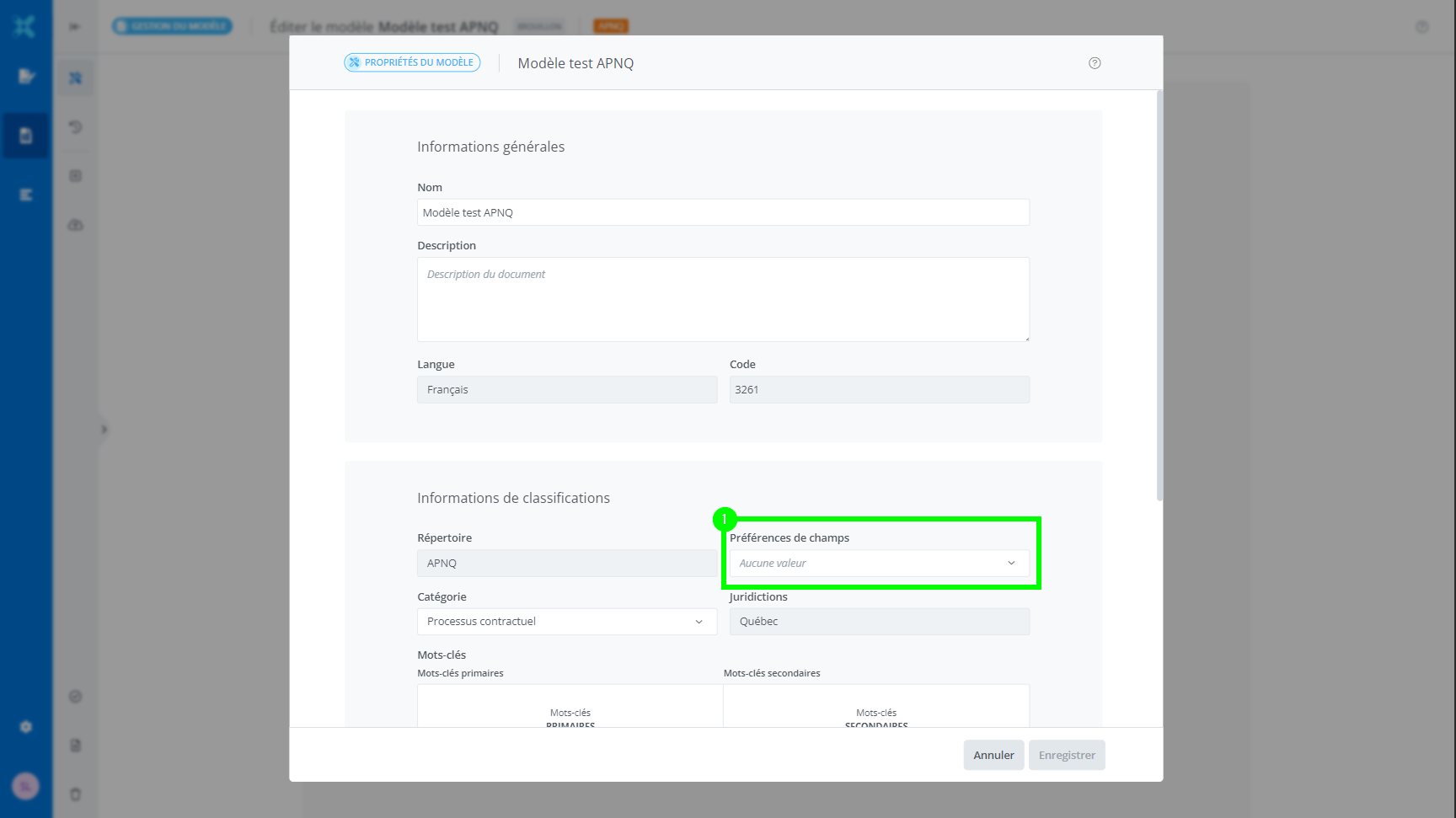
Click on the drop-down menu under Field preferences (1).
-
Select the preference to associate with the template.
Click Save.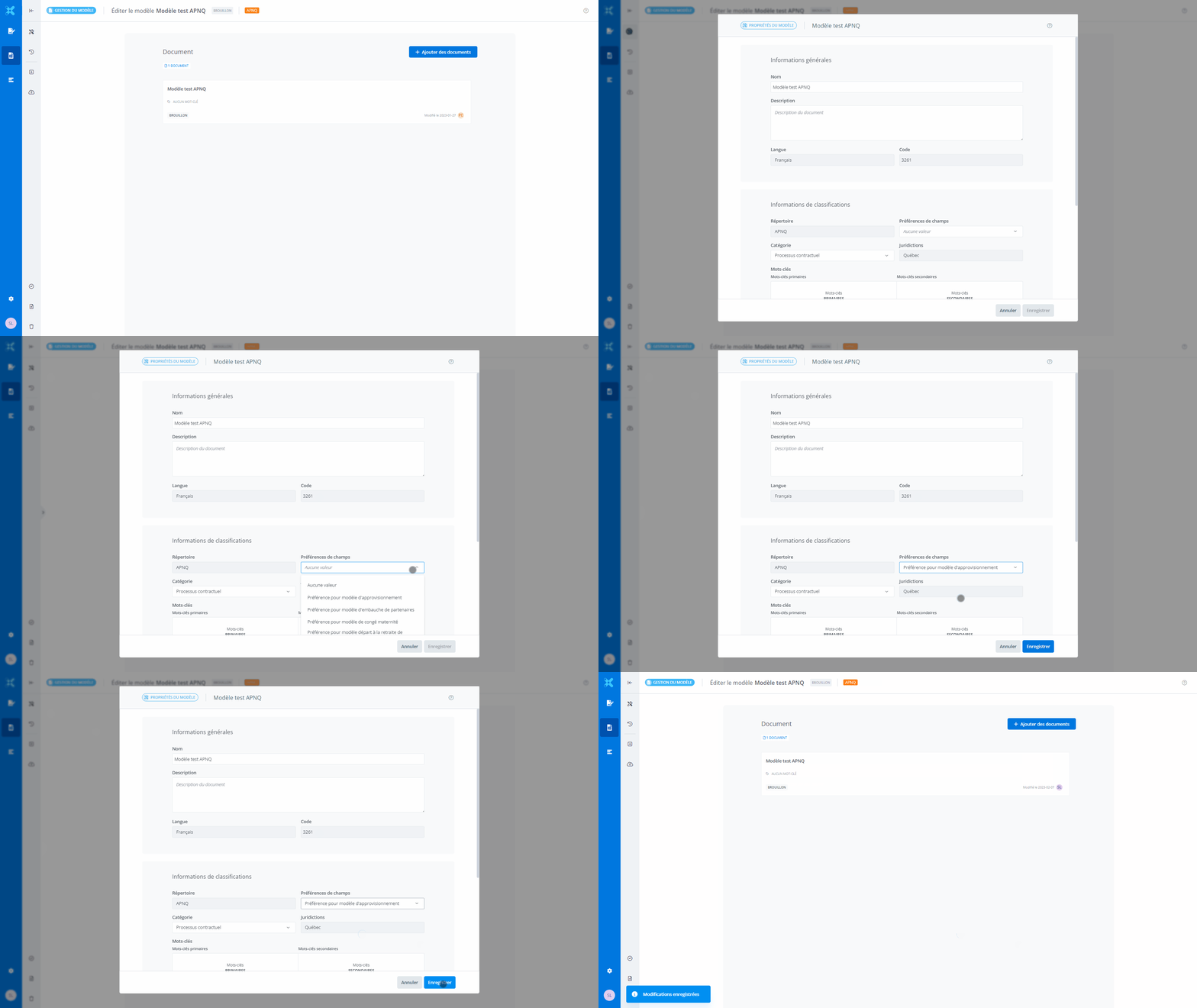
Note that as long as the template is in draft status, it is possible to change the preference associated with it, and even not to associate any field preference with it by selecting the “no value” option.