-
From the field preferences list, navigate to the field preference to be deleted.
-
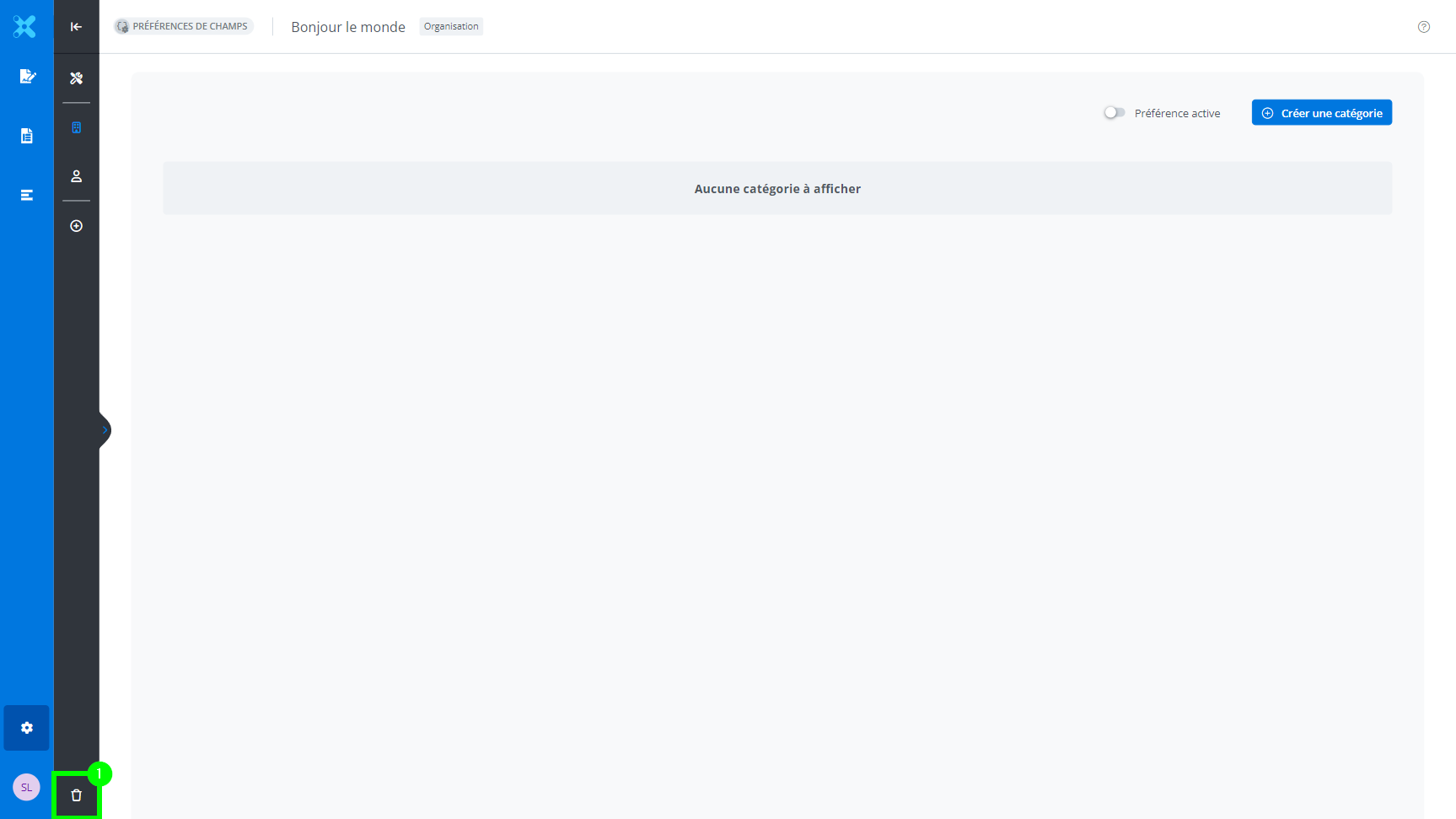
From the field preference information. Click Delete preference.
-
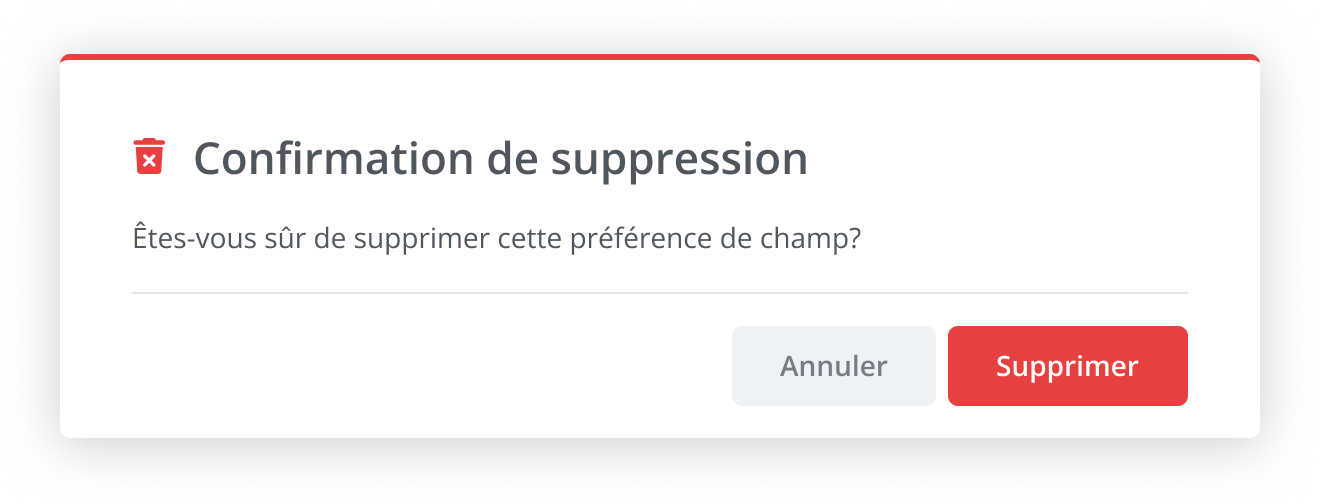
A confirmation window appears. Click Cancel or Delete.
-
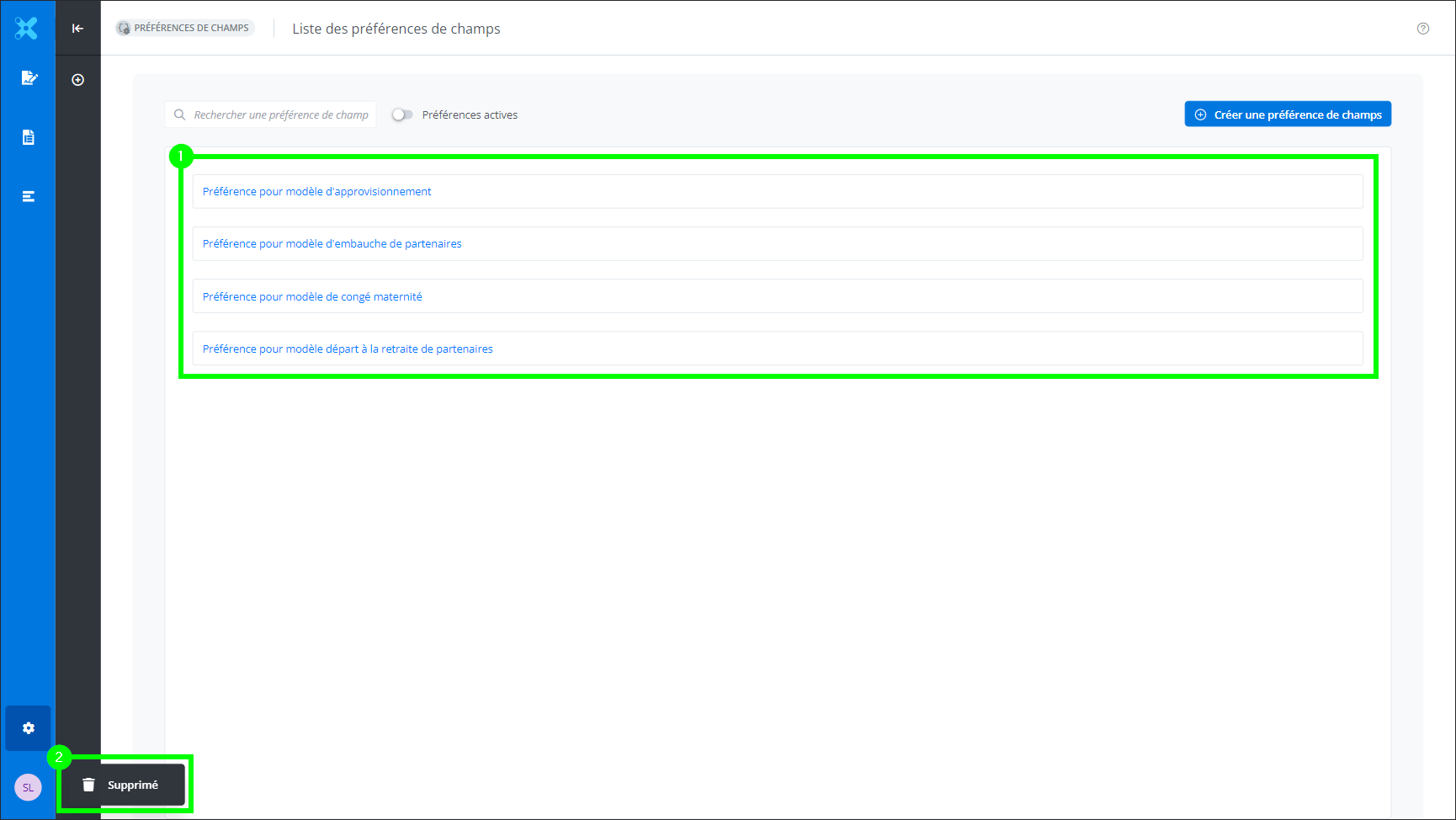
The preference has been deleted. The preference name is no longer visible in the field preferences list (1). A toast notification confirms the deletion (2).