Summary Description of the Feature
This window allows you to create a new user in the application.
Access to Feature
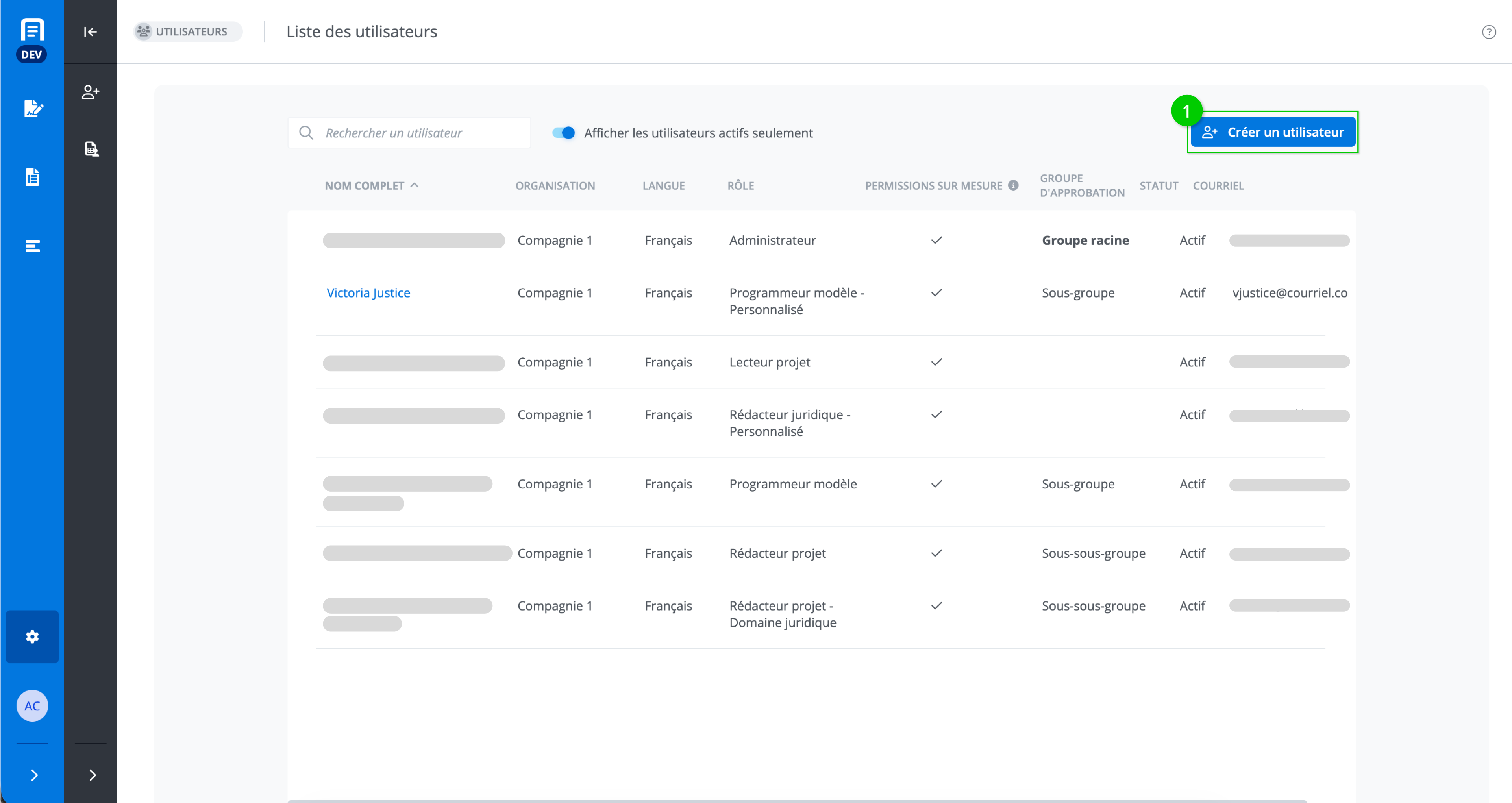
From the Users window, click on Create a user (1).
Detailed Description of the Feature
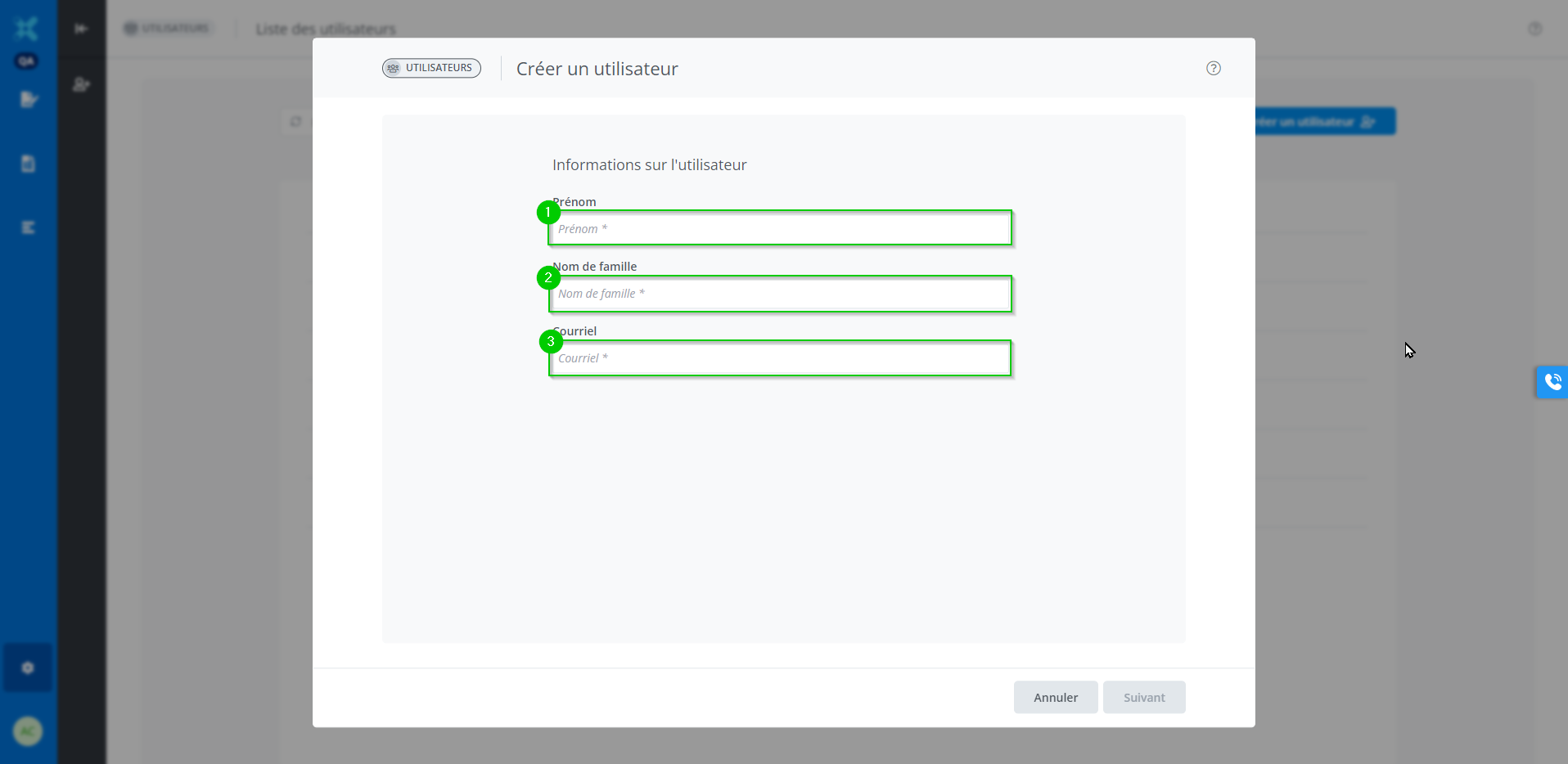
First, you must fill in the following fields:
-
User’s first name;
-
User’s last name;
-
User’s email address;
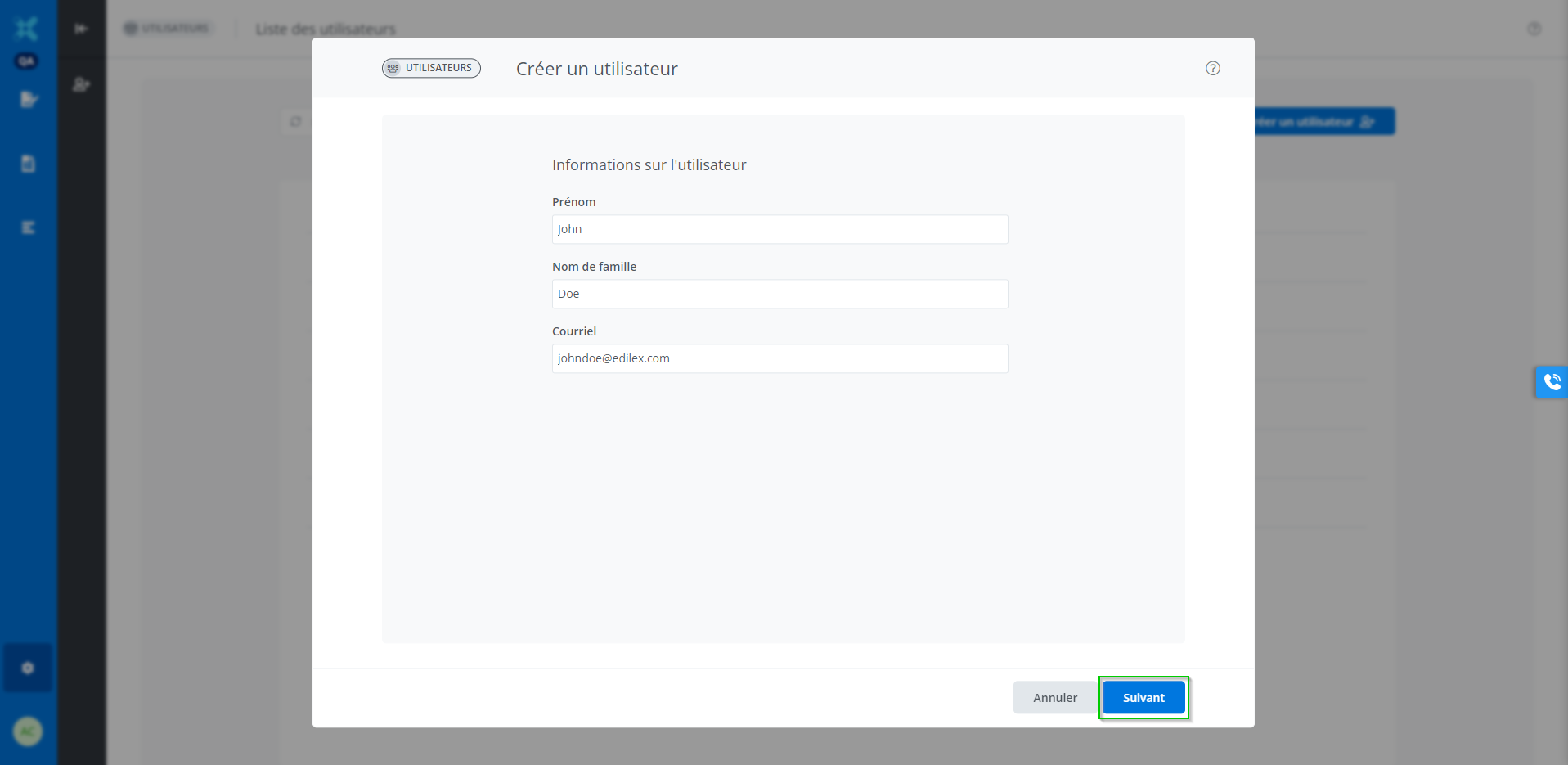
Once this information has been entered, click on Next.
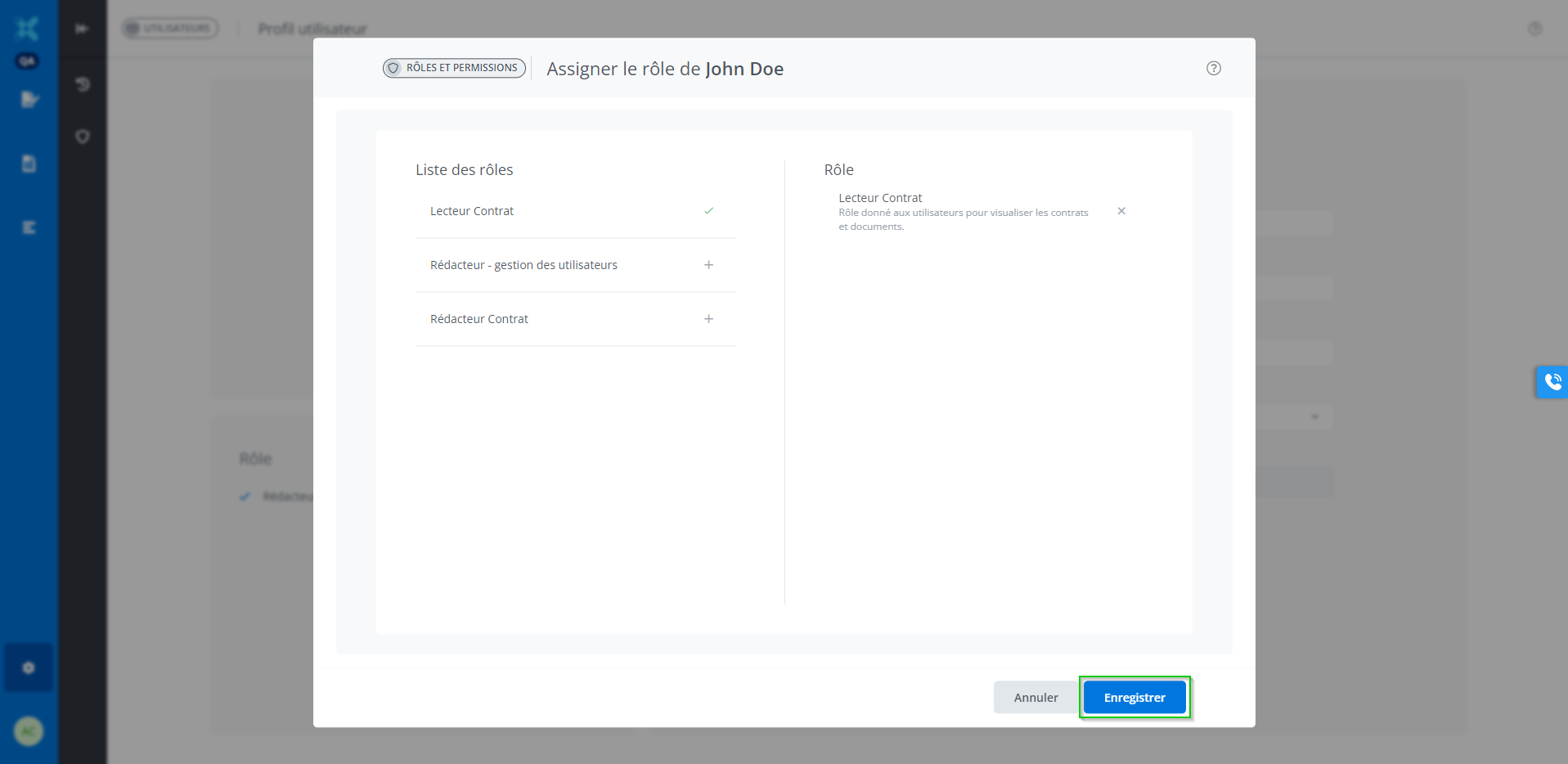
Click on the “+” corresponding to the appropriate role for the user.
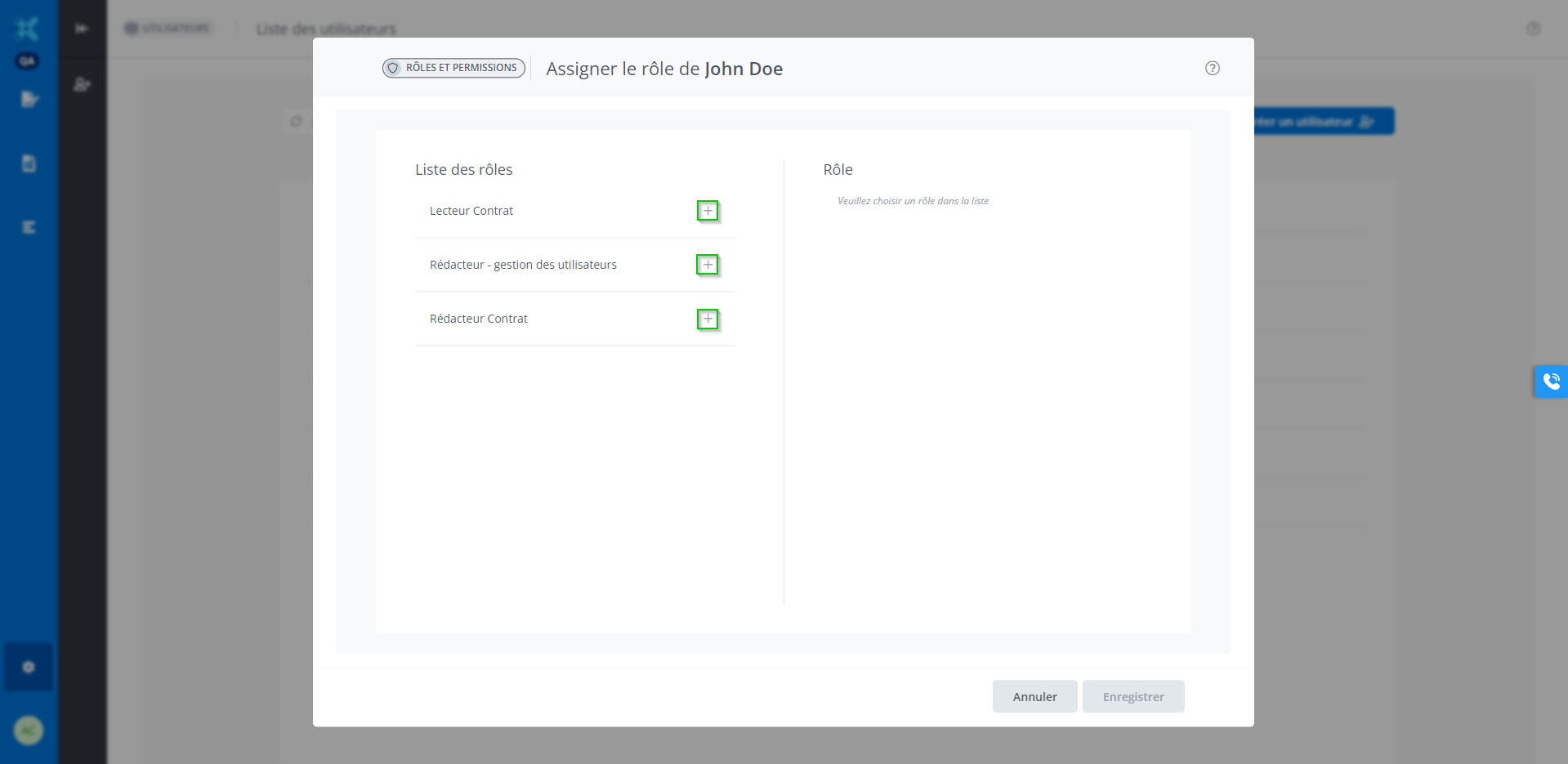
The selected role with its description will appear on the right. To change the chosen role, repeat the previous step.
Then, click on Save.