
To add an export template, go to Templates and find the relevant template.
Access to Feature
-
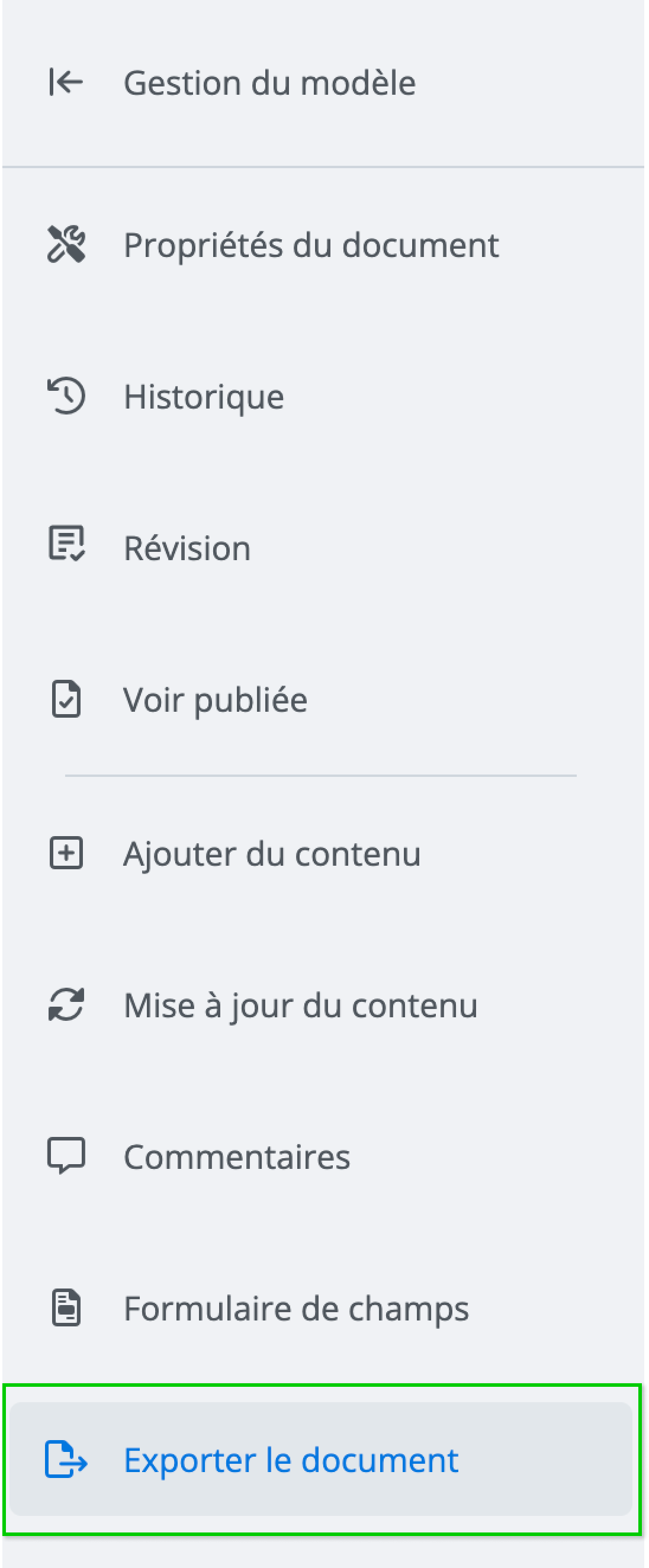
The feature is accessible from the template document drafting window by clicking on Export document in the features menu.
-
In this window, you will have various options:
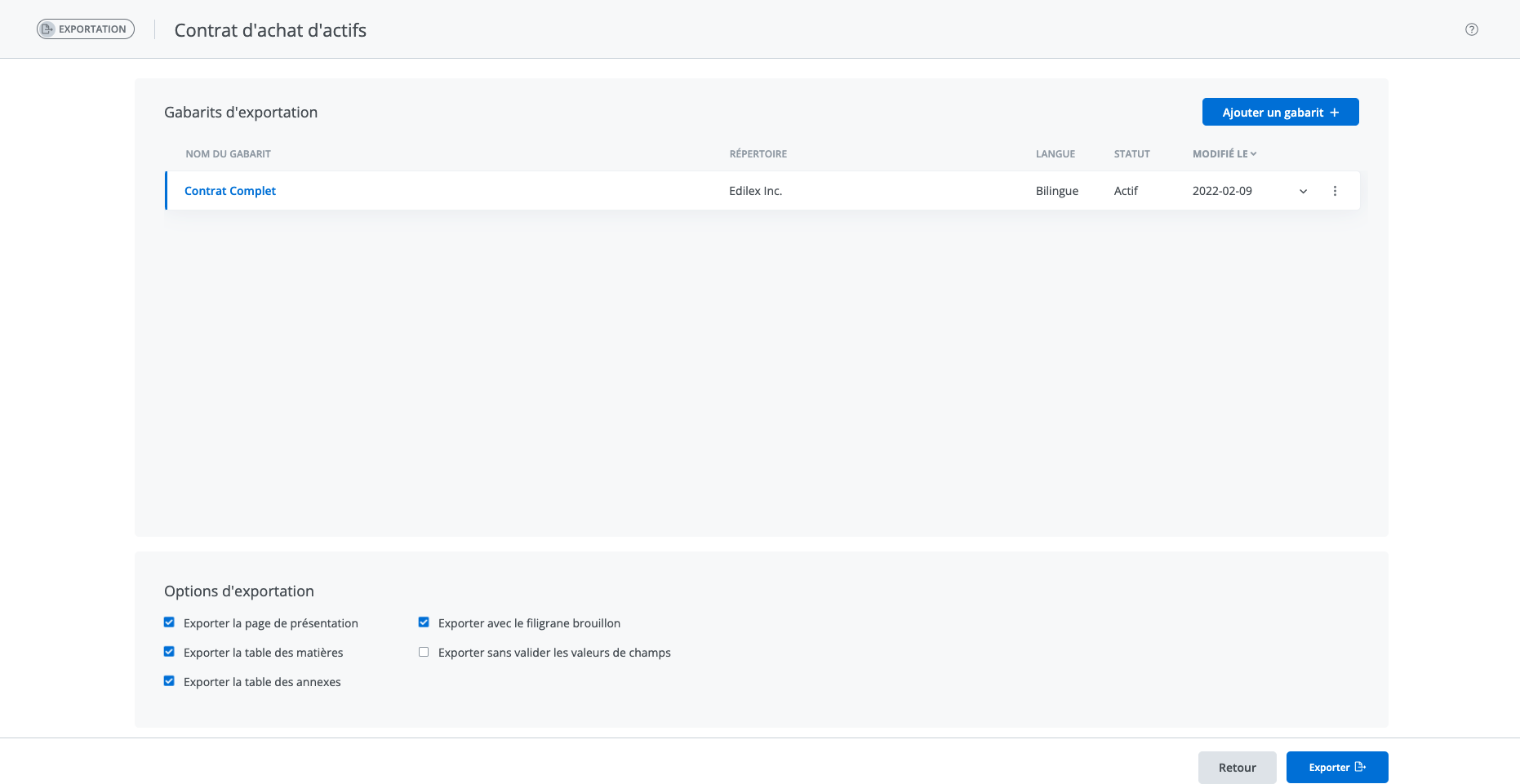
a) One or more export templates are already associated with this document. These will be visible in the export templates list.
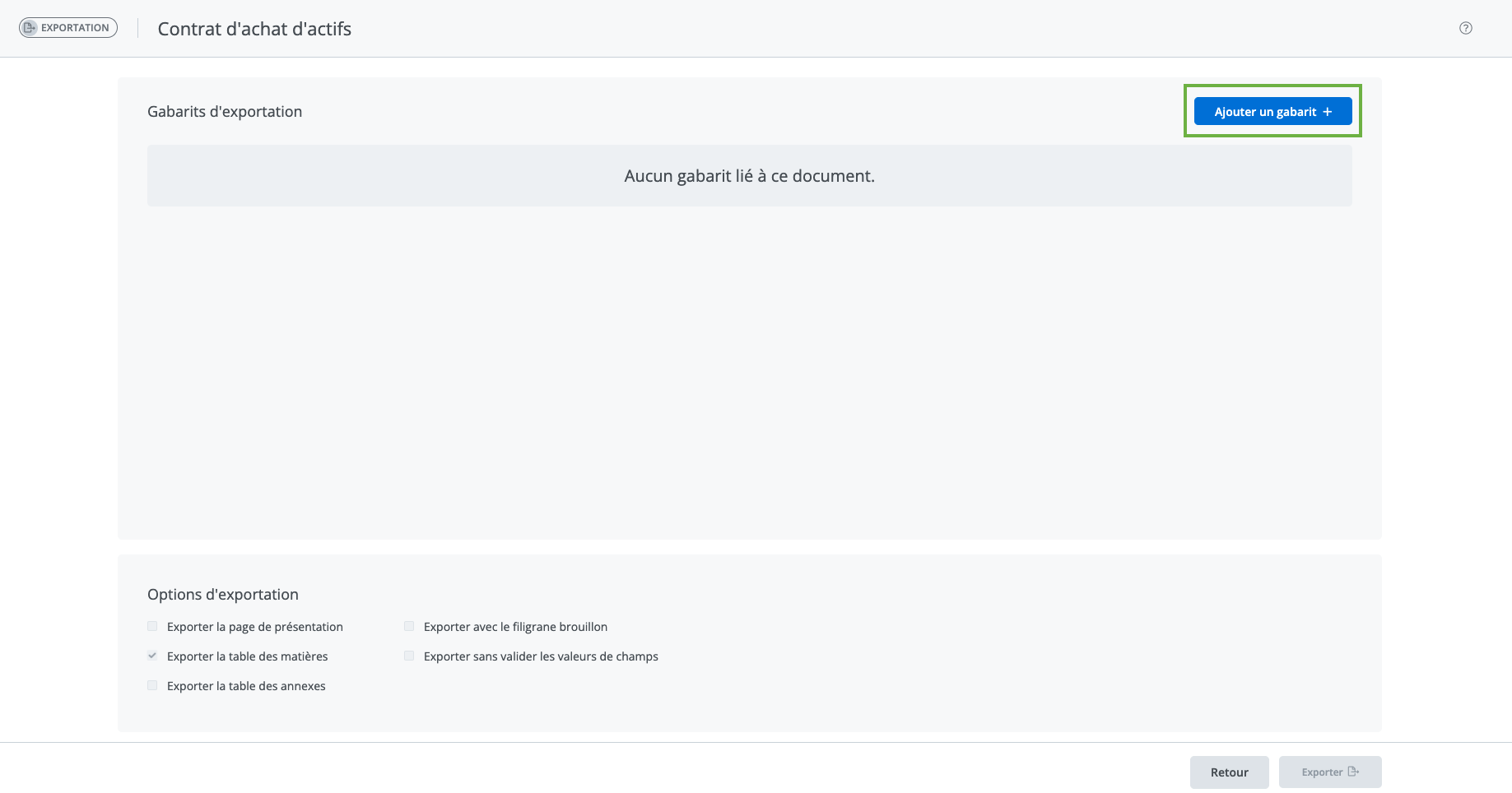
b) No export template is associated with this template. Click Add an export template (in the top right corner). The list of all available export templates will appear.
Add an export template to the list
-
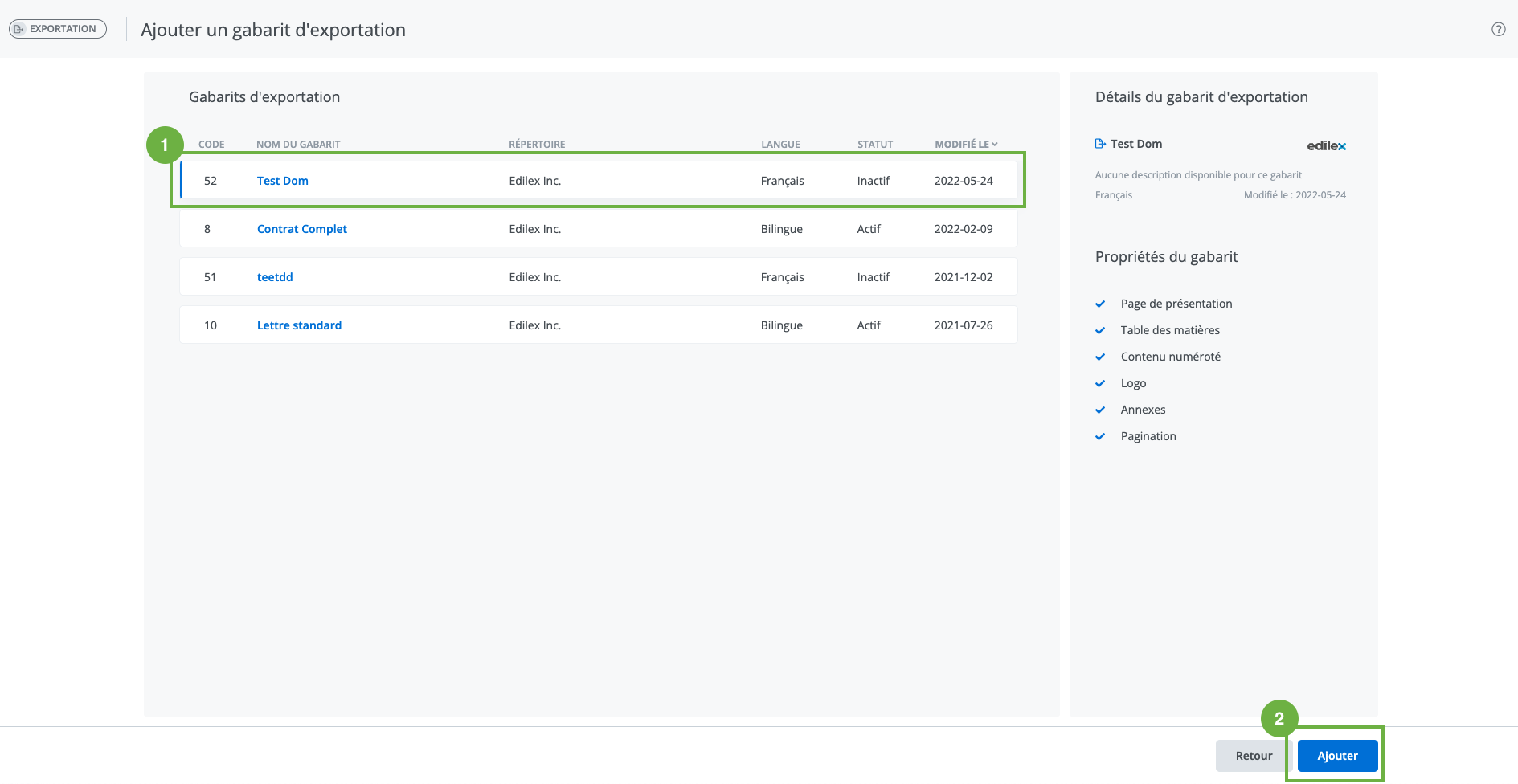
By selecting a template from the list, its details are displayed on the right.
-
Once you have found the correct export template, click Add in the bottom right corner to associate it with a template.
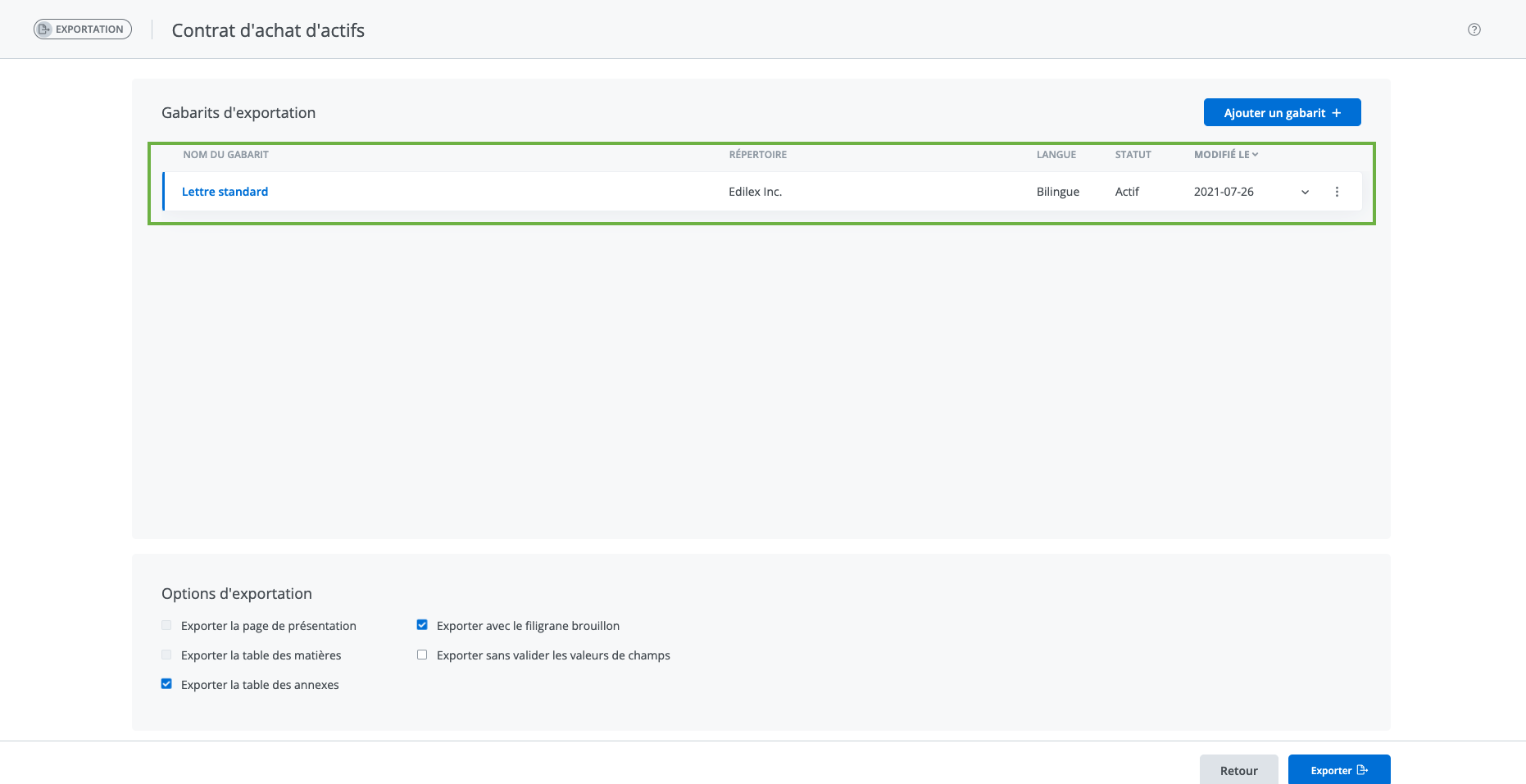
The new export template is added to the home screen of the export window.
Click Back in the bottom right corner to exit this window.
Who can use this feature?
Template Programmer Profile
Template Programmer Profile - Customized
❌ Legal Drafter Profile
❌ Legal Drafter Profile - Customized
❌ Corporate Drafter Profile
❌ Reader Profile