Description of the Feature
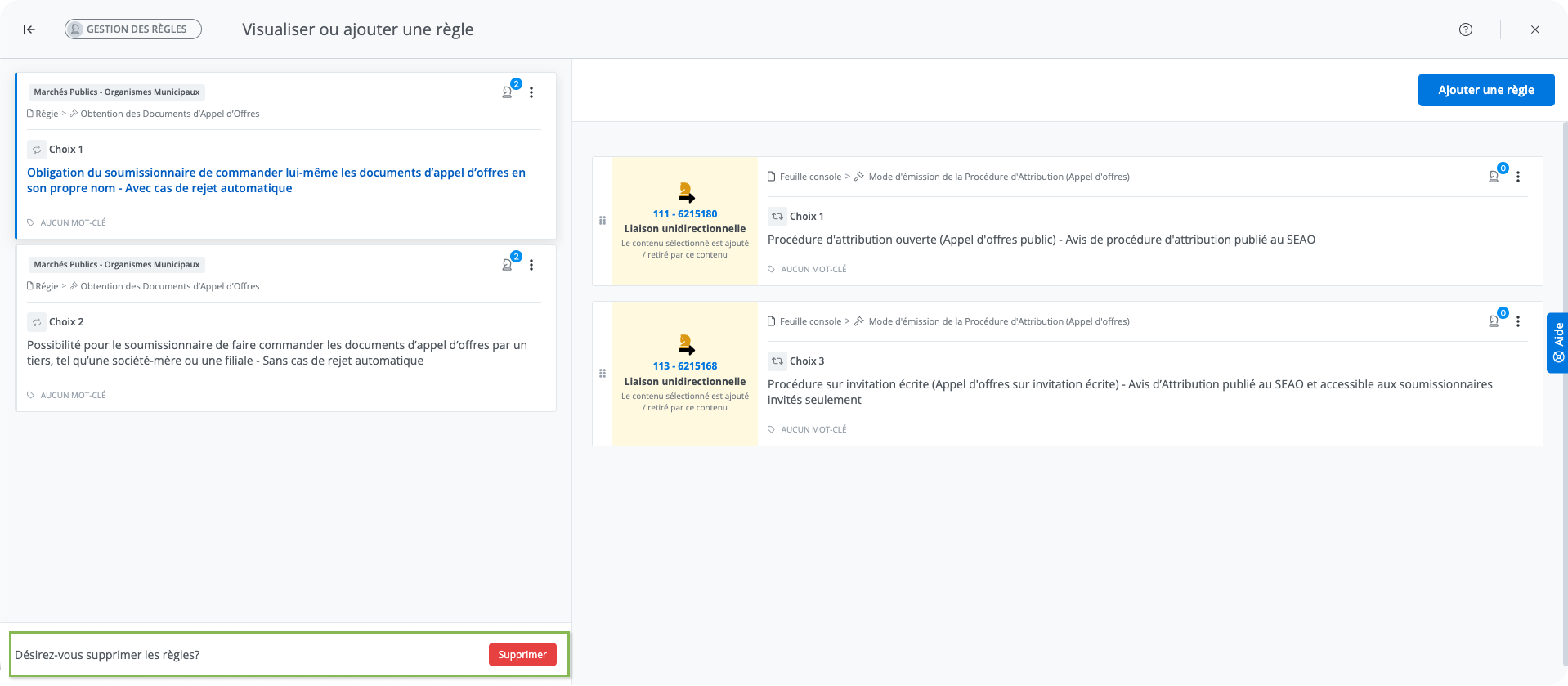
This function allows you to remove all rules associated with a content item, its alternatives, and their paragraphs.
The button is accessible when managing rules for a content item, provided that rules are present.
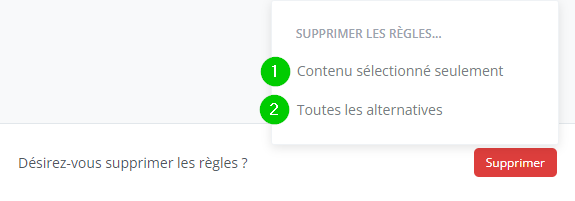
When there are one or more alternatives containing rules, a context menu appears when the button is clicked.
-
The Selected content only button removes the rules from the content selected in the list.
-
Only this content and its paragraphs are affected.
-
This action is performed in a situation where there is no alternative.
-
-
The All alternatives button removes all rules associated with the alternatives present in the list.
-
All content and their paragraphs are affected.
-
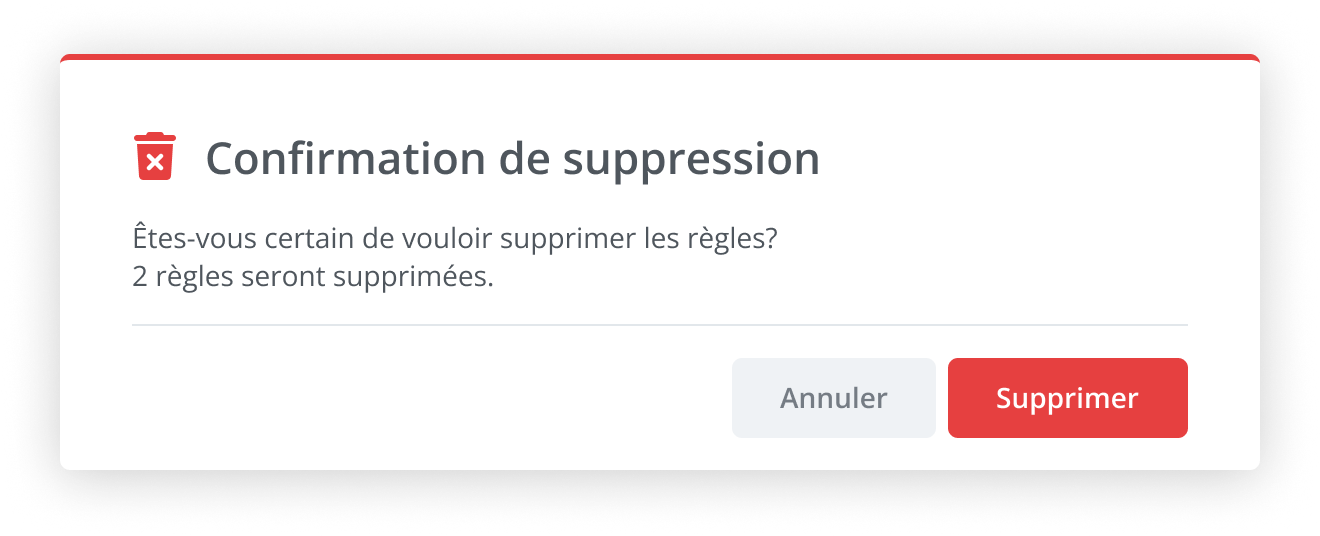
Before permanently deleting the rules, the action must be confirmed.